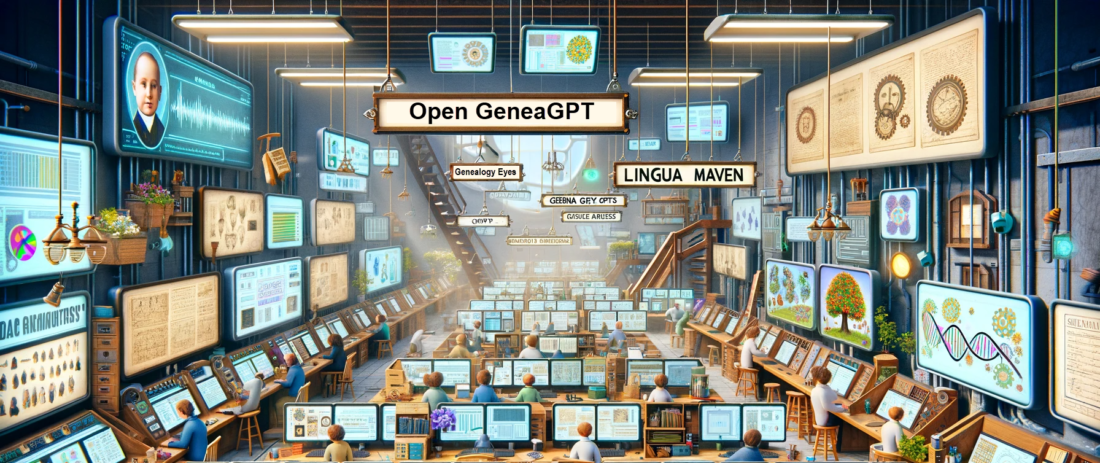
Open GeneaGPT (the community-built genealogy AI tool) has been updated from version 2 to version 3 as of Monday 22 January 2024. This is a significant update, transforming Open GeneaGPT into a smarter and more engaging companion for exploring family history, making it easier and more enjoyable for everyone. It brings changes like better conversations, more helpful suggestions for next steps, ensuring a friendly and insightful journey into the past.
OpenAI’s custom GPTs are amazing tools for creating specialized bots that can perform various tasks, such as extracting data; describing documents, images, records; generating reports, stories, images; and much, much more. These GPTs are tools for the way you work; you build the AI tool you need, or find one on the store shelf. I have been exploring genealogy prompt engineering over the past year, building genealogy GPTs since November, and I have learned a lot about how to create and use them effectively. Recently, OpenAI launched their GPT Store, where users can share their custom GPTs with other ChatGPT Plus subscribers. This is a great opportunity to discover new bots and learn from others. I have shared five or six of my custom genealogy GPTs in the store, which are related to family history research (more are being finished in the lab). Custom GPTs are available to ChatGPT Plus subscribers ($20/month) for no additional cost in the ChatGPT Store.
These are the kinds of genealogy AI tools that I teach students to create; no programming skills are necessary. ChatGPT can interview you, to ask you what kind of AI tool you’d like to create. Then I can show you how to fine-tune the tool to suit your exact genealogy workflow. It won’t fetch you a Snickers Bar or promise to solve a 120-year family history mystery, but within the realm of what large language models can do today, this one does okay.
If you’d like hands-on, step-by-step instruction on how to build your own custom GPTs and other specialized genealogy AI tools, your own flock of bots, the National Genealogical Society is now enrolling for Prompt Engineering and Specialized AI Tools for Genealogists, which starts at the end of January 2024; six hours of instruction over four weeks is just the start; also includes a collaborative study group, sharing successes and learning from failures. The first section of 50 seats sold-out in days, so a second section has been opened. Learn more here: https://www.ngsgenealogy.org/ai/
Jump straight the the growing list of Genealogy Bots here or access them at OpenAI Store by searching for bots with the term "genealogy." Custom GPTs are free for ChatGPT Plus subscribers ($20/month). I also teach genealogists and educators how to make their own custom genealogy GPTs, hands-on, step-by-step; enrolling now.
Friends, you may have heard the announcement that the OpenAI directory of custom GPTs is now being unrolled to ChatGPT Plus users. Custom GPTs represent an advancement in AI usefulness, marking a step towards more customizable and versatile AI tools. According to the OpenAI, these custom GPTs are described as a means to “create for a specific purpose,” highlighting their adaptability and user-centric design. Wharton professor Ethan Mollick in his article “Almost an Agent: What GPTs can do,” emphasizes the current state and future potential of these tools, noting, “GPTs show a near future where AIs can really start to act as agents.” This statement underscores the transitional nature of GPTs as a bridge between current AI capabilities and the more autonomous agents of the future. Simon Willison, in “Exploring GPTs: ChatGPT in a trench coat?” offers a practical perspective, stating, “The combination of features they provide can add up to some very interesting results.” His experience reflects the innovative possibilities that arise when various capabilities of GPTs are combined. Together, these insights from OpenAI, Mollick, and Willison paint a picture of GPTs as transformative tools, offering both a glimpse into the future of AI agents and a practical platform for current applications.
I’ve got four GPTs (now five) that I’m publicly testing (these are genealogy-related GPTs or genealogy-adjacent; another half-dozen others are still in the lab). I think of these GPTs as little AI tools that you can create, save, repeatedly re-use, and share. Custom GPTs, also referred to as bots, assistants, or agents (though these terms aren’t technically synonymous), represent a method to save a bundle of prompts, custom instructions, and abilities (image analysis, image generation, document reading, etc.) in a profile that you can use and share. For us as genealogists, this means that when we find a prompt, series of prompts, or set of custom instructions, to reliably accomplish a genealogically useful task, we can save that process as one of these GPTs; then, when we need to accomplish that task again, that tool, that bot, that GPT, is already in our AI toolbox.
Months ago, professional genealogist Yvette Hoitink created and shared the first genealogy GPT (to my knowledge), Dutch Genealogy Bot, available to ChatGPT Plus users at https://chat.openai.com/g/g-MMm3v0QX3-dutch-genealogy-bot. When asked for a short summary of its abilities, the bot replied: “As the Dutch Genealogy Bot, I specialize in guiding you through the process of researching Dutch ancestry, using resources and insights exclusively from Yvette Hoitink’s Dutch Genealogy website. I can provide detailed information and methodologies for tracing Dutch heritage, and direct you to specific articles on DutchGenealogy.nl for further guidance and authentic information.”
These four five little bots are my initial efforts, for example:
Genealogy Eyes Look at images, photos, and documents through the eyes of a family historian. Try it from your phone! Take a snapshot of a cemetery headstone, document/record, or anything else, and, using the official ChatGPT app, upload the image, say a little about the image and what you want, and click Send. https://chat.openai.com/g/g-gmIAn5mh6-seer-of-roots
Lingua Maven A linguistic expert, I combine dictionary precision, usage panel insights, and style guide expertise. My skills encompass a vast lexicon, dynamic thesaurus, and in-depth knowledge of language evolution, etymology, and dialects. I am a comprehensive resource for analysis and interpretation. https://chat.openai.com/g/g-Rxyt3Xww1-lingua-maven
Genealogy Summarizer Create useful summaries from texts, images, documents, photos, records, and more. This bot looks at what you give it, determines (as best it can) what it is, and suggests several ways to summarize the item. You can then ask follow questions about the item, or collect all the suggested summaries. https://chat.openai.com/g/g-Kg79HuRVD-genealogy-summarizer
Sam the Digital Archivist Kinda like a spicy librarian. Open GeneaGPT’s over-caffeinated genealogy and family history friend. Embark on a journey through your past with our customized genealogist bot, designed to delve into your ancestry and lineage. Discover your roots while having fun and learning genealogical methods. https://chat.openai.com/g/g-v6WgbVnba-sam-the-digital-archivist
PS: Learning how to make these custom GPTs is a significant portion of the focus of the Empowering Genealogists series class, Level 2: Prompt Engineering and Specialized AI Tools for Genealogists, which starts at the end of January 2024: https://www.ngsgenealogy.org/ai/
Identifying the people in a photo or letter collection is a top priority for family archive projects. It’s incredibly frustrating to have a beautiful stack of old photos or precious family letters and not know who is in them.
Unfortunately, identifying people in old collections is easier said than done: last names may be omitted, nicknames could be used instead of formal names, and letters might lack dates.
In larger collections, this problem is reduced because people are mentioned many times by different people. Each time they are mentioned by someone new, a new clue may be found. Each mention provides a clue that may help identify them.
However, in large collections, comparing and analyzing these clues can be overwhelmingly complex. Could ChatGPT simplify this challenge?
Comparing Items
Comparing the information found in each item in a collection is a daunting task. Comparing items in a large collection is especially challenging and requires both art and science to succeed.
On the science side, a complete research log is key. I use a spreadsheet-based research log, tuned to the needs of each project, to capture facts and dates about each item. This makes it relatively easy to find relationships between items.
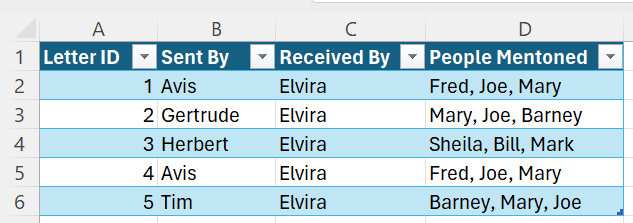
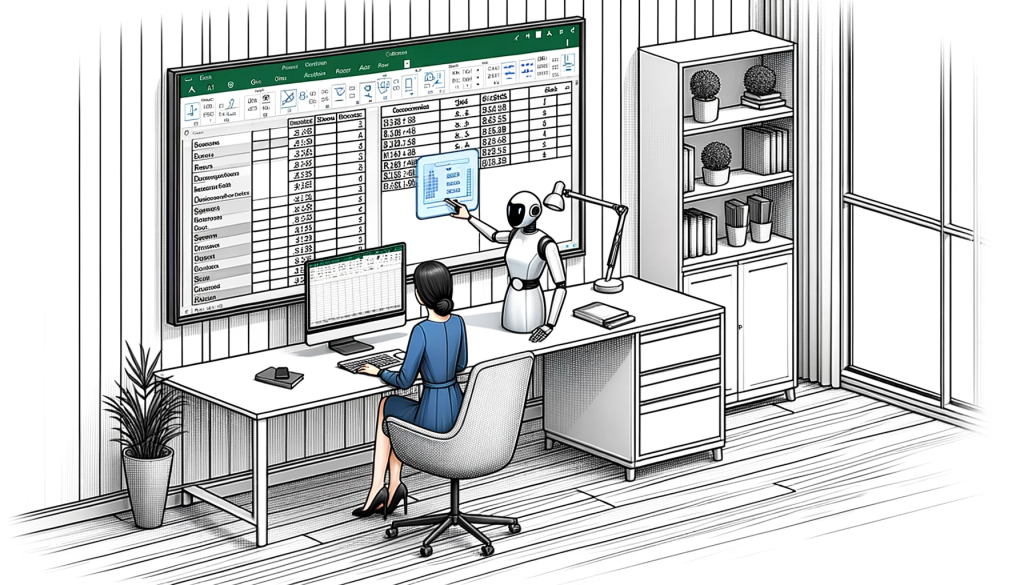
Here is a simple example to illustrate the spreadsheet I use:
On the art side, a good memory for names, facts, and patterns is a huge bonus. Like many genealogists, I live for the “Eureka! I’ve seen that name before!” moment after a multi-hour research session.
As much as I enjoy the adrenaline rush of these eureka moments, I don’t like to rely on my memory to make them happen. Developing processes that make these patterns easier to find is crucial to successful research.
Clustering
Clustering is a technique for finding the relationships between groups of people or things. Even if they don’t use the term, genealogists use clusters every time they research. For example:
The phone book clusters people who live in the same town into groups of people with similarly spelled last names.
Land maps cluster people into groups who own land that is close together.
The Leeds Method clusters people into groups who descend from the same grandparents.
Census records cluster people into groups of people who lived in the same building at the same time.
Friends, associates, and, neighbours (FAN) clusters group people together who are familiars of our family members.
Finding and understanding these clusters, and the relationships between the people in the cluster, can generate clues that are critical to breaking down genealogy brick walls!
The Manual Approach to Clustering
Before automating anything, it is important to learn how to do it the “manual” way.
To make it easier to identify clusters of people I start with a detailed research log. I track the names of each person mentioned in each item in the log. Then, using advanced spreadsheet techniques, identify the people who are mentioned together in the same items.
Knowing that these people are likely connected, I can then focus my efforts on determining how they are related. They might be friends, coworkers, or family. Knowing how they are related makes it easier to figure out who they are.
For large collections with hundreds of items and thousands of people, I use a network analysis tool named Gephi, to create diagrams for deeper analysis.
While invaluable, clustering with Excel and Gephi can be daunting initially. Even with a meticulous research log, this analysis technique can require 50 to 100 hours of practice to use with confidence.
How To Use ChatGPT To Simplify Clustering
Getting Started: Prompt Planning In a Nutshell
When approaching a new problem with ChatGPT, consider the following steps:
Determine how to provide the AI with the necessary information for the task.
Decide the best role for the AI to assume when tackling the task.
Define the specific task(s) you wish the AI to accomplish with the provided information.
Choose the format in which you want the AI to deliver its findings.
Prompt Planning Example: Clustering People Mentioned in a Collection of Letters
I’ll walk you through the prompt planning process that I used with a real-world family archive project so that you can try this, or something similar, yourself. Note: The data mentioned in this article is sourced from an actual client project, with permission granted for its use here.
How to Provide the AI With the Information
As the archival information is stored in an Excel spreadsheet, the best option would be to find a way to use the existing spreadsheet directly in ChatGPT.
ChatGPT Plus added a feature today that was previously part of the “Advanced Data Analysis” plugin. This proved especially good timing for this example because ChatGPT Plus can now read an Excel spreadsheet directly. As such, there was no need to convert the spreadsheet to text, or a CSV file, to place it in the chat prompt.
Assign a Role to ChatGPT
Next, it is important to assign a role for the AI to adopt when performing the task. The role assignment is critical to do first as it sets the context for how additional instructions will be understood by ChatGPT.
As I was trying to perform a relatively complex data analysis task with archival documentation, I wanted ChatGPT to assume a role that specialized in this type of work. This would give it the context to understand the rest of the prompt.
Prompt: Please act in the role of an expert data analyst who has a deep knowledge of archive and records management.
Define the Task you Want To Do
After some testing, it became clear that there were several steps in this particular task that worked best when described separately.
Find the Information
First, ChatGPT needed clear guidance on how to find the information in the spreadsheet.
Prompt: Look for the column titled “People Mentioned” on the “Letters” tab in the provided Excel file.
Understand the Information
Next, it needed guidance on what kind of information it was going to work with. Ensuring that ChatGPT understood what it was working on, and not just where it was found, would make it possible to perform tasks on the information using natural language.
Prompt: This column contains a comma separated list of the people mentioned in a letter. Each row in the spreadsheet refers to a different letter.
Extract The Information
Once I had “taught” the AI how to find and understand the people mentioned in the spreadsheet it was time to get down to the real work. The goal was to identify the people who were mentioned most frequently in the letters and then to find the cluster of people who were also mentioned with them in the letters.
As this collection of letters is between family members, I hoped that the resulting clusters of people would know each other somehow and that the clusters would help identify them.
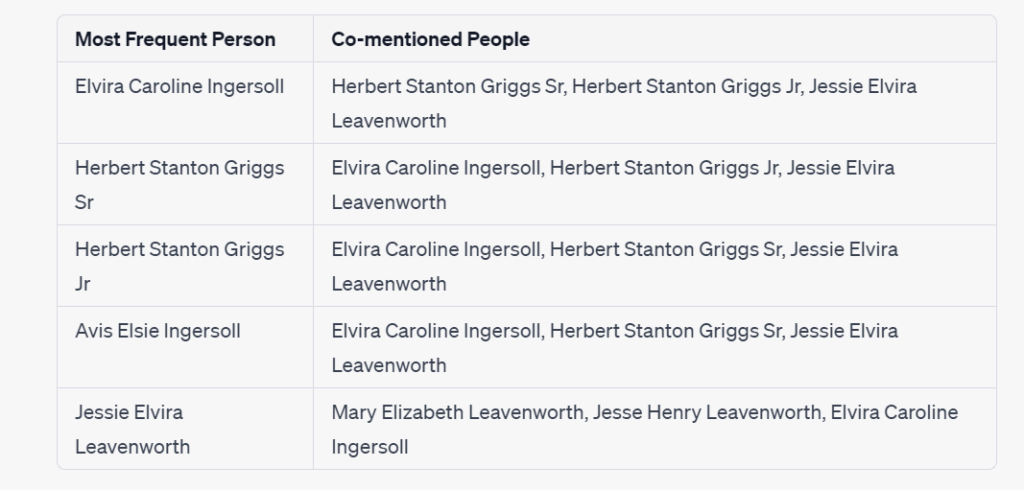
Prompt: Identify the five people who are mentioned most frequently across all the letters. Then, identify the five people who are most frequently mentioned in the same letter as each of the people you just identified.
Choose the format for the AI to Present Its Results
While there are a few common forms for a cluster analysis to take, the first approach I tried was in a table.
Prompt: The response should be a table, with the first column containing the most frequently occurring names, and the second column containing a comma-delimited list of the names which are most frequently found along with them.
The Final Prompt
After testing each step in the prompt plan, here is the final prompt.
Prompt: Please act in the role of an expert data analyst who has a deep knowledge of archive and records management.
Look for the “Letters” tab in the provided Excel file. Each row in this spreadsheet contains information about a letter. The column “People Mentioned” on this tab contains a comma separated list of the people mentioned in a letter. Each row in the spreadsheet refers to a different letter.
Identify the five people who are most frequently mentioned across all the letters. Then, identify the five people who are most frequently mentioned in the same letter as each of the people you just identified.
The response you provide should be a table, with the first column containing the most frequently occurring people, and the second column containing a comma-delimited list of the names which are most frequently found in the same letter with them.
The Final Prompt – Cluster Diagram Edition
Although a table format helps see who else is mentioned in the same letters as the most frequently mentioned people, there is a graphical format that provides additional insight called a Cluster Diagram.
Cluster diagrams show relationships not just between individual people, but between groups of related people. This additional layer can provide insights that are easily missed in a table.
This follow-up prompt was also modified slightly to present a larger cluster of people for analysis. However, a filter was used to limit the number of people in the chart so that it was easier to read. Simply said, I wanted to identify the people who had an ongoing relationship with the most frequently mentioned people.
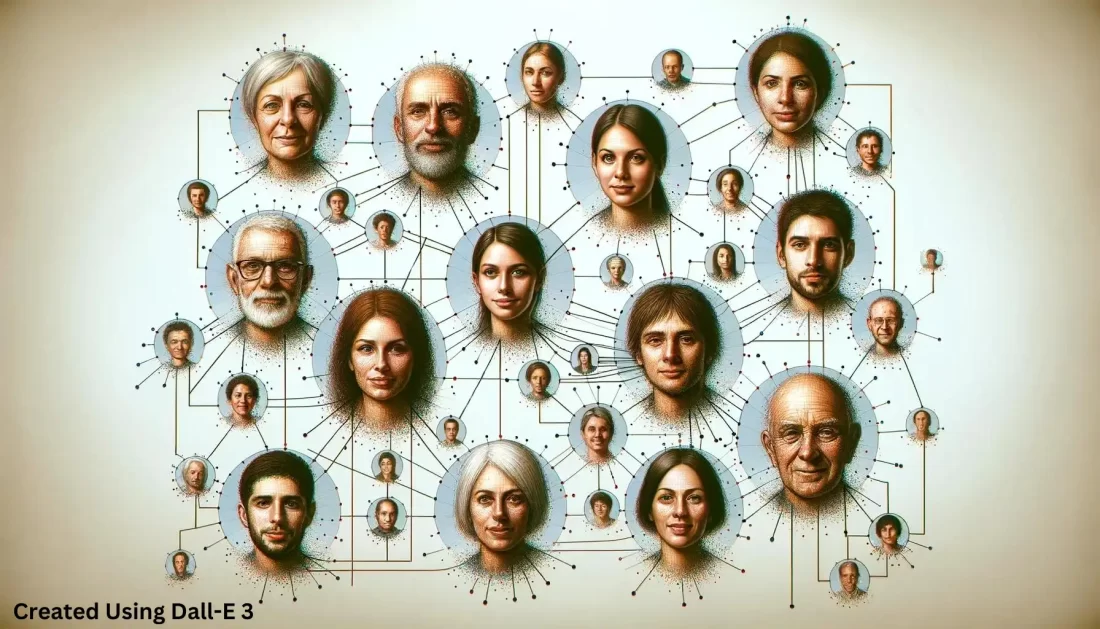
Prompt: Please draw me a cluster chart that shows relationships between the people mentioned in the same letter as those you identified in the table. Draw a connecting line between two individuals if they are mentioned together in at least two letters. The line weight should be the same for all relationships.
Why This Cluster Diagram Is So Amazing!
It’s Useful For Research
The diagram clearly shows two clusters of people that are mentioned in the same letters as the most frequently mentioned people. And, the two clusters are connected by one individual, Elvira Caroline Ingersoll.
There is no need to go deeply into the family used in this example, but I will say that the cluster diagram is spot on! Elvira was a prolific writer and recipient of letters. In one generation, she was a daughter who communicated frequently with her siblings and parents. In the next generation, she was a mother who communicated extensively with her husband and children.
Any family historian or archivist would assume that this was a possibility if they saw this cluster chart. In this case, this clue would quickly put them on the useful track!
It’s Conceptually Easy to Create
It is difficult to understand the concept of a cluster and how to determine which information is beneficial to include within it. ChatGPT was able to understand my direction in natural language and retrieve the necessary information directly from a spreadsheet.
It’s Technically Easy to Create
Filtering a cluster down to the most useful items is technically difficult to do in Excel or Gephi. The fact that I got an easy-to-read and easy-to-understand chart so easily was nothing short of mind-blowing. This shows huge potential for “quick and dirty” cluster analysis, something that is relatively difficult for genealogists and archivists to do today.
Total Time Saved Using ChatGPT
The way I usually make these charts takes about 30 minutes of spreadsheet work and 60-90 minutes of work in Gephi. Keep in mind, this is after about 100 hours of learning and practice.
To create these charts in ChatGPT took only 30 minutes. Although there was some conceptual overlap with learning how to do this manually, there were none of the technical challenges associated with using complex, and occasionally buggy, pieces of software.
To be fair, Gephi can handle more information and more complex types of clustering and visualization than ChatGPT. While I will still need to use Excel and Gephi for more complex analysis, I won’t need Gephi for this type of quick and dirty cluster analysis anymore.
Navigating Challenges
Test Each Step Separately
This prompt involved several steps, and each step needed to be tested separately before it could be combined with the other steps. It was difficult to see where things were going wrong when I tried to test several steps at the same time.
New Chat Windows
I found it best to frequently start a new chat window during testing. Hallucinations and unexpected results were introduced when I tested several steps in the same chat window, particularly if something went wrong in a previous step.
The Importance of Clean Data
Starting with a clean, well-structured, research log is key to the success of any data analysis project. The old axiom of, “garbage in, garbage out” should never be forgotten.
Clustering with ChatGPT is about Insight, Not Tools
With ChatGPT, clustering becomes less about juggling complex software and more about spotting the helpful patterns in your data. Yet, there’s no silver bullet here; it still requires a knack for seeing the patterns in the first place.
Conclusion and Final Thoughts
When I started this article, I had high expectations for some parts and very low expectations for others. In the end, my expectations were exceeded in all areas!
Clustering is a very useful technique for identifying people in a family archive and determining the relationships between them. Although, it can be technically challenging to undertake this type of analysis.
ChatGPT had no difficulty accessing and understanding archival information in a complex Excel spreadsheet. Because of that, I had no difficulty interacting with the information in the spreadsheet using natural language.
ChatGPT made quick work of creating cluster tables and diagrams that showed the people most frequently mentioned in the archive. It also had no difficulty identifying the people who were mentioned in the same letters along with them.
Amazingly, ChatGPT could apply filtering rules to these clusters of people, a conceptually and technically difficult activity to do with traditional clustering tools. The ease with which ChatGPT produced clear, comprehensible cluster diagrams, a feat usually only possible through significant learning and practice, cannot be understated.
I am super excited about the potential of ChatGPT to analyze archives. Dozens of use cases immediately come to mind where it will greatly speed up my work.
My next ChatGPT clustering challenge though will come from the field of genetic genealogy … DNA Match clusters!
I’m very excited to hear what you think about using ChatGPT to perform cluster analysis. What do you want to learn from Clustering? What mysteries are waiting to be found in your family archive?
Artificial intelligence (AI) excels at teaching basic concepts, serving as a personalized tutor across various fields, including genealogy. In this way, AI can act as our tutor whether we are trying to learn terms and skills related to genealogy or to another part of our life.
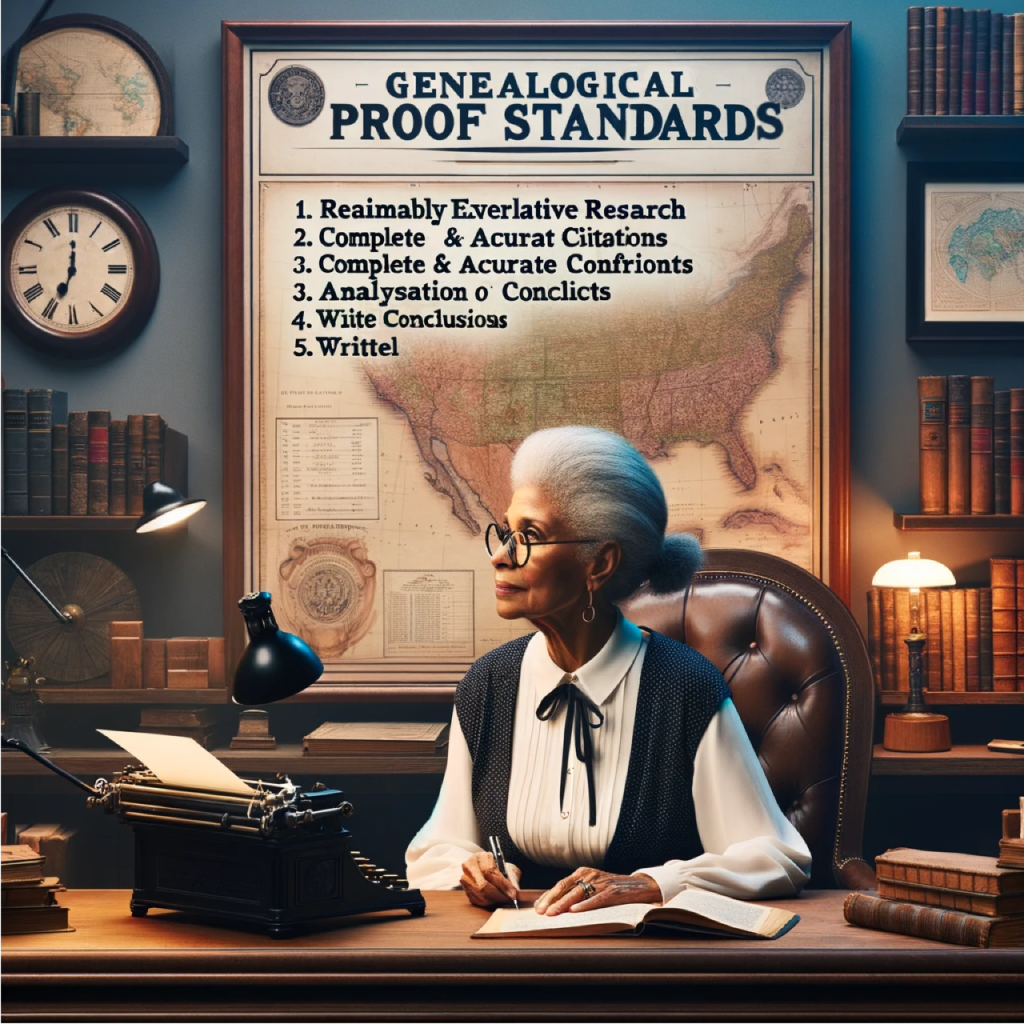
Recently, when prompted, it did a nice job of explaining the Genealogical Proof Standards (GPS). I went a step further, requesting an example of the third step: analysis and correlation of information.
Image generated by DALL-E 3 with title corrections using Procreate
I appreciate how AI tools like ChatGPT provide quick responses to our specific questions. Searching for an example of genealogical analysis and correlation online would be time-consuming. But with AI, it’s quick!
Another benefit is that we can ask AI to make its response simpler or more advanced. For instance, I can request ChatGPT to simplify the explanation for a sixth grader’s understanding or to elaborate as if I were a college freshman. In this way, we can quickly generate, and even modify, the explanations and examples we need.
However, we must be cautious about AI’s potential inaccuracies, often referred to as “hallucinations.” ChatGPT is getting better in this regards, but we need to be cautious. AI tools like ChatGPT tend to provide less accurate responses to highly specific questions than to more general information and explanation requests.
The remaining section highlights ChatGPT’s tutoring skills as it provides a detailed example of genealogical analysis and correlation.
So, in the words of ChatGPT, here is an example of analysis and correlation of genealogical materials:
ChatGPT
Certainly! Analysis and correlation in genealogical research involve critically examining all the collected information, then comparing and synthesizing this data to draw well-founded conclusions about ancestors and their relationships. Here’s an example of how this might work:
Scenario:
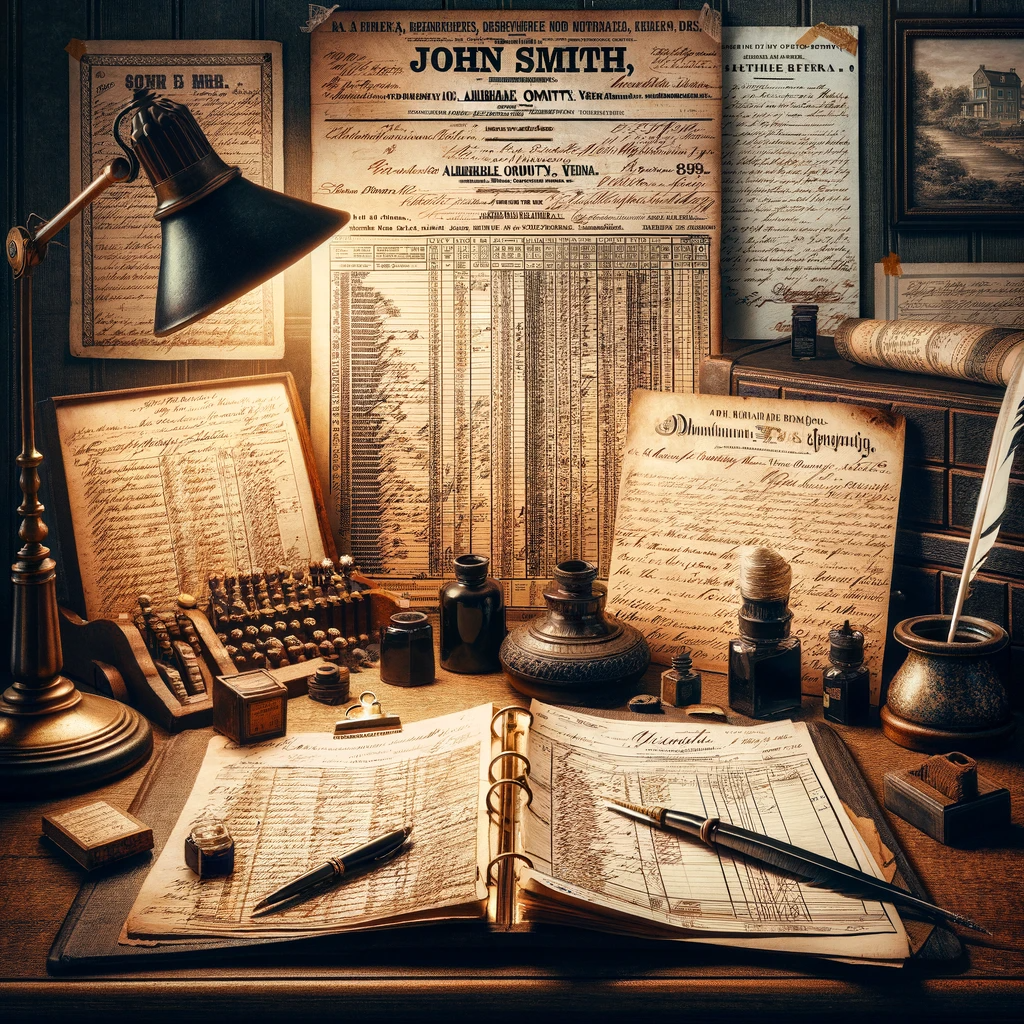
Imagine you’re researching an ancestor named John Smith who lived in Virginia in the early 1800s. You’ve collected several records that mention individuals named John Smith, and now you need to analyze and correlate this information to ensure you’re actually tracing the right person.
Image generated by DALL-E 3
Records Collected:
A 1820 U.S. Federal Census record lists a John Smith in Albemarle County, Virginia, with a household of six.
An 1823 marriage record from Albemarle County for a John Smith and Elizabeth Johnson.
An 1830 U.S. Federal Census record lists a John Smith in Augusta County, Virginia, with a household of four.
An 1832 land purchase deed in Albemarle County for a John Smith.
An 1840 U.S. Federal Census record lists a John Smith in Albemarle County with a similar age and family composition to the 1820 census.
Analysis and Correlation Process:
Census Records: You begin by examining the age categories of the individuals in the households of the 1820 and 1840 Albemarle County census records. They match up with the expected ages of John Smith, his wife, and children, allowing you to infer they likely represent the same family. However, the 1830 census in Augusta County appears to be for a different John Smith, as the family size and location don’t match.
Marriage Record: The 1823 marriage record provides a wife’s name, which can be checked against the ages of the female members of the household in the 1840 census to see if it matches the expected age of Elizabeth Johnson Smith. If it does, this supports that you have the correct family unit.
Land Records: The 1832 land deed in Albemarle County suggests that John Smith either remained in the county or returned after 1830. You would correlate this with tax records, which might show a continuous presence in Albemarle County, suggesting the John Smith in the 1830 Augusta County census may indeed be a different person.
Consistency Across Documents: You also notice that the ages of the children across the census years seem consistent, suggesting a continuous and consistent growth of the family, further supporting the conclusion that these records pertain to the same John Smith.
Neighbors and Associates: Looking at the names of neighbors in the census records, you might find that certain families consistently appear near John Smith, which supports that you’re tracking the same individual across the censuses.
Naming Patterns: If you have access to probate or church records, you might find that John named his children after his siblings or parents, a common practice, and this can be corroborated with earlier records of John Smith’s supposed parents and siblings.
Image generated by DALL-E 3
Conclusion:
After carefully comparing the information, you conclude that the John Smith in the 1820 and 1840 Albemarle County census records and the 1832 land deed is the same person, and he is the individual you’re researching. The 1830 Augusta County record is deemed to be a different John Smith. You have accounted for the whereabouts of your John Smith consistently from 1820 to 1840, and you have a marriage that fits within the timeline and location expected for your ancestor.
This example demonstrates how genealogists use analysis and correlation to build a case for an ancestor’s identity and life events, ensuring that the person they are adding to their family tree is indeed the correct individual.
Your Turn
Have you tried using AI as a tutor? What did you ask it and how did it help? I’d love to hear from you about how you’re using AI alongside genealogy.
If you’re curious about how artificial intelligence (AI) might help you become more efficient, consider experimenting with citations. The large language models (LLMs) that have become popular in the last year might prove useful in this area. I’ve been using ChatGPT to experiment with AI in the last month as a student in the National Genealogical Society (NGS) course, Empowering Genealogists with Artificial Intelligence taught by Steve Little. Steve has a great blog here: https://aigenealogyinsights.com/. In the NGS course, we had four sessions about the four main LLM transformations: summarize, extract, generate, and translate. Today I experimented with having ChatGPT help me generate citations.
Book Citation
When learning how to create citations, it’s a good idea to start with a basic book citation. The principles for citing books are carried over to citing other publications in genealogy research, like websites. For genealogy citations, we use the Evidence Explained (EE) style. This style is based on the Chicago Manual’s Humanities Style (as opposed to its author-date style). The format for a book citation is the same in both EE and Chicago.
I asked ChatGPT 4 to help me cite a book in Chicago format. It then provided me both the format for a bibliographic entry and the footnote/endnote. Here’s the full response:
To cite the book “Research Like a Pro: A Genealogist’s Guide” by Diana Elder and Nicole Dyer in Chicago format, you would generally use the following structure:
Bibliography Entry: Elder, Diana, and Nicole Dyer. Research Like a Pro: A Genealogist’s Guide. [Place of Publication]: [Publisher], [Year of Publication].
Footnote/Endnote:
Diana Elder and Nicole Dyer, Research Like a Pro: A Genealogist’s Guide ([Place of Publication]: [Publisher], [Year of Publication]), [Page number].
In these citations, replace [Place of Publication], [Publisher], [Year of Publication], and [Page number] with the appropriate information from the book. The page number is only necessary in the footnote or endnote and should correspond to the specific part of the book you are referencing.
It’s important to note that the title of the book is italicized in both the bibliography and the notes. Additionally, in the notes, only the first author’s last name is listed first, followed by the first name, while the second author’s name is in the standard format.
Next I asked it how to create a shortened version of the reference note for use as a subsequent note. Here’s the response:
For a shortened version of the reference note for “Research Like a Pro: A Genealogist’s Guide” by Diana Elder and Nicole Dyer, used in subsequent notes in Chicago format, you would generally include just the primary author’s last name, a shortened version of the title, and the page number being referenced. It would look like this:
Elder and Dyer, Research Like a Pro, [Page number].
For instance, if you are referencing page 45 in a subsequent note, it would be:
Elder and Dyer, Research Like a Pro, 45.
This shortened format is used after the first full citation of the work in your footnotes or endnotes to make subsequent references more concise.
ChatGPT did a great job with providing the accurate format for a Chicago book citation. The Chicago Manual of Style, 17th ed., gives the same format on p. 799, section 14.101.
Census Citation
I asked ChatGPT to create a census citation. I started with a citation that I had already made for myself for my ancestor, Eliza Ann Isenhour. I separated the citation I had previously made into multiple lines, removed the punctuation, added an extra word (webpage near accessed) and put the civil division into the same line as the county and state – just to see if it knew where to put that. Here’s my prompt:
You are an expert genealogist. Make a citation for Eliza Isenhour on the 1850 census following the Evidence Explained style manual used by genealogists. Here is the information about Eliza’s enumeration:
1850 U.S. census Polk, Montgomery County, Arkansas population schedule p. 405a dwelling 6 family 6 Eliza Ann Isenhour in Barnet Isenhour household database with images Ancestry https://www.ancestry.com/discoveryui-content/view/9812411:8054 webpage accessed 17 November 2023 citing NARA microfilm publication M432, roll 28
The response:
To create a citation for Eliza Isenhour in the 1850 U.S. Census following the Evidence Explained style, you would structure it like this:
“1850 U.S. census, Montgomery County, Arkansas, Polk, population schedule, p. 405a, dwelling 6, family 6, Eliza Ann Isenhour in Barnet Isenhour household; database with images, Ancestry (https://www.ancestry.com/discoveryui-content/view/9812411:8054 : accessed 17 November 2023); citing NARA microfilm publication M432, roll 28.”
This citation follows the general format recommended by the Evidence Explained style guide, which includes the year and type of record, geographic location, specific details of where the record is found (page, dwelling, family), the individual’s name and household context, the database and its URL, the date of access, and the specific archival reference (NARA microfilm publication and roll number).
I was pretty impressed! It got almost everything right. This citation is usable. It did not place Polk, the civil division, in the correct position according to Evidence Explained, 3rd ed., p. 237. The civil division should follow the words “population schedule.” I prompted ChatGPT to put Polk where it belongs, and it did. I then asked it to make a few other tweaks, like removing the a after 405a, which is the page number given in the source information from Ancestry, and asked it to add the word (stamped) after 405. Then I asked it to italicize the publication website, Ancestry.
It’s important to check for accuracy while ChatGPT is still evolving. Because LLMs aren’t search engines, they sometimes produce incorrect information, according to what it thinks you want to hear. When I asked ChatGPT to make a citation for Eliza Ann Isenhour on the 1850 census, without providing the details from her actual household, it suggested that I follow this format:
“1850 United States Federal Census, [State], [County], [Township or City], enumeration district [ED], page [Page Number], dwelling [Dwelling Number], family [Family Number], Eliza Isenhour; digital image, [Name of Database or Collection] ([URL of the database] : accessed [Date of Access]); citing National Archives and Records Administration microfilm [Microfilm Number].”
This is an okay suggestion, and I love that it created a template that you can fill in. However, it incorrectly tells you to include the enumeration district (ED). EDs were not used until the 1880 census. Read the full conversation here: https://chat.openai.com/share/b7638e29-d6f9-431f-85a9-d2a008ebeb7d
Why do LLMs produce incorrect suggestions? The GPT in ChatGPT stands for Generative Pre-trained Transformer. The AI has been trained by reading a lot of content and is best suited for helping you with creative tasks or helping you summarize a block of text that you provide. The way it works is by predicting what usually comes next when talking about specific topics. So, if you provide ChatGPT with the way you like your citations to look, then give it some information to use, it can probably help with that. While we’re still learning the capabilities of ChatGPT and other LLMs, it’s important to check their work. This will help you know if you can use it for the tasks that will help make your work more efficient.
Shortening Citations
Another usage you might try for ChatGPT and citations is asking it to shorten a citation you’ve already made, when you want to use it for a subsequent note. I returned to my first conversation with ChatGPT about creating a citation for Eliza Isenhour where I provided the details. After the full reference note citation was tweaked the way I like it, I asked it to shorten the citation for a subsequent note. Here’s the response:
For a subsequent note, a short form citation for Eliza Isenhour in the 1850 census can be created as follows:
“1850 U.S. census, Montgomery Co., Ark., Polk, p. 405 (stamped), Eliza Ann Isenhour.”
In this short form citation, the details are condensed, providing just enough information to identify the specific record without repeating all the information from the full citation. It includes the year, the abbreviated state and county, the civil division, page number, and the name of the individual.
My response:
Please include population schedule, abbreviated, and the dwelling and family numbers, which can also be abbreviated.
ChatGPT’s response:
Certainly! Here’s the revised short form citation including the requested elements:
“1850 U.S. census, Montgomery Co., Ark., pop. sch., Polk, p. 405 (stamped), dwl. 6, fam. 6, Eliza Ann Isenhour.”
In this version, “population schedule” is abbreviated as “pop. sch.,” and “dwelling” and “family” are abbreviated as “dwl.” and “fam.,” respectively. This format maintains the necessary details while being concise for a subsequent note.
This can be a starting point for helping you figure out how you want to shorten citations for subsequent notes in a particular piece of genealogical writing that you’re creating.
Conclusion
It seems possible that LLMs could help us start drafting our citations. However, without me providing the details for the 1850 census that I already knew would be helpful, it had a much harder time. Maybe we can train our chatbots to give us citations in the format we prefer after providing them with additional examples and training.
The book citation was great, so using ChatGPT for help citing common source types, like books and articles online, is a great usage right now.
Your Turn
If you experiment with asking ChatGPT to create a citation for you, share below in the comments how it turned out. Was the citation formatted the way you’d expect according to the style manual?
Note: If you are sharing any private information as you practice making citations, turn off your chat history so it’s not seen by the engineers training the chatbot. See https://help.openai.com/en/articles/7730893-data-controls-faq for more info.
More AI and Genealogy Resources
Bettinger, Blaine.”Unlocking Family Secrets with AI | Findmypast,” 22 March 2023. YouTube. https://www.youtube.com/watch?v=exepLKC72Ts. This webinar is a great introduction to LLMs and Artificial Intelligence for genealogy and covers the purpose of LLMs, what they can do, and what they can’t do.
——. “10 ChatGPT Prompts Every Genealogist Needs to Know | Findmypast,” 10 May 2023. YouTube. https://www.youtube.com/watch?v=EbRXzd2SmNM.This gives some great ideas for how to use ChatGPT in genealogy.
Little, Steve. “Empowering Genealogists with Artificial Intelligence 6 September 2023.” YouTube. https://www.youtube.com/watch?v=npQaRJbzE1s. This is an overview of AI for genealogy and some of the capabilities of ChatGPT.
As genealogists, we find ourselves at the intersection of history and technology. Today’s example comes from the evolving field of AI-generated imagery. Earlier today, Steve Little from AI Genealogy Insights highlighted a resource that addresses a common challenge with DALL-E 3: fine-tuning the generated images to fit our specific needs by using seeds.
As part of a private Facebook group for Steve’s NGS “Empowering Genealogists with Artificial Intelligence” course, a Twitter post by Rowan Cheung was shared which sheds light on the concept of using ‘seeds’ to refine these images. While I had come across the term earlier in the week, it wasn’t until this demonstration that the methodology clicked for me—and it’s a game changer!
What’s the problem?
This and all following images generated using DALL-E 3
Often, when you try to make small changes to a generated image, it instead generates an entirely new image. And that can be frustrating!
For example, above is an image of a black cat with a sign that says “Trick or Treat” (with DALL-E 3’s notorious spelling mistakes).
I liked the cat and the scene, but I wanted to change the sign. So I prompted “Generate another image similar to #1 but have the sign say ‘Boo!’”
The new image changed a lot more than just the sign. It includes a different, younger black cat and different background though it’s similar.
Using seeds can help us to produce additional images that are much similar to the original image.
What is a “Seed”?
To better understand the concept, I turned to ChatGPT for an explanation of what “seeds” mean in the context of AI. Here’s an analogy from the first part of its response:
“Alright, imagine you have a magic book that gives you a random page number every time you ask it. But sometimes, you want to get the same ‘random’ page number every time you ask, so you can show your friend the cool picture on that page. That’s kind of what a seed does in AI.”
So, if we tell DALL-E 3 we want to modify a certain seed or page number, it does a pretty good job of giving back a similar image with the modifications we asked for.
Using Seeds
After reading through the Tweet mentioned earlier, I started playing with seeds (again). This time, I understood the process a lot better. And it worked!
My first success was a baby seal. I will use a series of prompts to get the desired image doing what is called “prompt chaining.”
Prompt #1: Draw an adorable seal with large eyes
Of the two seals DALL-E 3 generated, this was the “adorable baby” seal I chose to work with.
Prompt #2: What’s the seed for image 1?
Since the baby seal I wanted was the first of the two generated images, I asked for the seed for image 1. It responed “1122301494.” Remember, this is like me now knowing what “page” DALL-E 3 has the image on so I can go back and modify that page!
Prompt #3: Modify the image with seed 1122301494: add a beach scene with a starfish -ar 7:4
When I’m asking DALL-E 3 to modify a seed, I start with the phrase “modify the image with seed [x].” Next, I can ask it to add, remove, or edit something. And finally, I can ask for specific aspect ratios (-ar): 1:1 for square, 7:4 for wide, or 4:7 for tall. (I have also learned I can just use the words square, wide, or tall!) I love changing a square image into “wide” or “tall” which actually expands the scene!
We now have the SAME ADORABLE BABY SEAL with a wider beach scene and a starfish. WOW!!!
And just to try it again…
Prompt #4: Modify the image with seed 1122301494: add his mother -ar 7:4
In hindsite, I don’t think I needed to specifiy the aspect ratio since it was already wide. But I’m still learning!
And once again we have the SAME ADORABLE BABY SEAL with his mom!
Breathing Life Into Family History
And now a bit more from ChatGPT based on my input:
Transforming images with seeds isn’t just about tweaking a picture until it’s perfect; it’s a gateway to visual storytelling that can vividly illustrate our family histories. Whether we aim to elevate a photograph from ‘like’ to ‘love’, or we wish to infuse static images with dynamic action, the possibilities are endless.
Take, for instance, the journey I embarked on with a single image: a photograph of a young Confederate soldier. The original image captured a moment, but I envisioned more. I wanted to broaden the narrative. So, I expanded the image—widening its scope to include additional figures, thereby crafting a richer tableau.
There was also the matter of authenticity. Through prompt chaining, the soldier’s uniform had faded to brown in the “photograph.” With careful editing, I restored the uniform’s gray hue, maintaining historical accuracy while breathing new life into the image.
Join me as I continue to explore the potential of using seeds in AI to create more accurate and personalized visual stories.
If you follow me on Facebook, you’ve probably noticed that I’ve fallen in love with generating Artificial Intelligence (AI) art. I’m also embracing AI in my genealogy work as well as my broader life! This technology really started becoming possible less than a year ago in December 2022. My journey began a short time later.
AI illustration generated by DALL-E 3
So, what have I experimented with so far, how has it been helpful, and what concerns have arisen?
March 2023
I first tried the free version of ChatGPT in March. At that point, I was trying to use it more like Google; I wasn’t impressed. At the time, I didn’t realize that it wasn’t interacting with the live internet so was frustrated that it couldn’t help with more recent events.
May 2023
AI illustration generated by DALL-E 3
By May I had watched a few YouTube videos where they showed how to use it to make plans to learn something. So, besides using it like Google, I also asked for how to learn Spanish at home, learn to be a better artist, and tips for improving my pinball game. Asking for ideas on how to learn something is one of ChatGPT’s strengths! For example, it suggested I do the following (with greater detail) to be a better pinball player:
Practice
Focus on ball control
Study the game
Develop a consistent technique
Stay calm & focused
Watch and learn from other players
Join a pinball league or tournament
Note that even though AI has great tips about how to play pinball better, it doesn’t understand how you physically play pinball! No matter how I changed the prompt, it gets the
I also used it to learn more about a specific group of people I was working with on a project that was beyond what a simple Google search could do.
June 2023
In June I started asking more questions like “Explain X-DNA inheritance” and “If two people share 3505 cM of DNA, how are they related?” It did really well on the X-DNA question, but “failed” on the relatedness question. The Shared cM Project, where most genealogists turn to find genetic relationship probabilities based on a shared amount of DNA, shows that two people who share 3505 cM have a 100% probability of being parent/child. ChatGPT also suggested they could be full siblings, half-siblings, or grandparent/grandchild.
AI illustration generated by DALL-E 3 2023
I also first started using it to help me with my genetic genealogy presentations asking it to help me write titles and descriptions of my talks.
July 2023
In July, I started trying to find an app I could use to create digital art. I was trying to use a program called Journey for free, but it was always closed to new, non-paying members. Since I also do digital art on my iPad using Procreate, I asked it to generate prompts for my art.
AI illustration generated by DALL-E 3
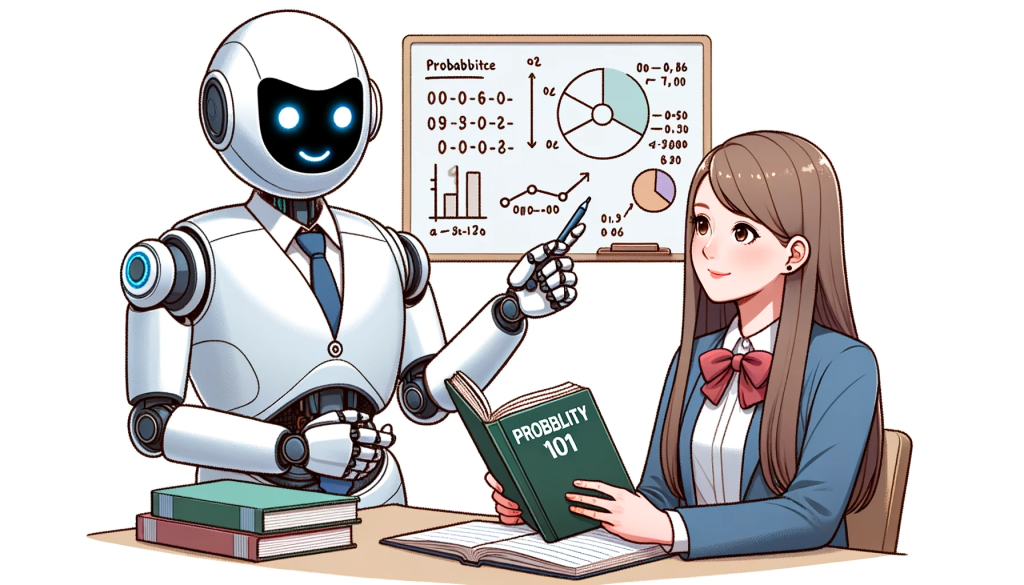
I also used it to help with the probability of two events happening focused on genetic genealogy. I learned that it not only answers your mathematical questions, it shows you HOW to calculate those answers.
(Notice that the AI generated illustration, which I created today, misspells the word “probability.” This is something I’ve noticed on most of my AI illustration generations! I am sure it’ll get better with time.)
August 2023
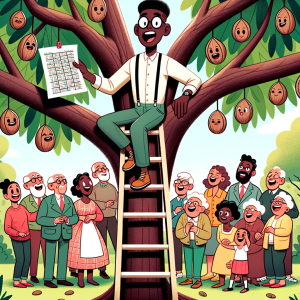
Why did the genealogist bring a ladder to the family reunion?
He wanted to see if there were any nuts in the tree.
AI illustration generated by DALL-E 3
This is the first joke ChatGPT suggested when I asked, in August, for it to “write a joke about genealogy.” The jokes weren’t very good, and I’m also a terrible joke teller so it was probably a bad idea anyway. It is fun to see what AI can create, though I’m sure this is not an original joke.
I also continued to expand how I used ChatGPT for my talks by asking it to brainstorm things to include in a specific talk. This technique helps to save time! Of course, I am not using its suggestions exactly, but it helps to get me started.
I also used ChatGPT during a non-profit meeting to brainstorm fundraising event ideas! This was an amazingly quick way to get a lot of great ideas. And we were able to tweak them to customize them with our theme.
September 2023
AI illustration generated by DALL-E 3
In September, I was struggling with getting the page numbers on a handout in Word as I wanted them. I asked ChatGPT, and it gave me the instructions I needed to quickly fix them! I also asked it to help me come up with an Excel formula to help in a tournament where the calculations were complex. Realizing I could turn to AI for help with Word and Excel was a great help for me!
October 2023
In October 2023, I went to the East Coast Genetic Genealogy Conference where Blaine Bettinger used AI generated illustrations in his presentation. This was a game changer for me!
When I got home from the conference, I discovered Carole McCulloch of “AI and the Genealogist” through a free video she has on YouTube titled “ChatGPT-4 and DALL-E3: an AI Genealogist Tip.” This is how I really got started generating art illustrations with AI! And it was at this point that I switched to a $20/month paid subscription of ChatGPT to access DALL-E 3.
The Future of AI and Genealogy
I have embraced AI’s power to help me solve problems, acquire new skills and knowledge, brainstorm, edit my written words, and generate illustrations. Just as the ability to use our DNA has transformed genealogy, I believe AI will also transform our field by helping us create quick and accurate transcriptions, abstractions, and translations; process and analyze large amounts of data; and much more. Of course we need to educate oursleves on how to use AI ethically and responsibly, especially in this field of genealogy where the accuracy of the information we share is crucial. Missteps in this area could lead to the spreading of errors, inaccurate family histories, and misleading future researchers.
Personally, I look forward to seeing how AI continues to transform our field as we gather, evaluate, and share our family stories. Although some are uncertain about this new technology, I am excited about harnessing this new power to both enhance our existing practices as well as unlock new tools to help us perform tasks more quickly and accurately. Thankfully, our genealogy community is actively discussing, researching, and even educating our members as to how we can use this tool ethically.
Like many others, I believe the world is entering a new era. As we continue to explore and integrate AI into our work, the possibilities for innovation and discovery are limited only by the advancements in these tools and our own imaginations. Let’s embrace the future as we explore how AI can enhance the field of genealogy.
Your Turn
Have you tried AI? If so, what platform have you used? And what successes or failures have you had while using AI? How do you think it will affect your personal and work life in the future?
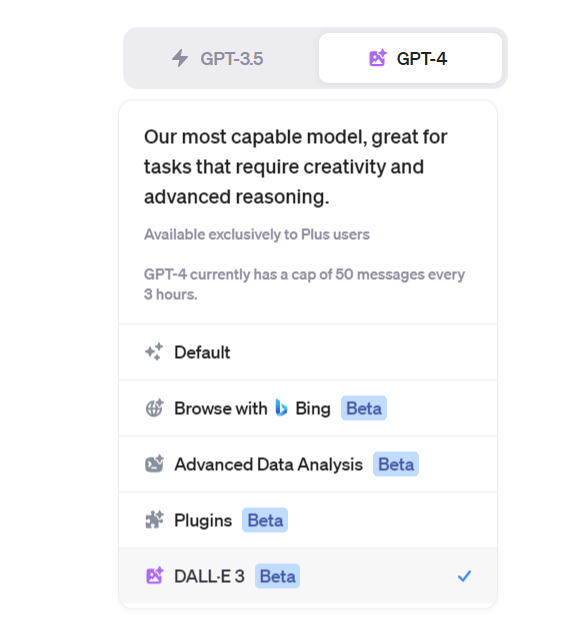
The Infinity Gauntlet was unlocked Friday night, October 13th, 2023 (Friday the Thirteenth), when the last of the anticipated new beta modes rolled-out to my ChatGPT Plus account when DALL-E 3 access was enabled. In other words, ChatGPT Plus can create images now. ChatGPT Plus users will know you can try this when you see this beta mode enabled:
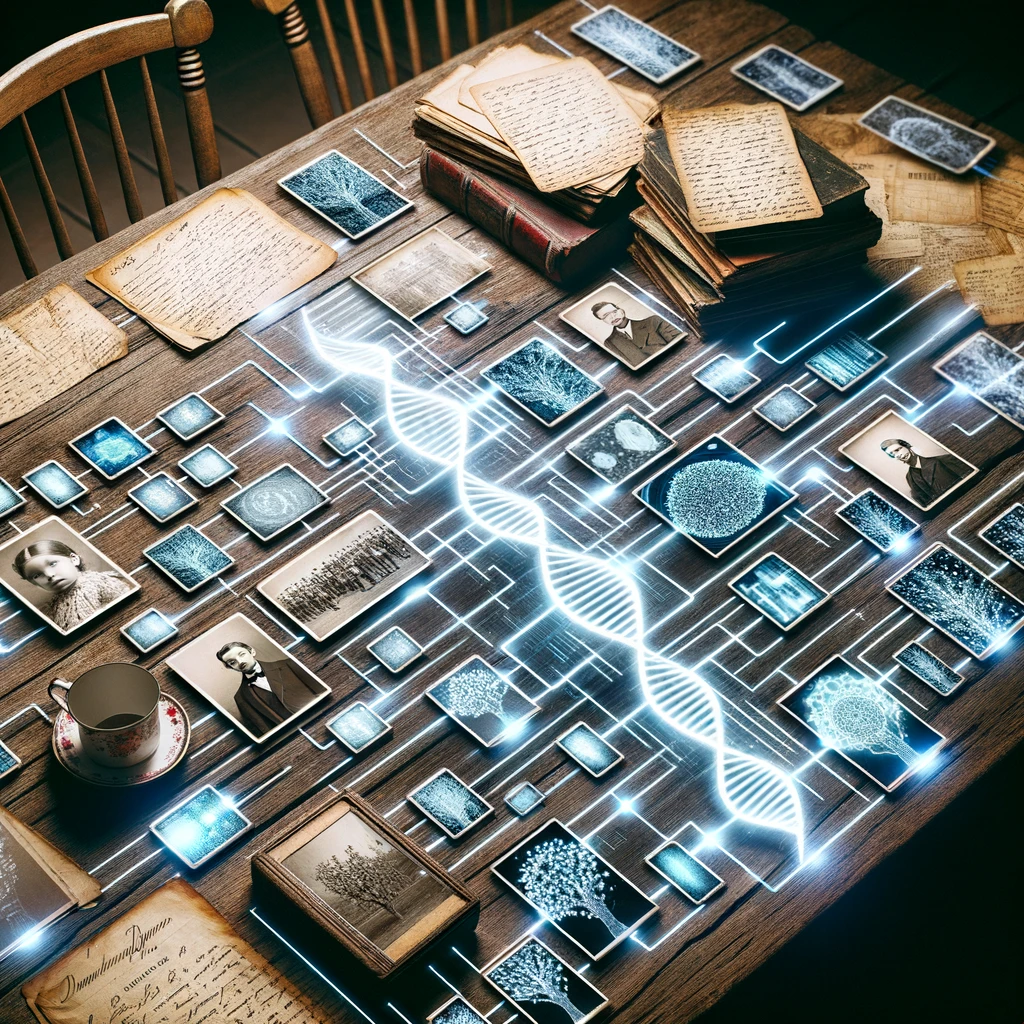
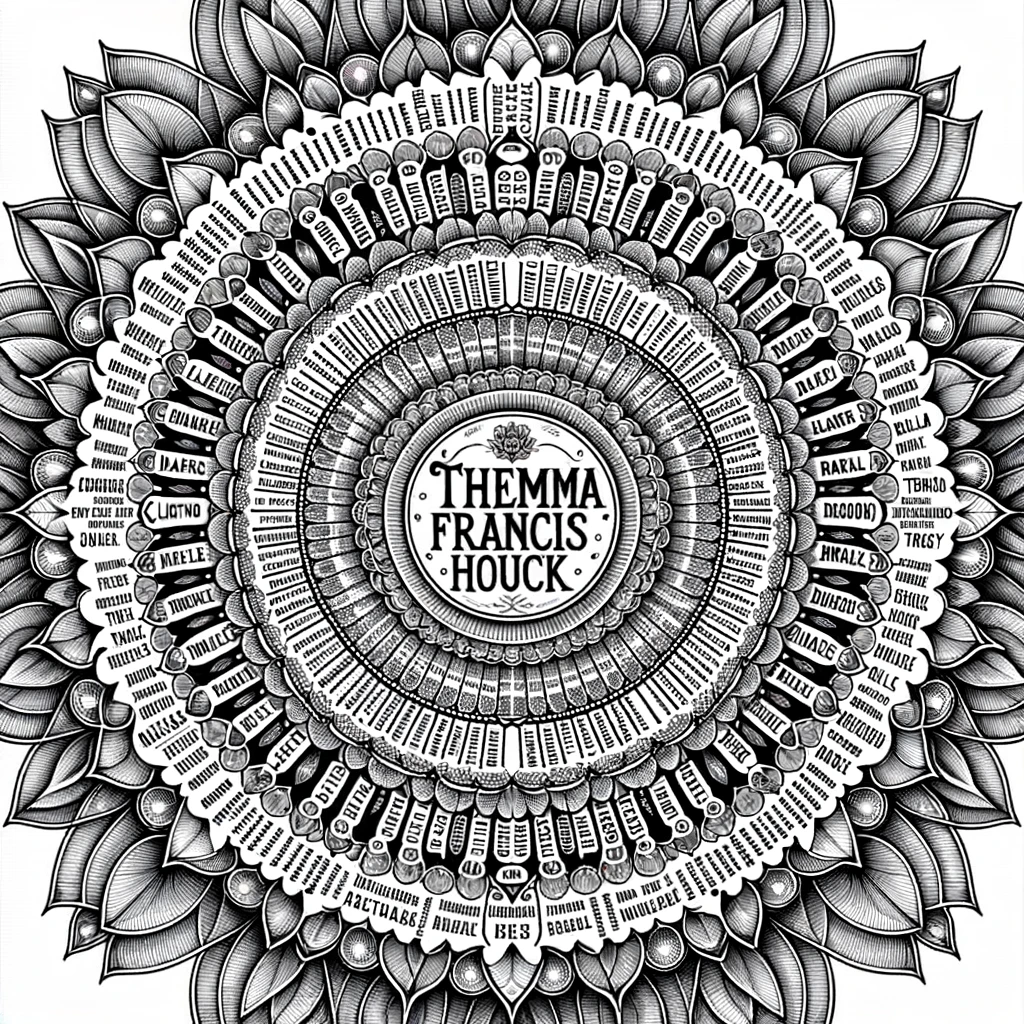
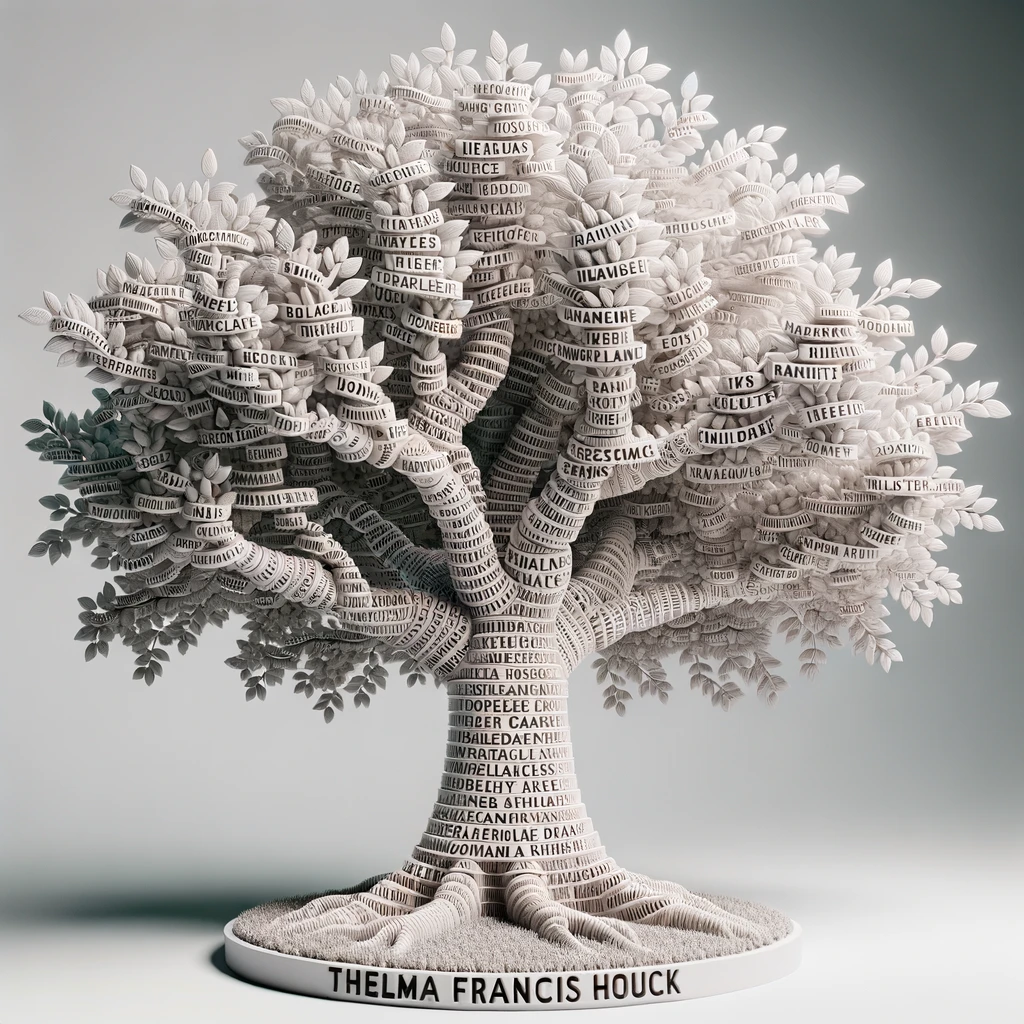
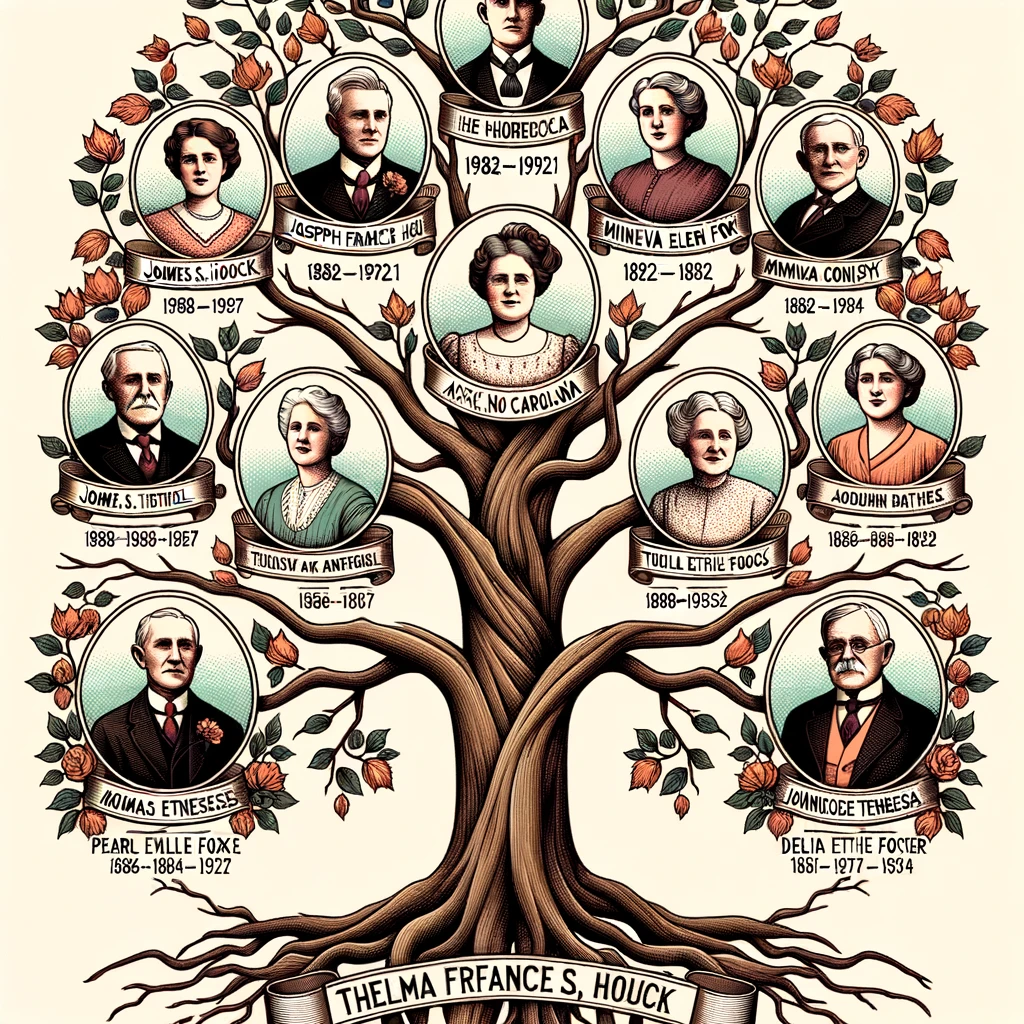
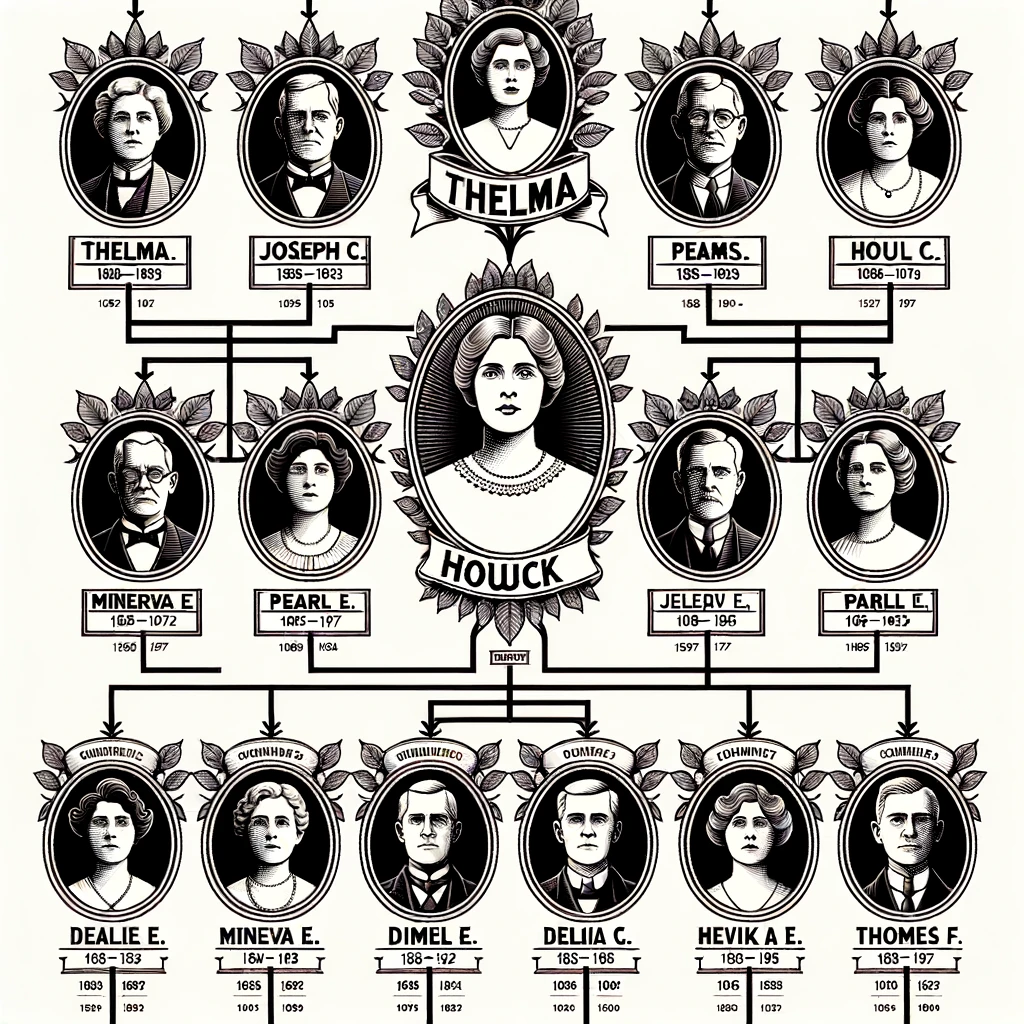
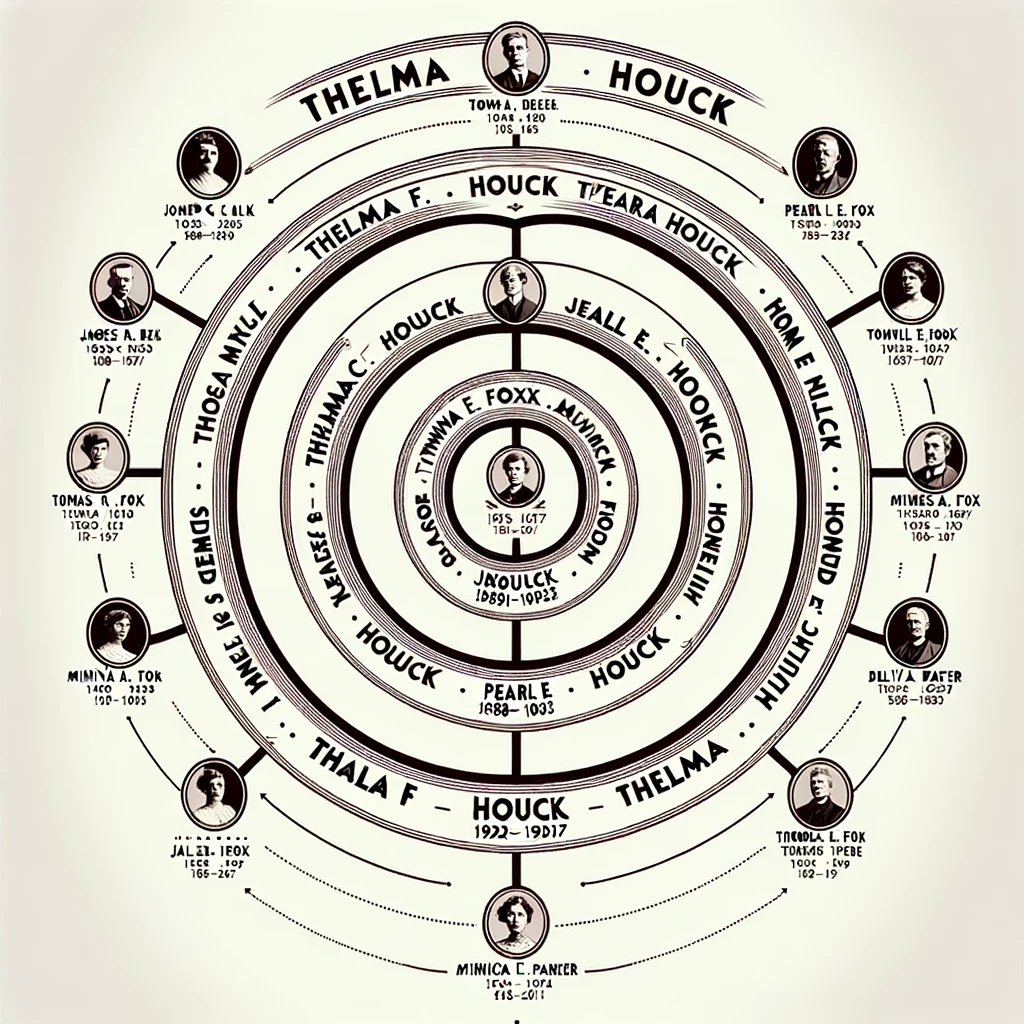
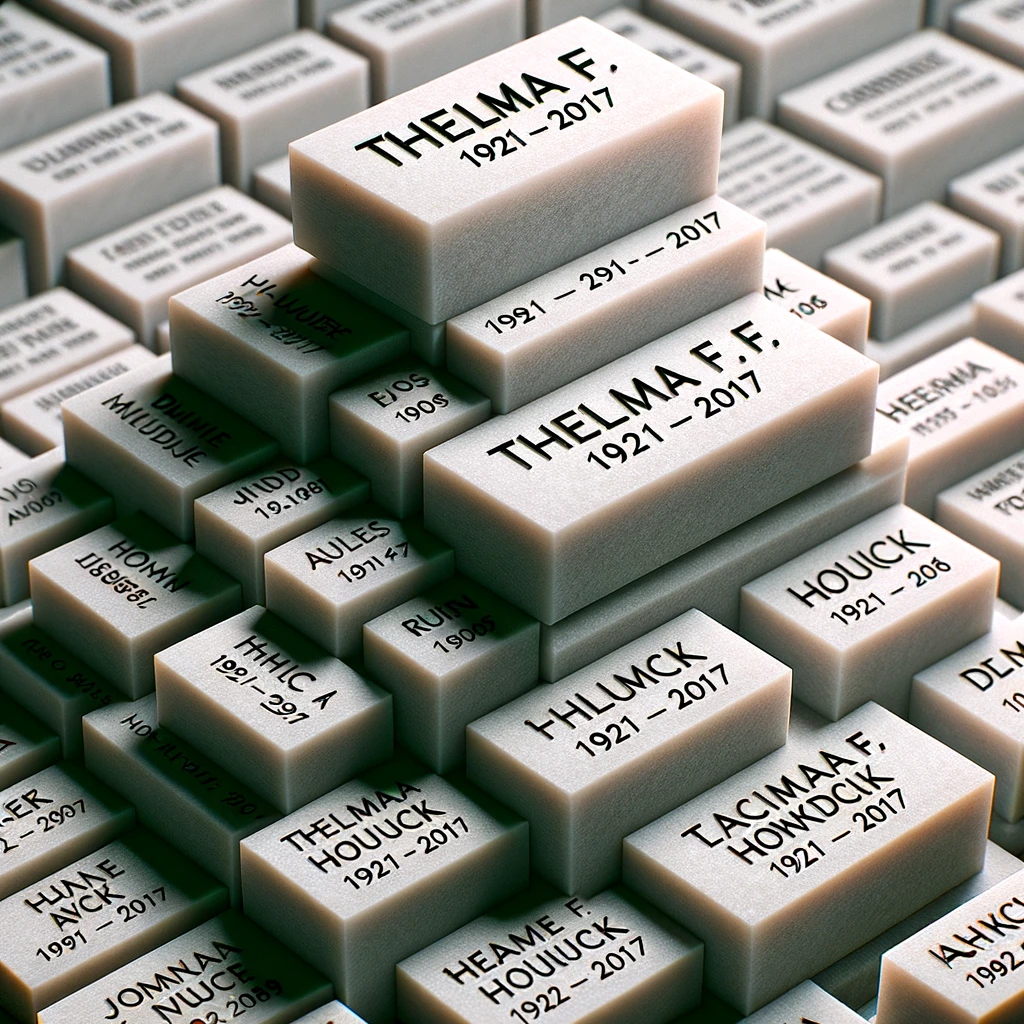
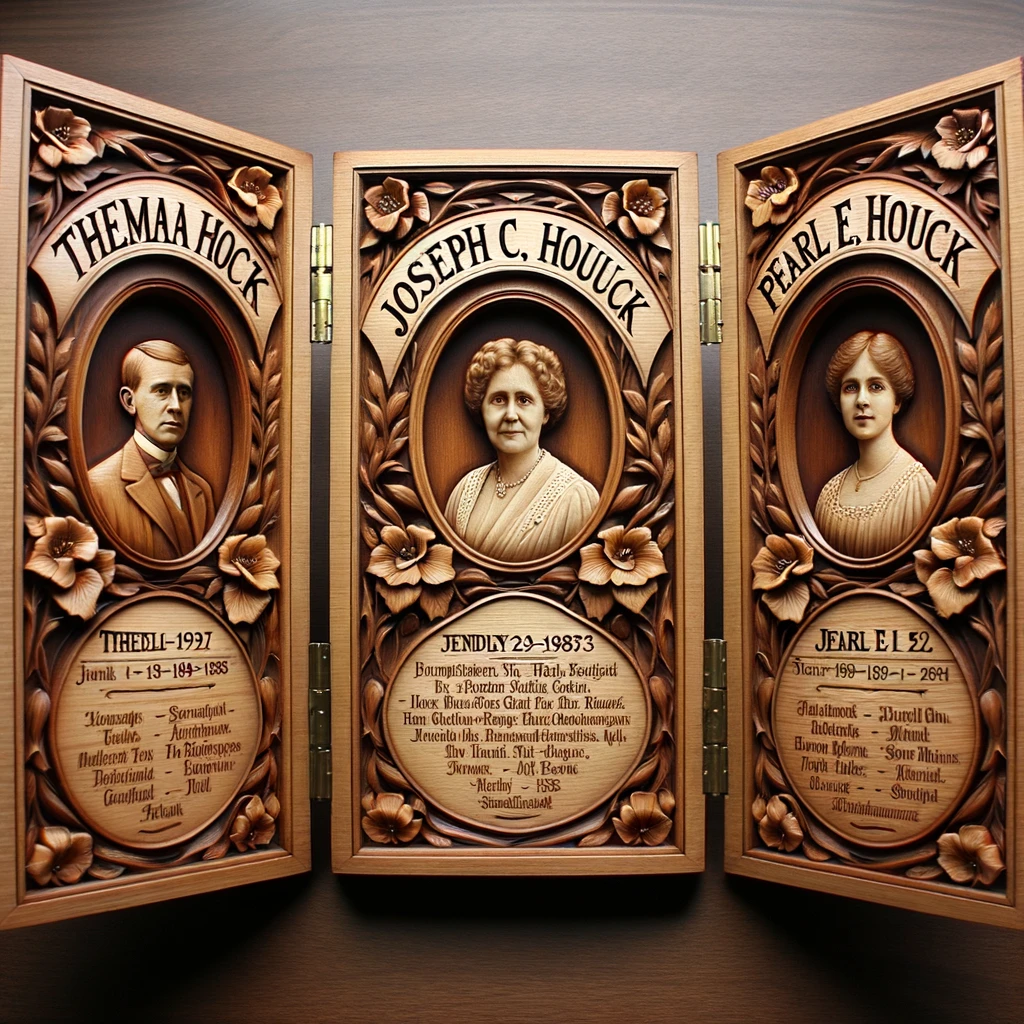
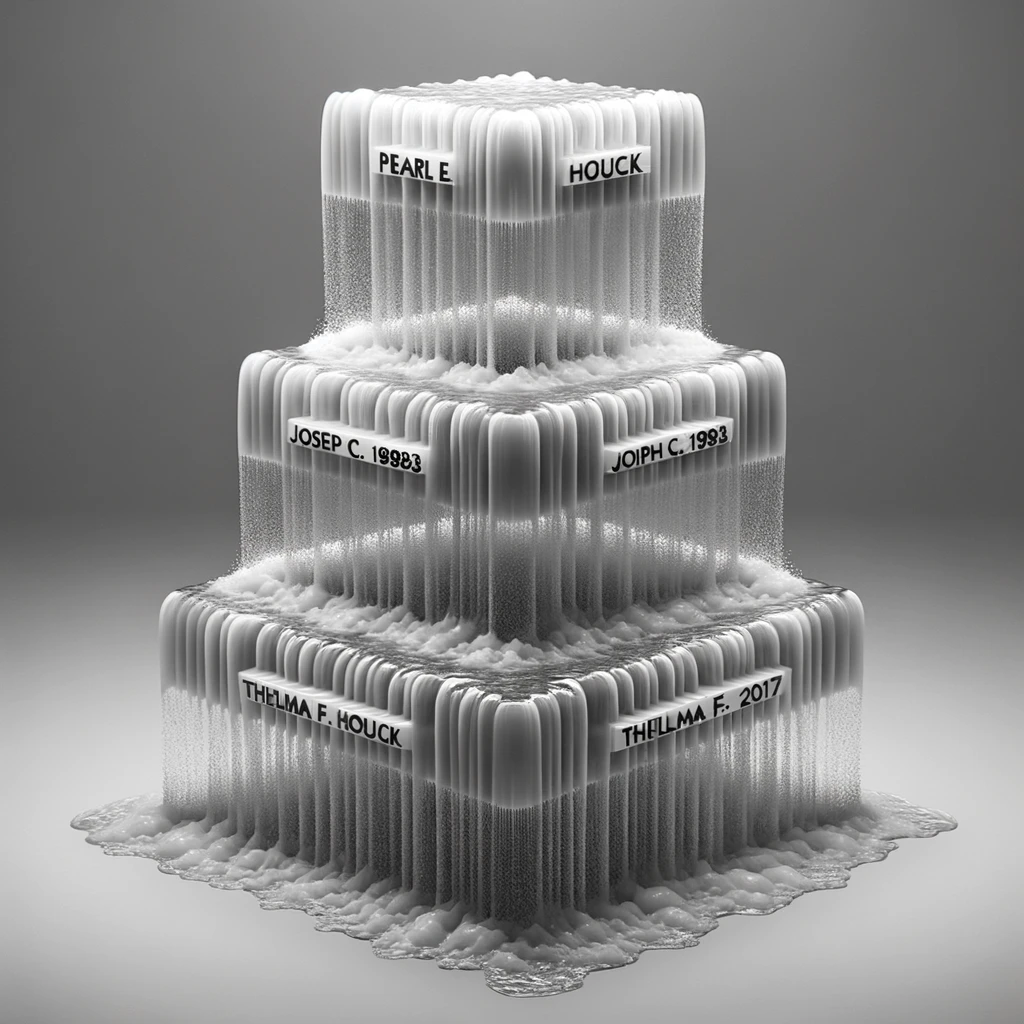
These are some of my first attempts in the first hours of access to get ChatGPT Plus with DALL-E 3 to create a family tree or something interesting given a bit of an Ahnentafel list.
All were failures in the sense that I had trouble getting DALL-E 3 to render much text correctly. Which makes this a good time to repeat Prof. Mollock’s point: just because one user fails to get ChatGPT to do something, doesn’t mean it can’t be done. Individually, our failed prompts may be revealing our limits at prompt engineering, not the AI’s capability. Today.
So I share these failures because I’m pretty sure one of you will crack this.
Thelma Francis Houck (1921-2017) was my maternal grandmother, my Grandma Lawrence; these experiments were with her in mind, trying to make something nice in honor of her memory.
FAILED PROMPT:
Do something artful with this bit of an Ahnentafel list:

1. Thelma F. Houck (1921-2017)
2. Joseph C. Houck (1888-1983)
3. Pearl E. Houck (1891-1992)
4. James S. Houck (1858-1927)
5. Minerva E. Fox (1862-1957)
6. Thomas M. Houck (1859-1924)
7. Delia T. Parker (1866-1936)
And because some of these “failures” were still pretty cool.
Some interesting failures. I can’t wait to see what you create with this.
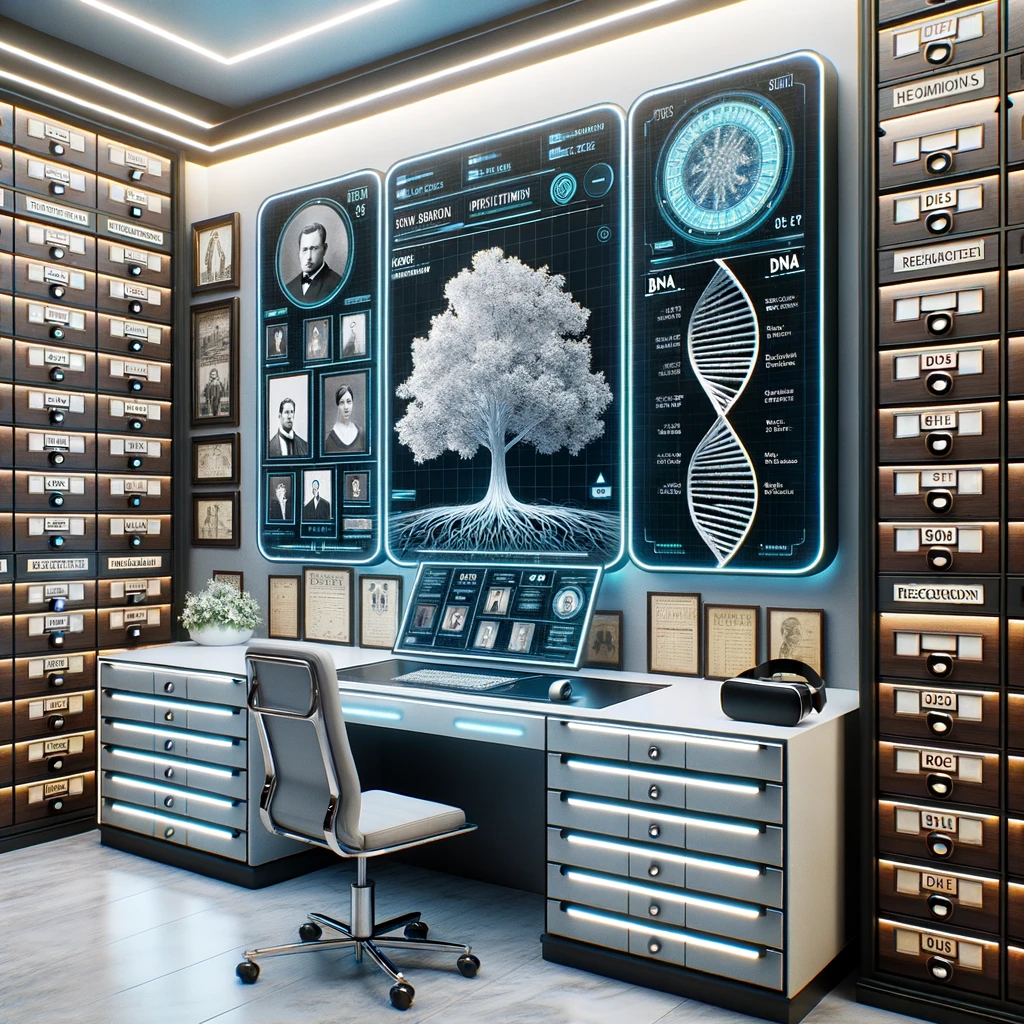
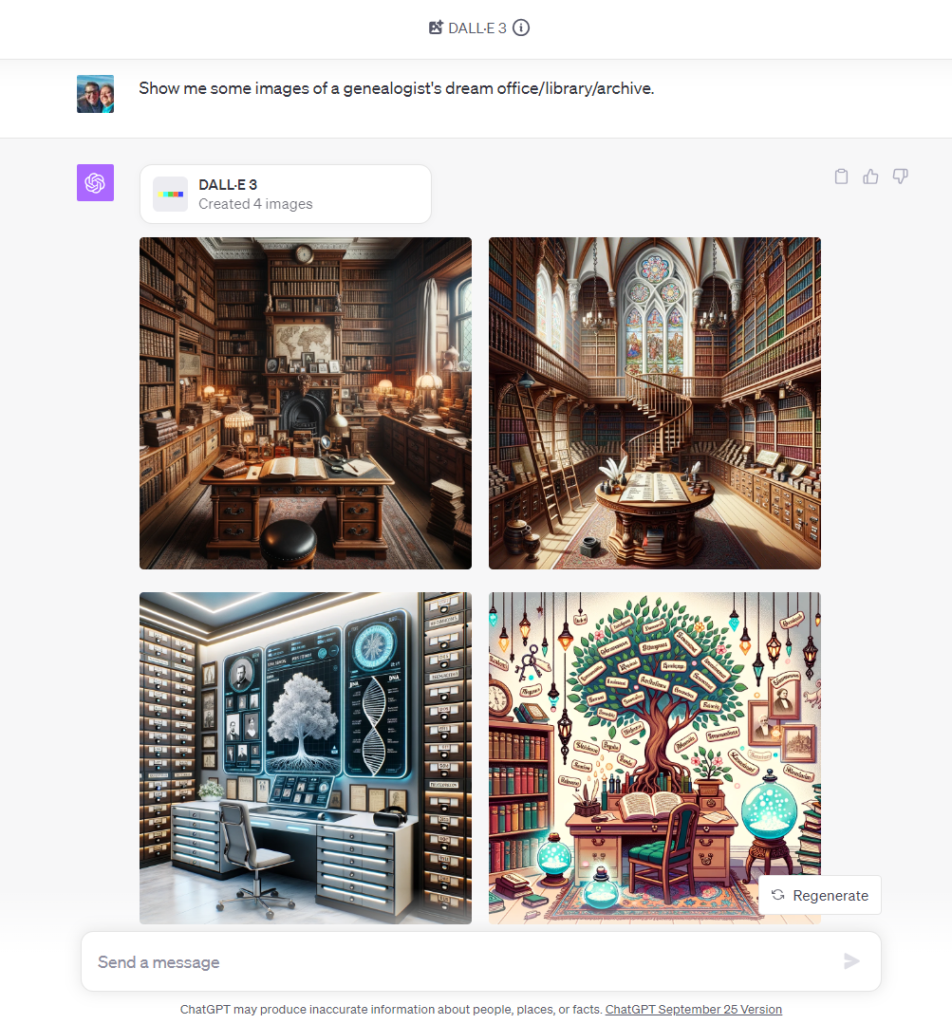
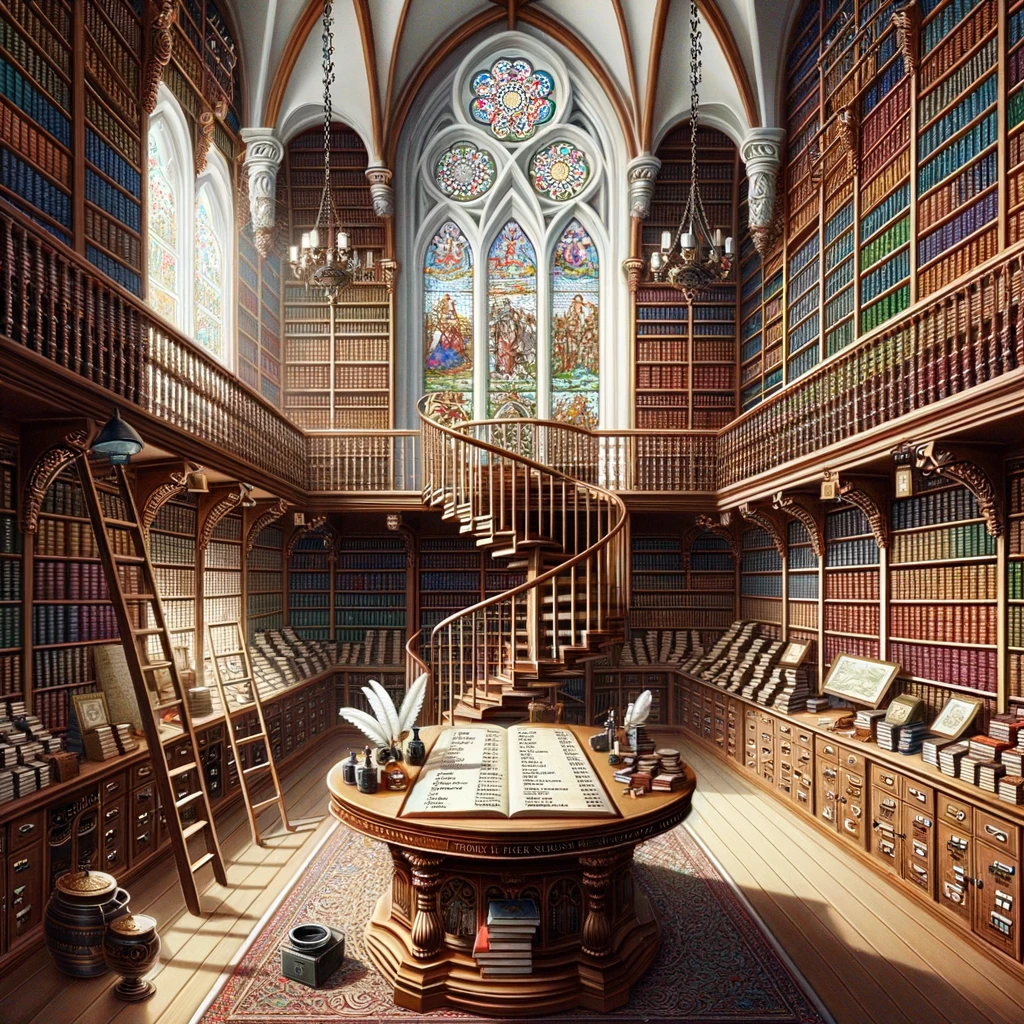
By the way, this is what ChatGPT imagines your office looks like:
PROMPT: Show me some images of a genealogist's dream office/library/archive.