Blog

Using Artificial Intelligence in Genealogy

(This blog post was originally published on the blog, Dana Leeds: Creator of the Leeds Method.)

If you follow me on Facebook, you’ve probably noticed that I’ve fallen in love with generating Artificial Intelligence (AI) art. I’m also embracing AI in my genealogy work as well as my broader life! This technology really started becoming possible less than a year ago in December 2022. My journey began a short time later.
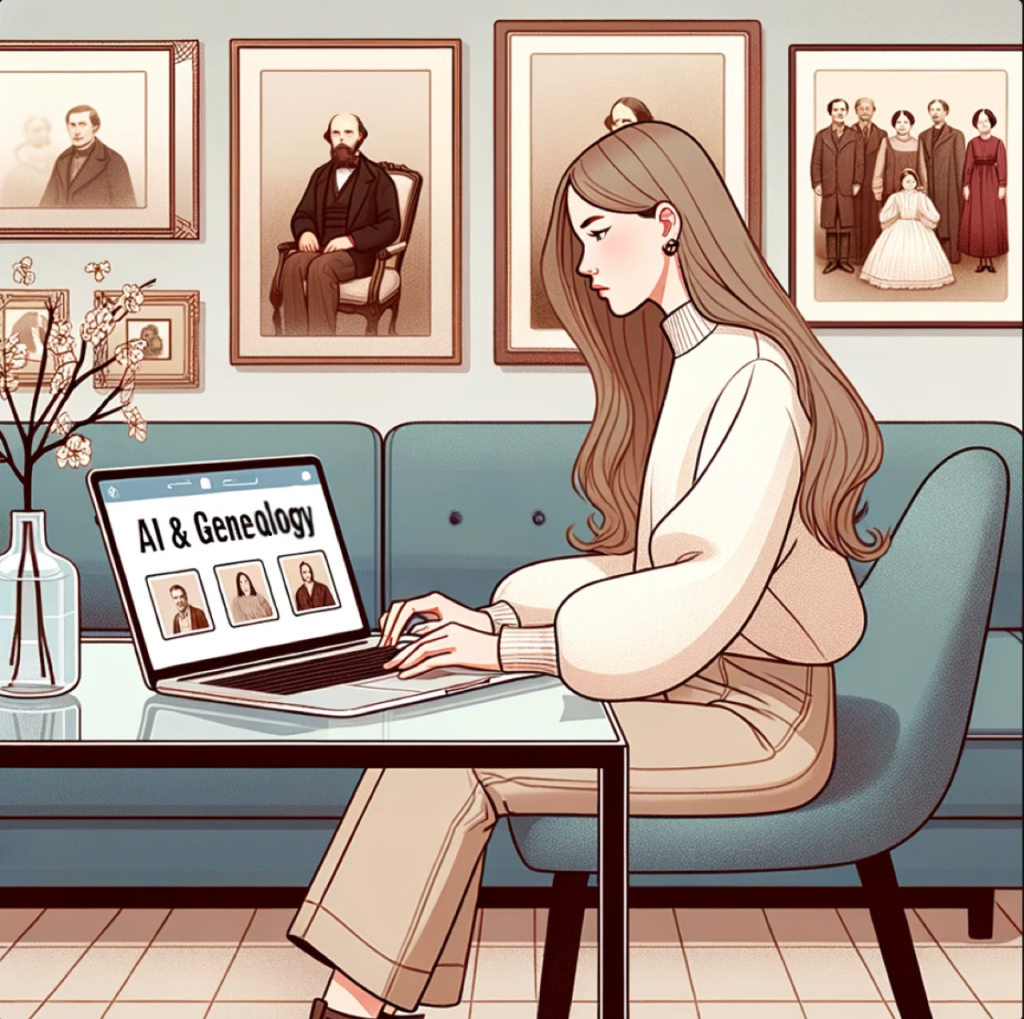
Image of woman working on computer with screen saying "AI & Genealogy"
AI illustration generated by DALL-E 3

So, what have I experimented with so far, how has it been helpful, and what concerns have arisen?

March 2023

I first tried the free version of ChatGPT in March. At that point, I was trying to use it more like Google; I wasn’t impressed. At the time, I didn’t realize that it wasn’t interacting with the live internet so was frustrated that it couldn’t help with more recent events.

May 2023
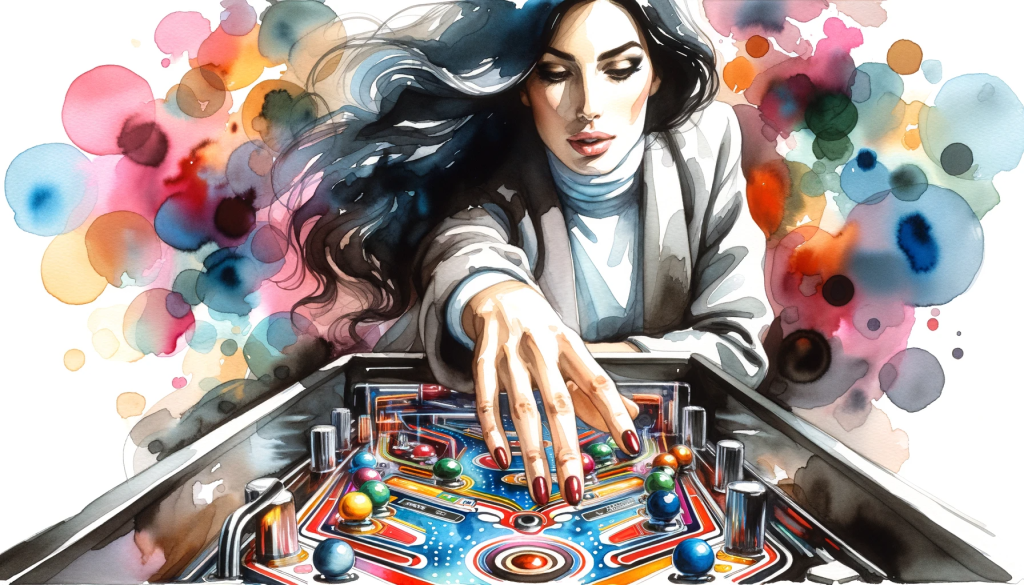
AI illustration attempt at playing pinball
AI illustration generated by DALL-E 3

By May I had watched a few YouTube videos where they showed how to use it to make plans to learn something. So, besides using it like Google, I also asked for how to learn Spanish at home, learn to be a better artist, and tips for improving my pinball game. Asking for ideas on how to learn something is one of ChatGPT’s strengths! For example, it suggested I do the following (with greater detail) to be a better pinball player:

  1. Practice
  2. Focus on ball control
  3. Study the game
  4. Develop a consistent technique
  5. Stay calm & focused
  6. Watch and learn from other players
  7. Join a pinball league or tournament

Note that even though AI has great tips about how to play pinball better, it doesn’t understand how you physically play pinball! No matter how I changed the prompt, it gets the

I also used it to learn more about a specific group of people I was working with on a project that was beyond what a simple Google search could do.

June 2023

In June I started asking more questions like “Explain X-DNA inheritance” and “If two people share 3505 cM of DNA, how are they related?” It did really well on the X-DNA question, but “failed” on the relatedness question. The Shared cM Project, where most genealogists turn to find genetic relationship probabilities based on a shared amount of DNA, shows that two people who share 3505 cM have a 100% probability of being parent/child.  ChatGPT also suggested they could be full siblings, half-siblings, or grandparent/grandchild.
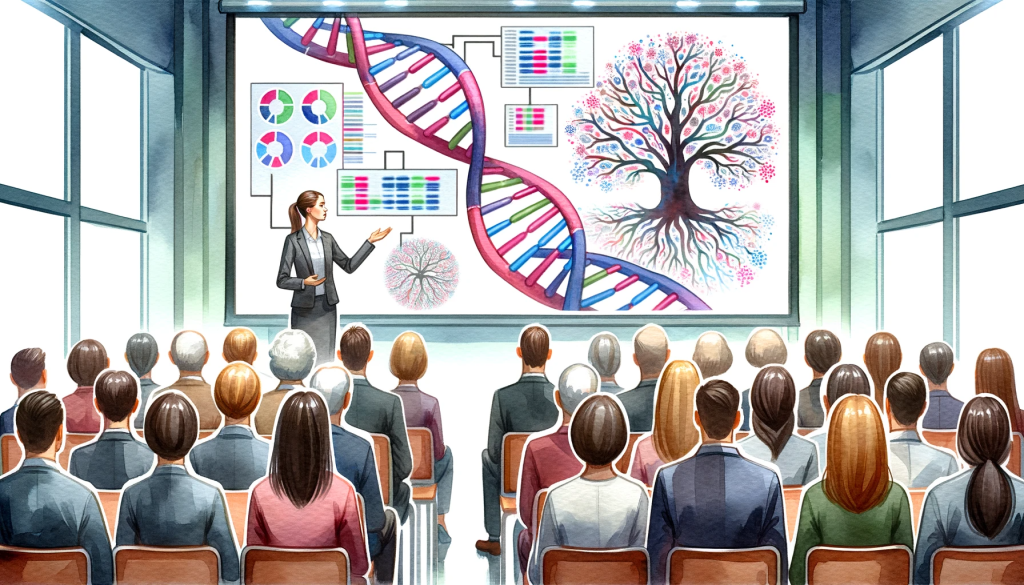
Showing a lady giving a presentation on DNA and genealogy
AI illustration generated by DALL-E 3 2023

I also first started using it to help me with my genetic genealogy presentations asking it to help me write titles and descriptions of my talks.

July 2023

In July, I started trying to find an app I could use to create digital art. I was trying to use a program called Journey for free, but it was always closed to new, non-paying members. Since I also do digital art on my iPad using Procreate, I asked it to generate prompts for my art.
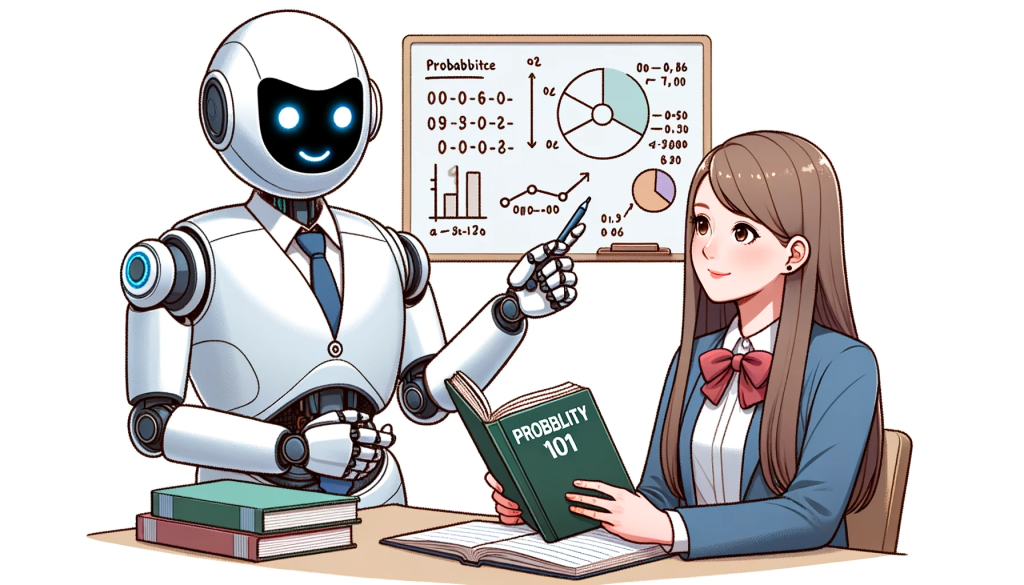
A humanoid robot teaching probability to a student
AI illustration generated by DALL-E 3

I also used it to help with the probability of two events happening focused on genetic genealogy. I learned that it not only answers your mathematical questions, it shows you HOW to calculate those answers.

(Notice that the AI generated illustration, which I created today, misspells the word “probability.” This is something I’ve noticed on most of my AI illustration generations! I am sure it’ll get better with time.)

August 2023

Why did the genealogist bring a ladder to the family reunion?

He wanted to see if there were any nuts in the tree.
Genealogist on ladder at family tree reunion looking for nuts
AI illustration generated by DALL-E 3

This is the first joke ChatGPT suggested when I asked, in August, for it to “write a joke about genealogy.” The jokes weren’t very good, and I’m also a terrible joke teller so it was probably a bad idea anyway. It is fun to see what AI can create, though I’m sure this is not an original joke.

I also continued to expand how I used ChatGPT for my talks by asking it to brainstorm things to include in a specific talk. This technique helps to save time! Of course, I am not using its suggestions exactly, but it helps to get me started.

I also used ChatGPT during a non-profit meeting to brainstorm fundraising event ideas! This was an amazingly quick way to get a lot of great ideas. And we were able to tweak them to customize them with our theme.

September 2023
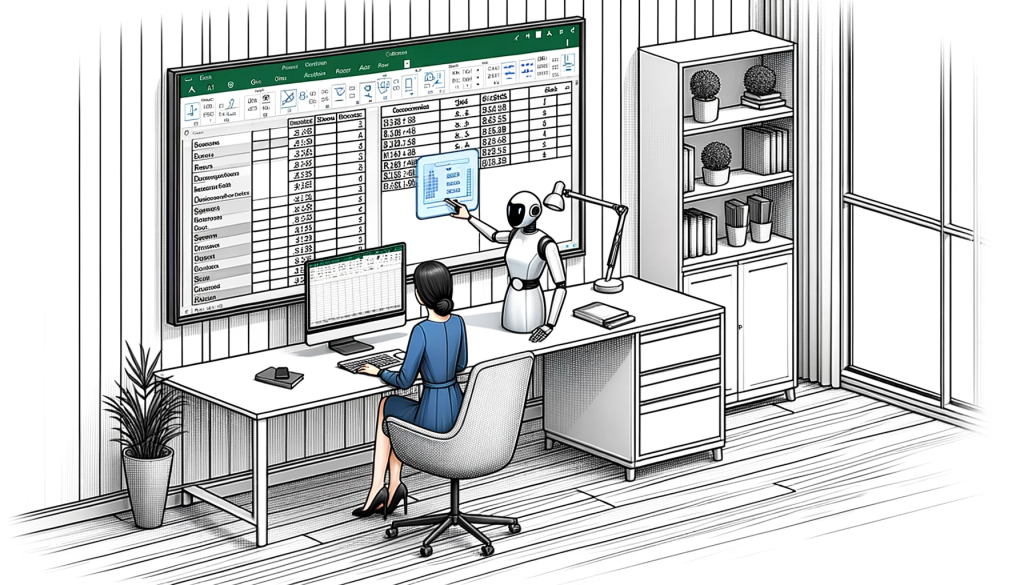
Robot teaching woman how to use Excel
AI illustration generated by DALL-E 3

In September, I was struggling with getting the page numbers on a handout in Word as I wanted them. I asked ChatGPT, and it gave me the instructions I needed to quickly fix them! I also asked it to help me come up with an Excel formula to help in a tournament where the calculations were complex. Realizing I could turn to AI for help with Word and Excel was a great help for me!

October 2023

In October 2023, I went to the East Coast Genetic Genealogy Conference where Blaine Bettinger used AI generated illustrations in his presentation. This was a game changer for me!

At the conference, I also met Stephen Little who was starting a 4-week course with NGS titled “Empowering Genealogists with Artificial Intelligence.” (We started yesterday and I’m excited about this course!)
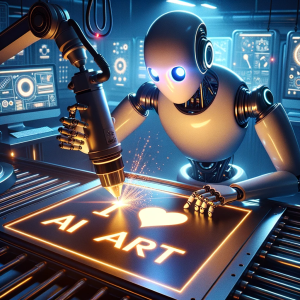
Robot creating a sign that says "I love AI art"
AI generated by DALL-E 3 October 2023

When I got home from the conference, I discovered Carole McCulloch of “AI and the Genealogist” through a free video she has on YouTube titled “ChatGPT-4 and DALL-E3: an AI Genealogist Tip.” This is how I really got started generating art illustrations with AI! And it was at this point that I switched to a $20/month paid subscription of ChatGPT to access DALL-E 3.

The Future of AI and Genealogy

I have embraced AI’s power to help me solve problems, acquire new skills and knowledge, brainstorm, edit my written words, and generate illustrations. Just as the ability to use our DNA has transformed genealogy, I believe AI will also transform our field by helping us create quick and accurate transcriptions, abstractions, and translations; process and analyze large amounts of data; and much more. Of course we need to educate oursleves on how to use AI ethically and responsibly, especially in this field of genealogy where the accuracy of the information we share is crucial. Missteps in this area could lead to the spreading of errors, inaccurate family histories, and misleading future researchers.

Personally, I look forward to seeing how AI continues to transform our field as we gather, evaluate, and share our family stories. Although some are uncertain about this new technology, I am excited about harnessing this new power to both enhance our existing practices as well as unlock new tools to help us perform tasks more quickly and accurately. Thankfully, our genealogy community is actively discussing, researching, and even educating our members as to how we can use this tool ethically.

Like many others, I believe the world is entering a new era. As we continue to explore and integrate AI into our work, the possibilities for innovation and discovery are limited only by the advancements in these tools and our own imaginations. Let’s embrace the future as we explore how AI can enhance the field of genealogy.

Your Turn

Have you tried AI? If so, what platform have you used? And what successes or failures have you had while using AI? How do you think it will affect your personal and work life in the future?
First Blush: ChatGPT Plus with DALL-E 3

Where I failed, one of you will succeed.

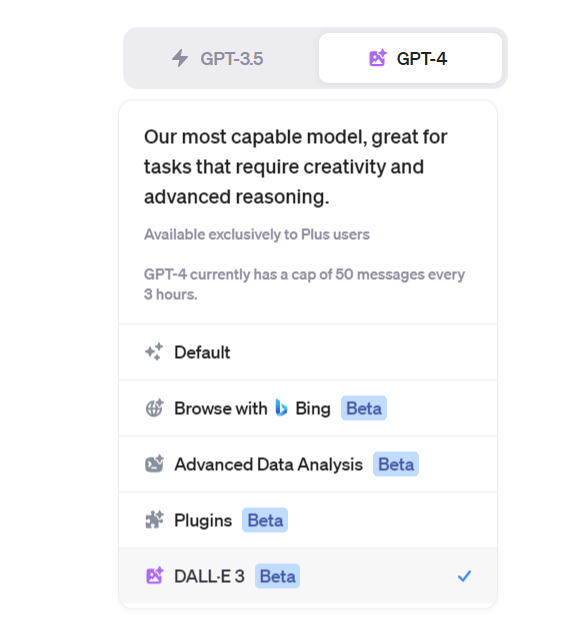
The Infinity Gauntlet was unlocked Friday night, October 13th, 2023 (Friday the Thirteenth), when the last of the anticipated new beta modes rolled-out to my ChatGPT Plus account when DALL-E 3 access was enabled. In other words, ChatGPT Plus can create images now. ChatGPT Plus users will know you can try this when you see this beta mode enabled:

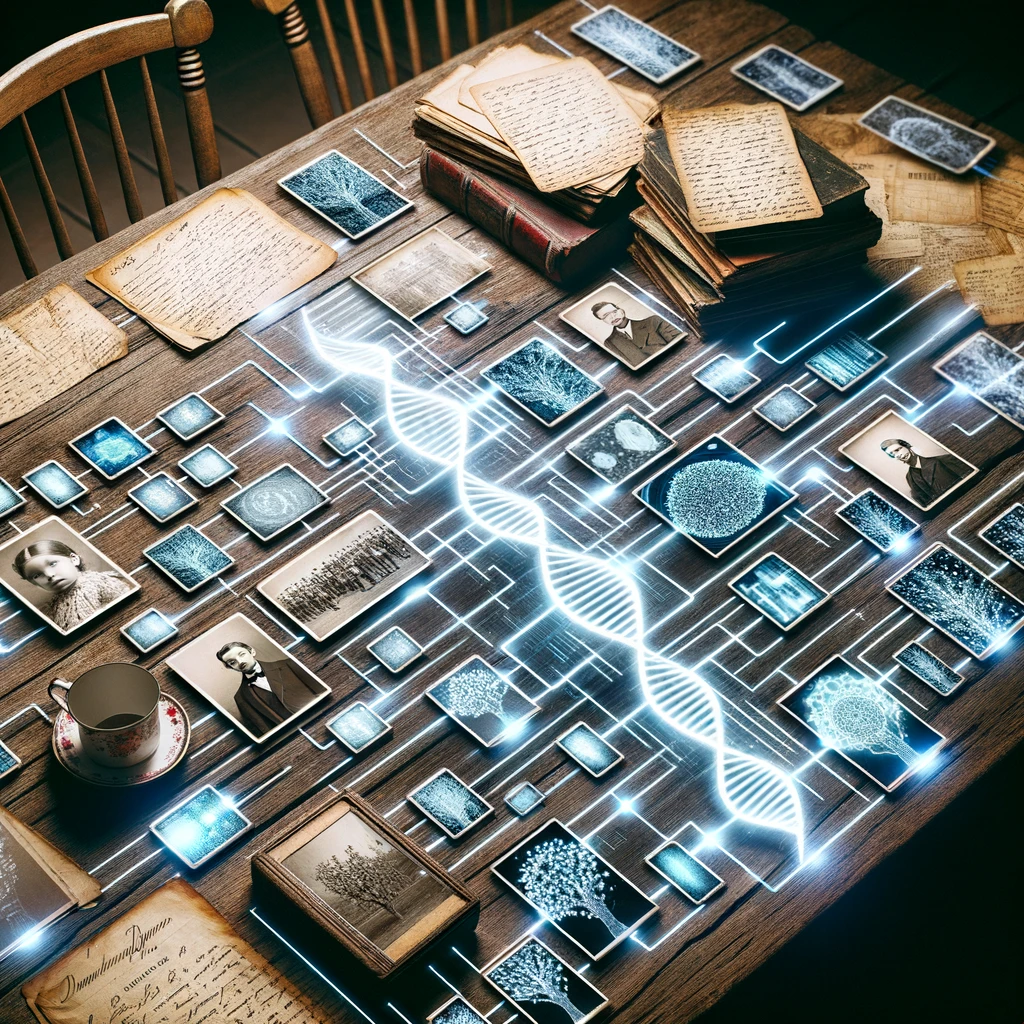
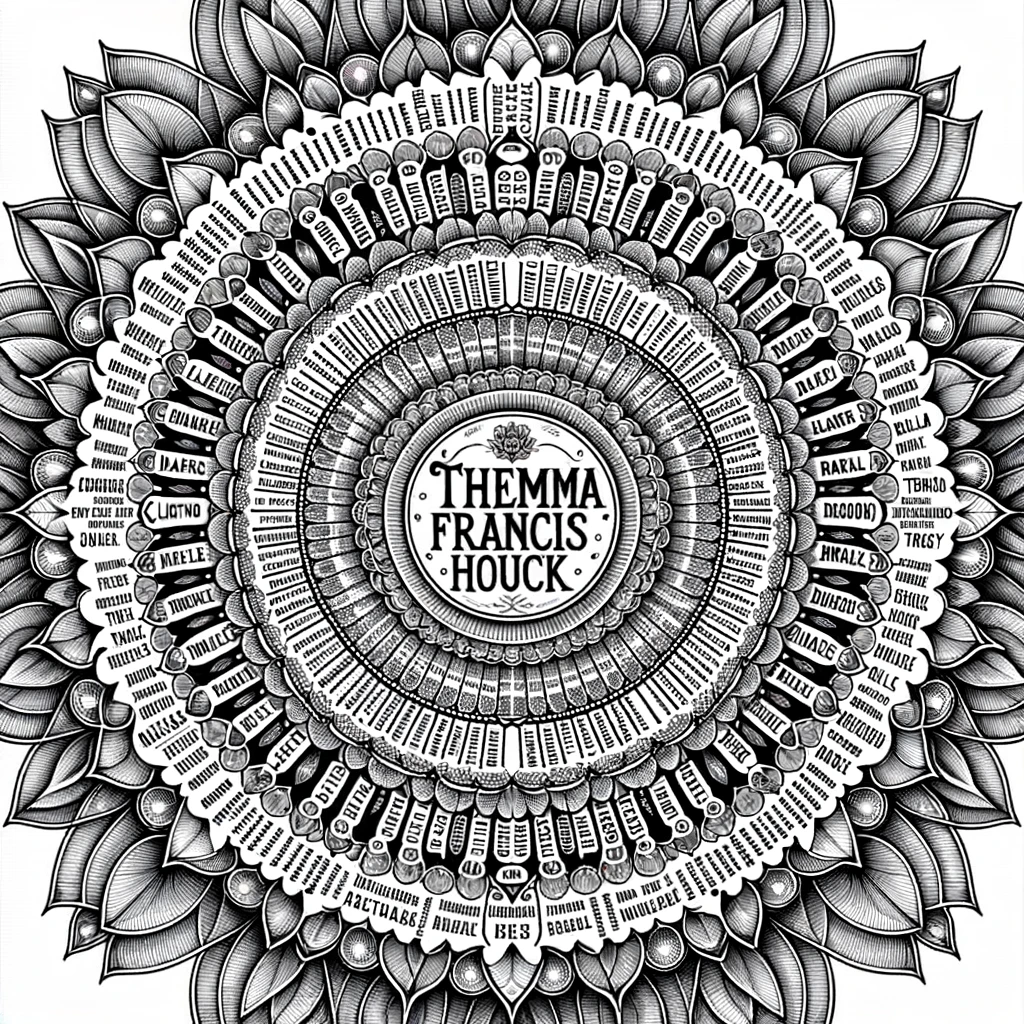
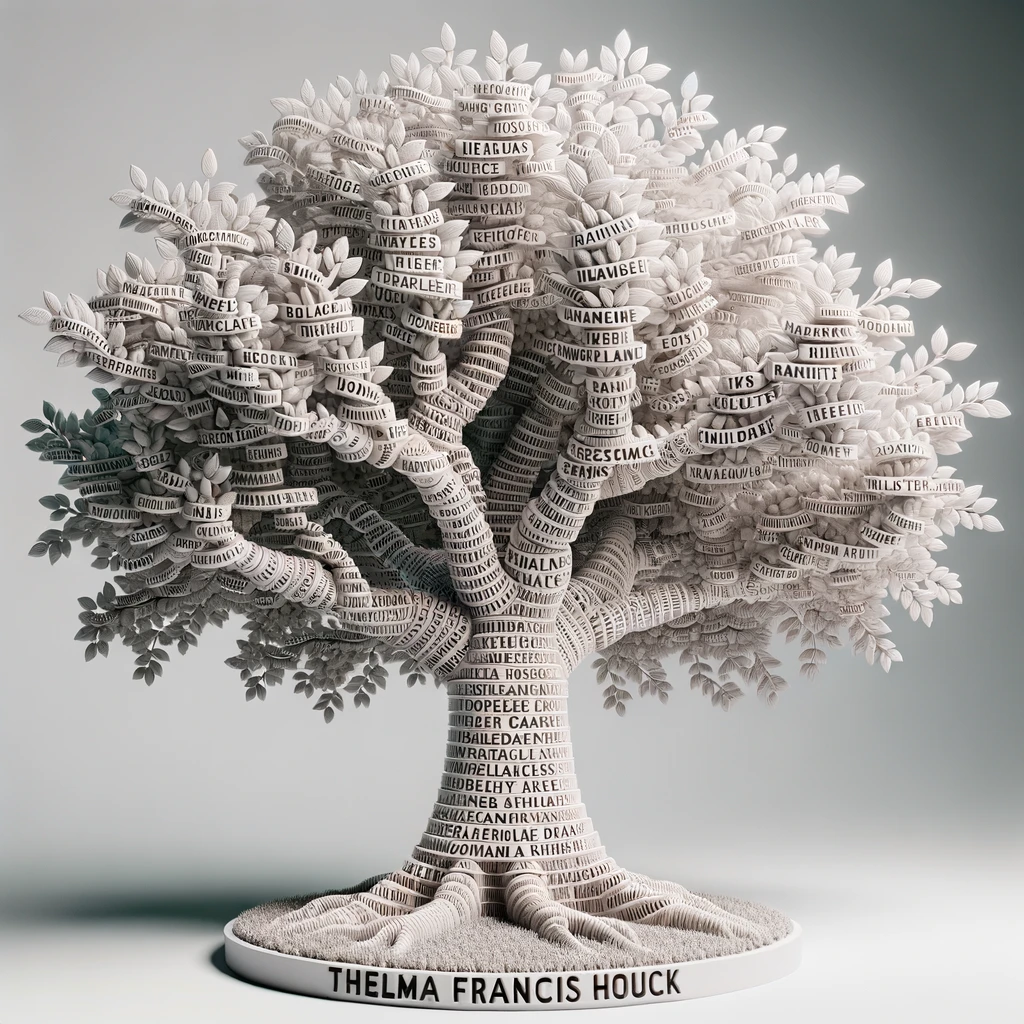
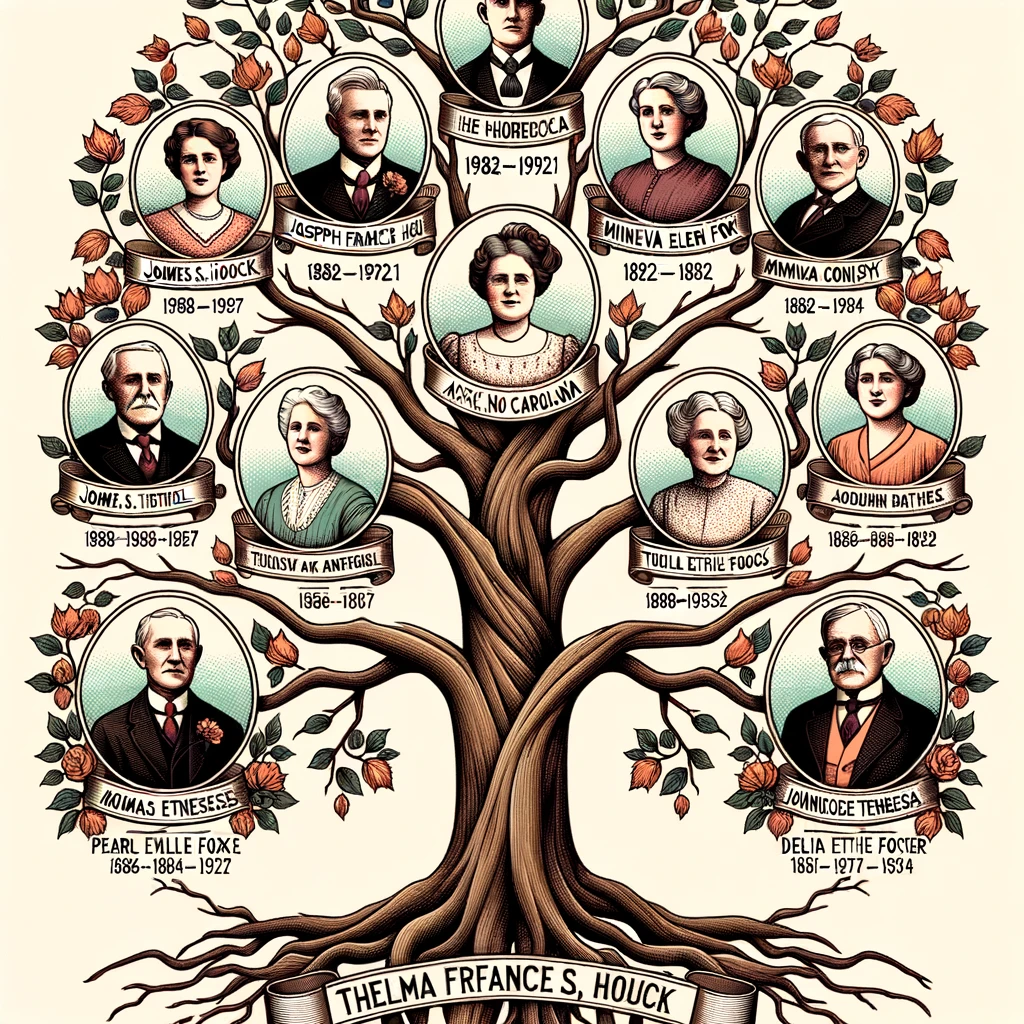
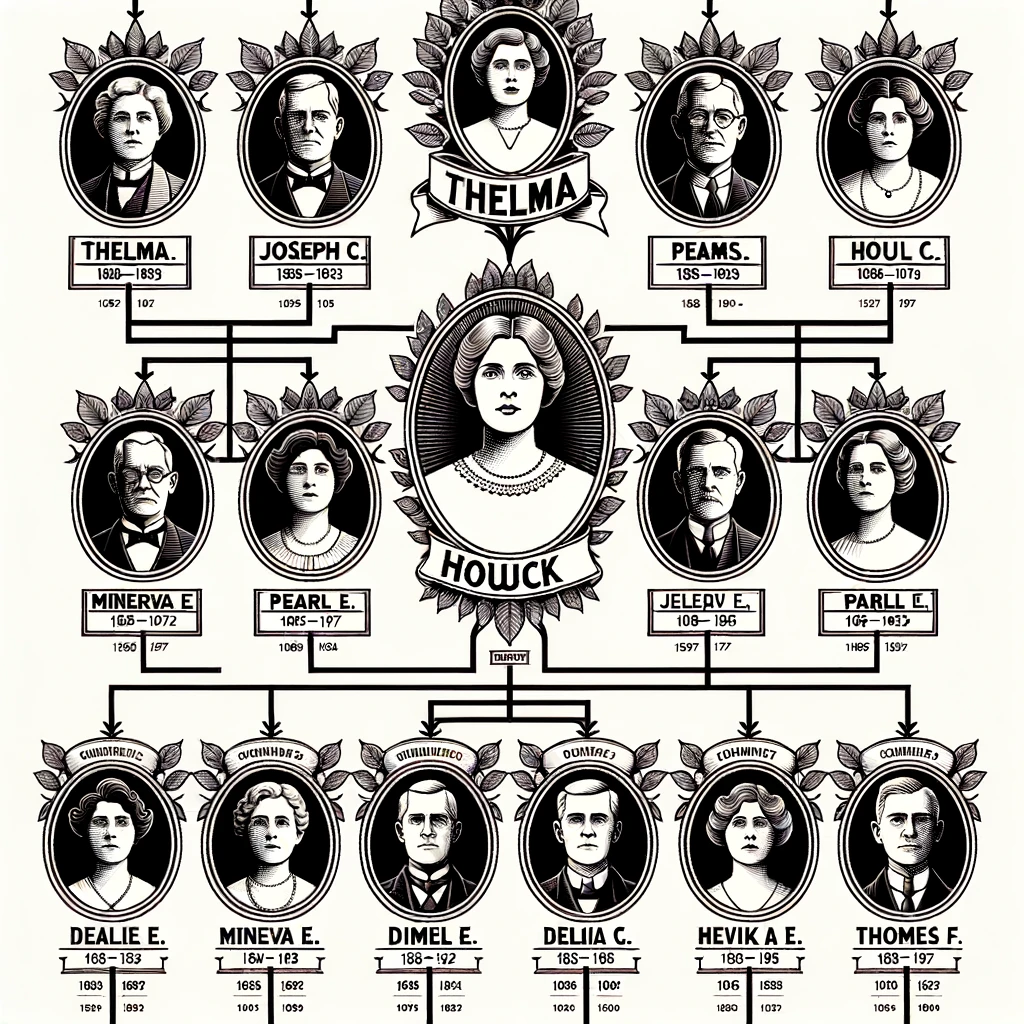
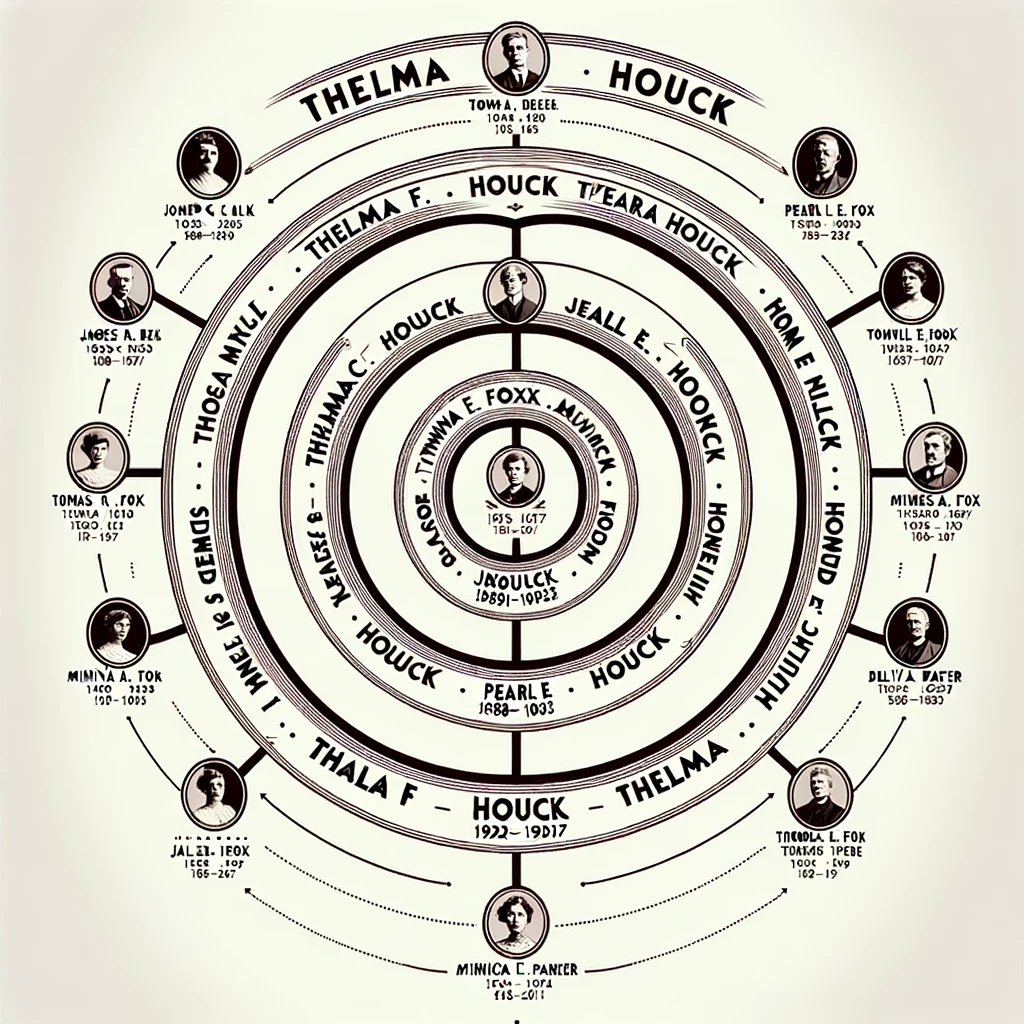
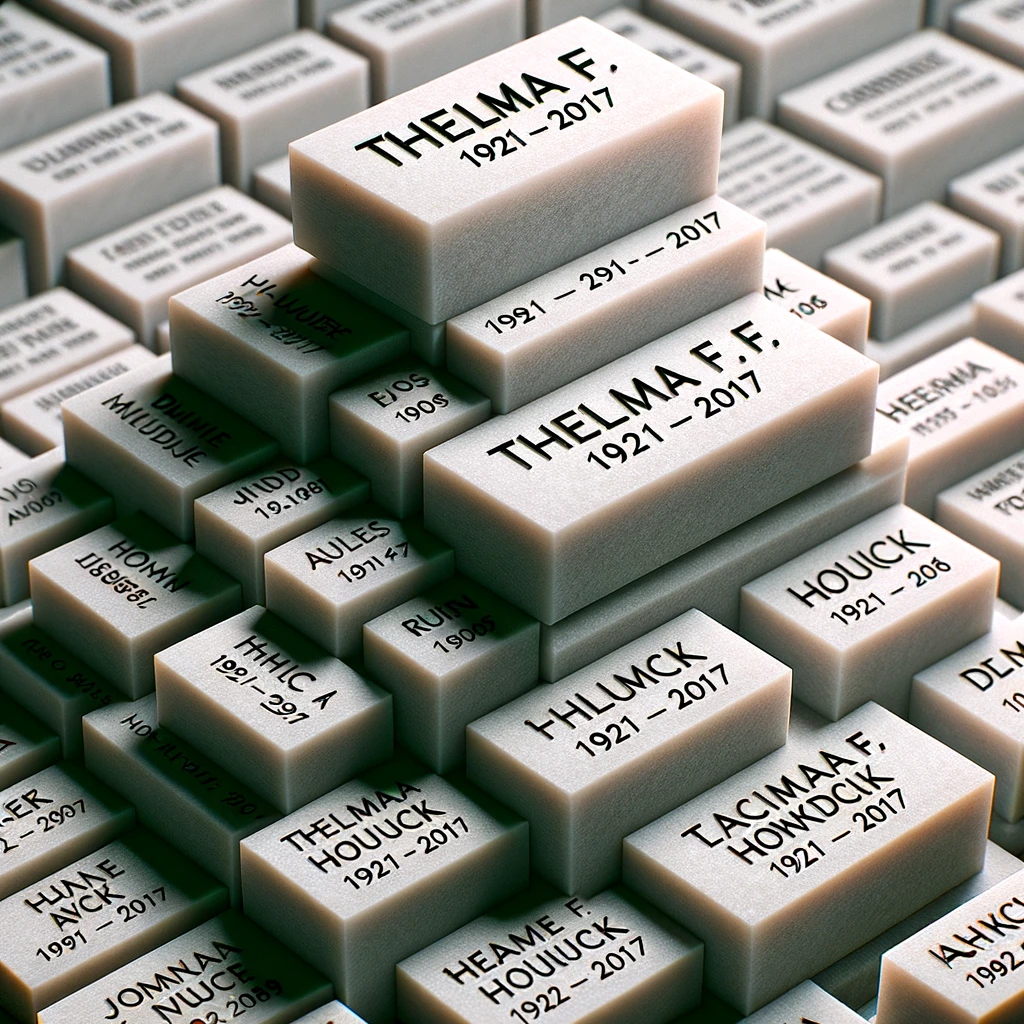
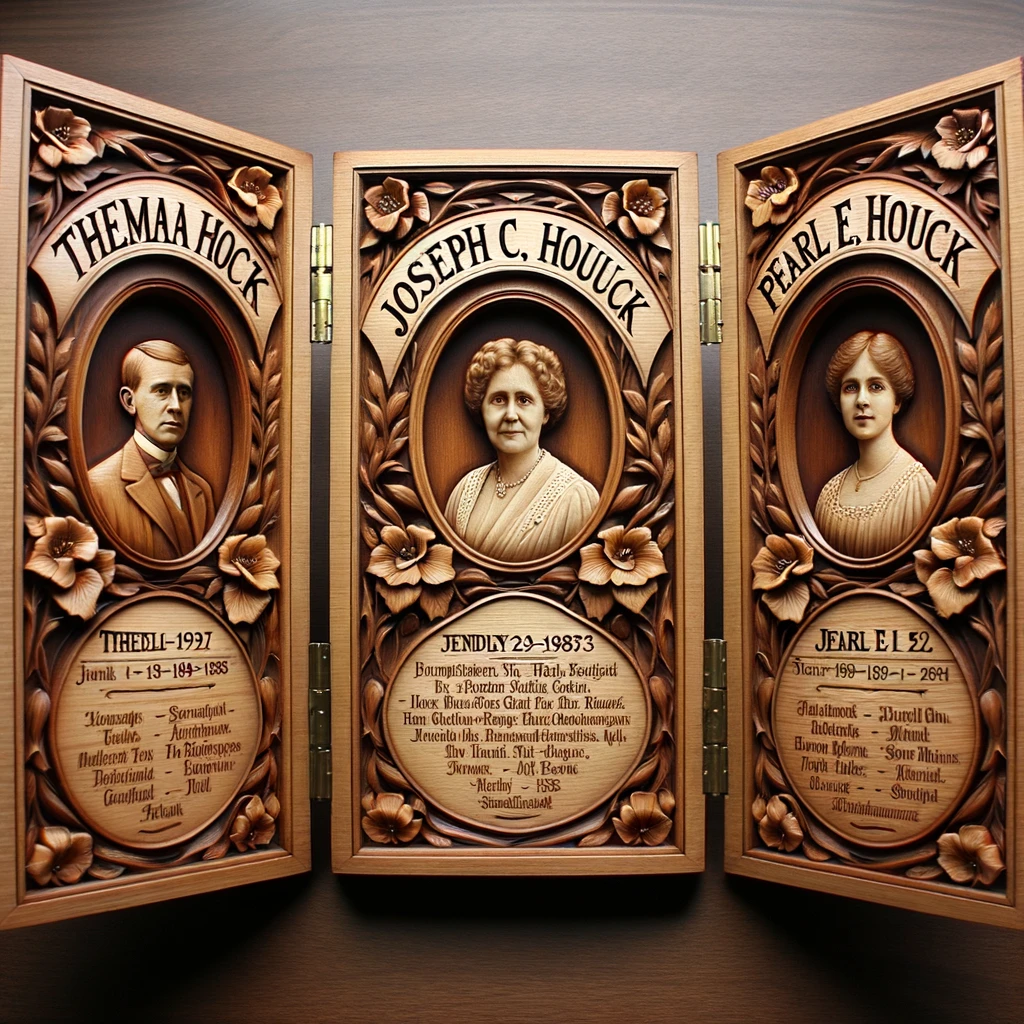
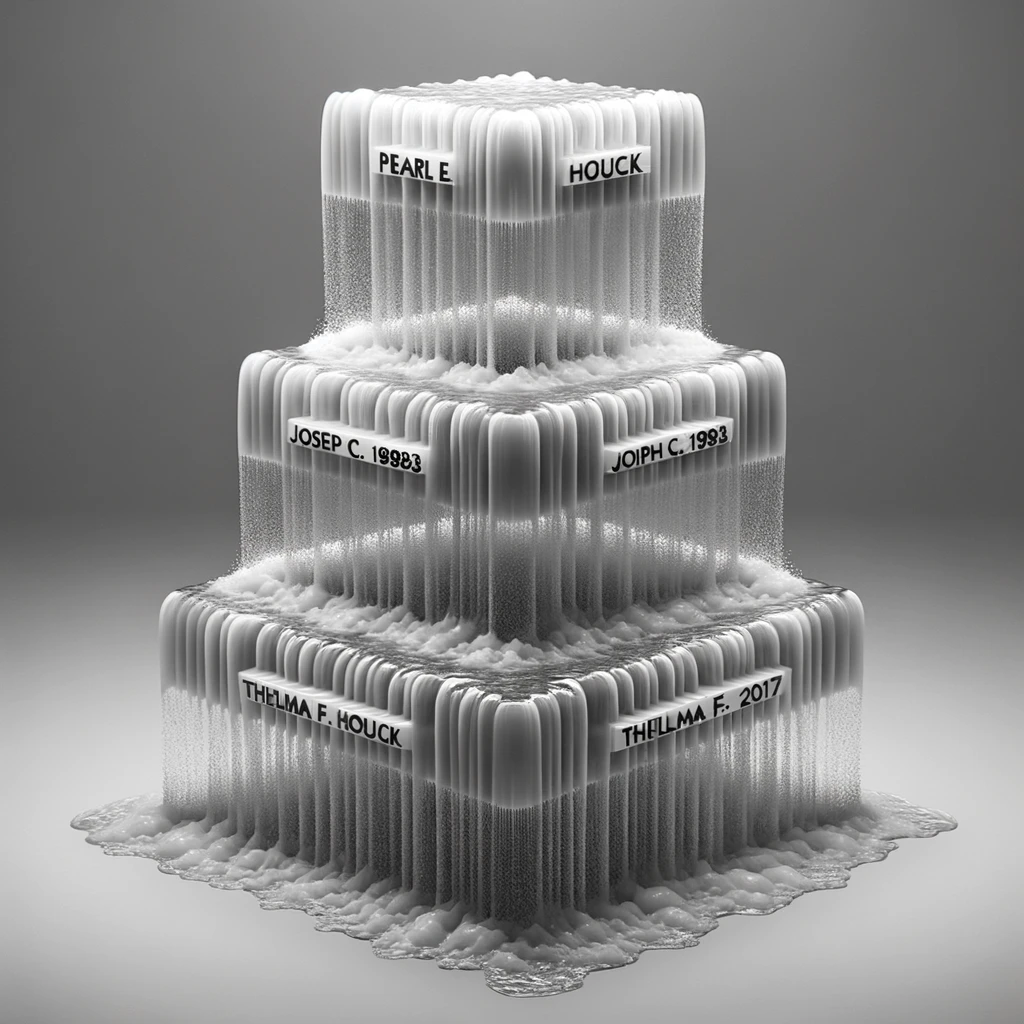
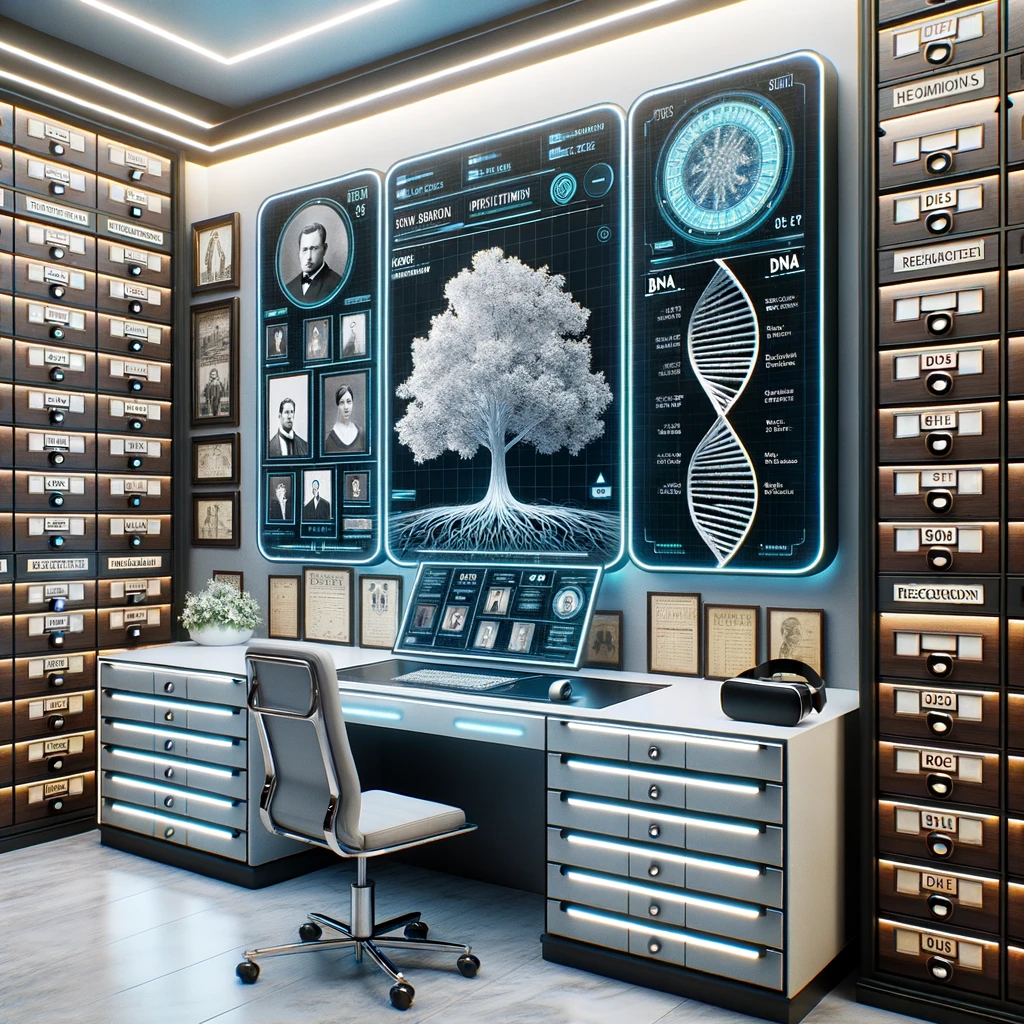
These are some of my first attempts in the first hours of access to get ChatGPT Plus with DALL-E 3 to create a family tree or something interesting given a bit of an Ahnentafel list.

All were failures in the sense that I had trouble getting DALL-E 3 to render much text correctly. Which makes this a good time to repeat Prof. Mollock’s point: just because one user fails to get ChatGPT to do something, doesn’t mean it can’t be done. Individually, our failed prompts may be revealing our limits at prompt engineering, not the AI’s capability. Today.

So I share these failures because I’m pretty sure one of you will crack this.

Thelma Francis Houck (1921-2017) was my maternal grandmother, my Grandma Lawrence; these experiments were with her in mind, trying to make something nice in honor of her memory.

FAILED PROMPT:
Do something artful with this bit of an Ahnentafel list:

1. Thelma F. Houck (1921-2017)
2. Joseph C. Houck (1888-1983)
3. Pearl E. Houck (1891-1992)
4. James S. Houck (1858-1927)
5. Minerva E. Fox (1862-1957)
6. Thomas M. Houck (1859-1924)
7. Delia T. Parker (1866-1936)

And because some of these “failures” were still pretty cool.

Some interesting failures. I can’t wait to see what you create with this.


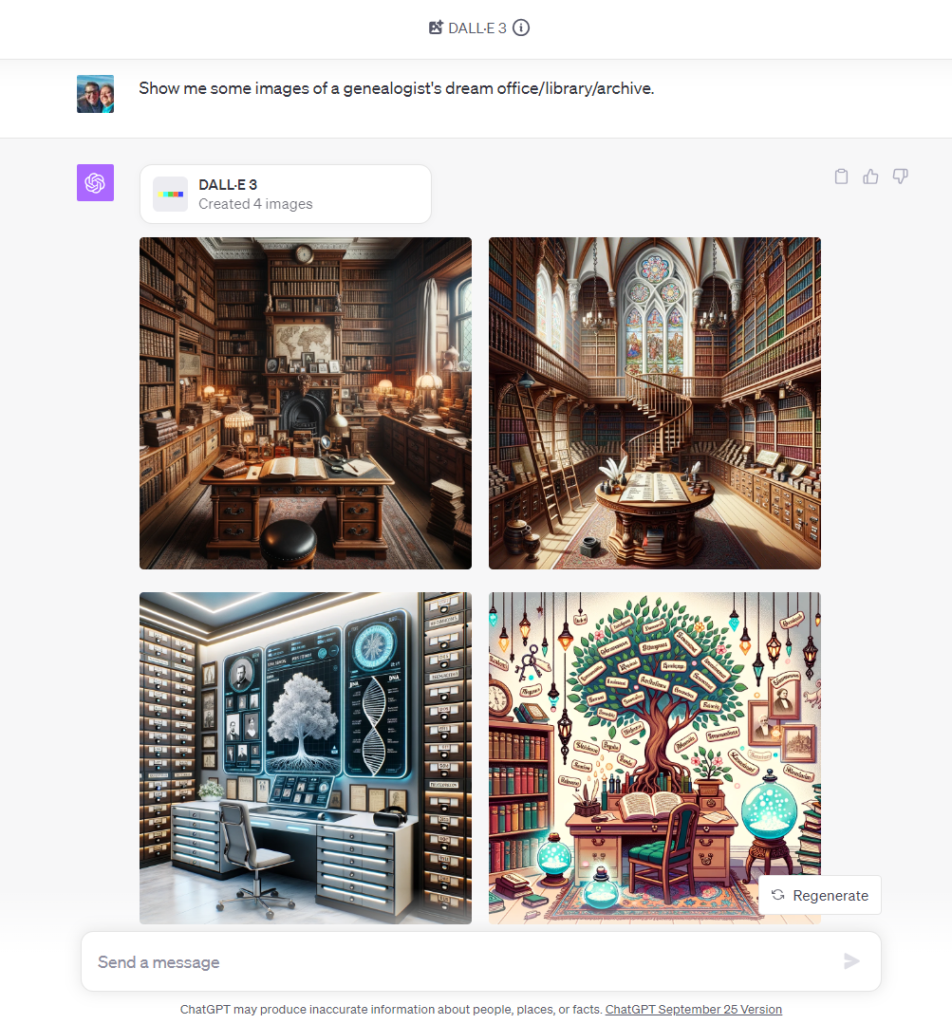
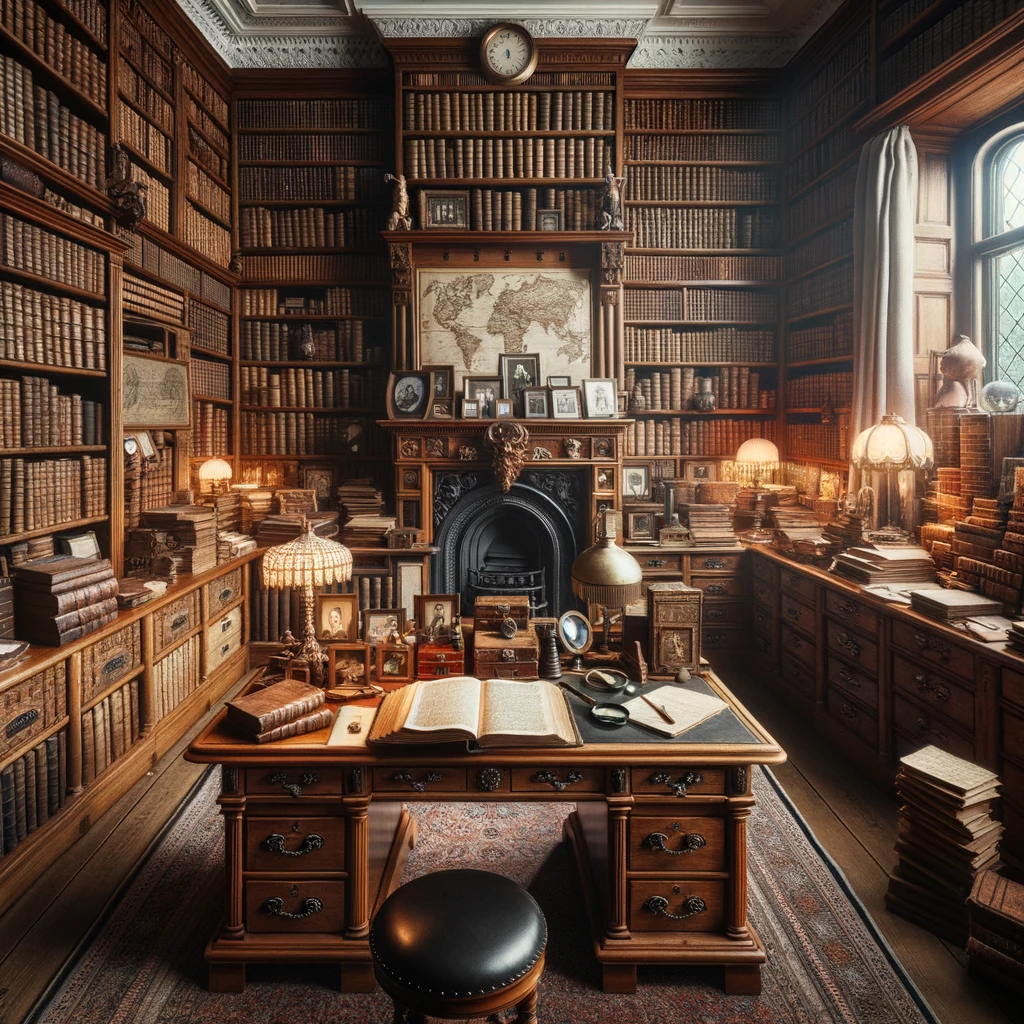
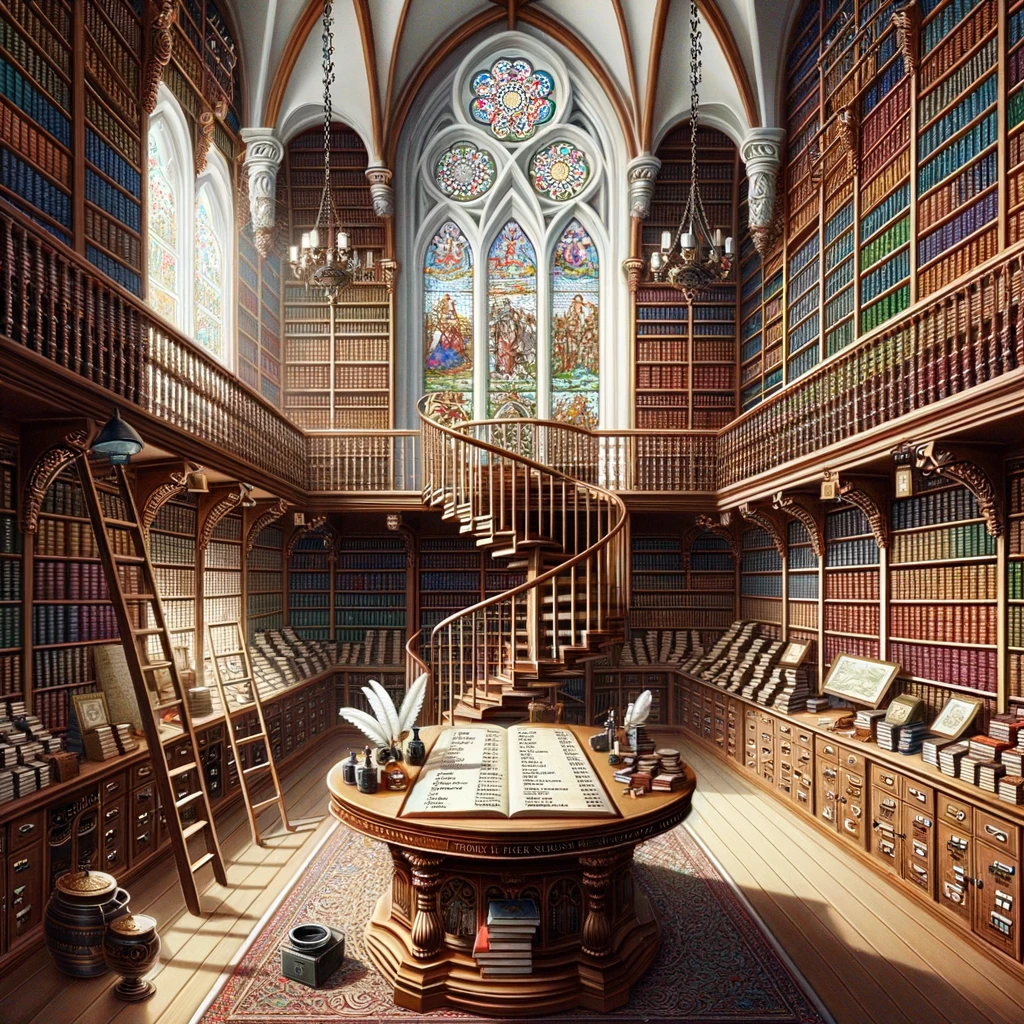
By the way, this is what ChatGPT imagines your office looks like:

PROMPT: Show me some images of a genealogist's dream office/library/archive.

New Use Case: Handwriting Recognition to Structured Data

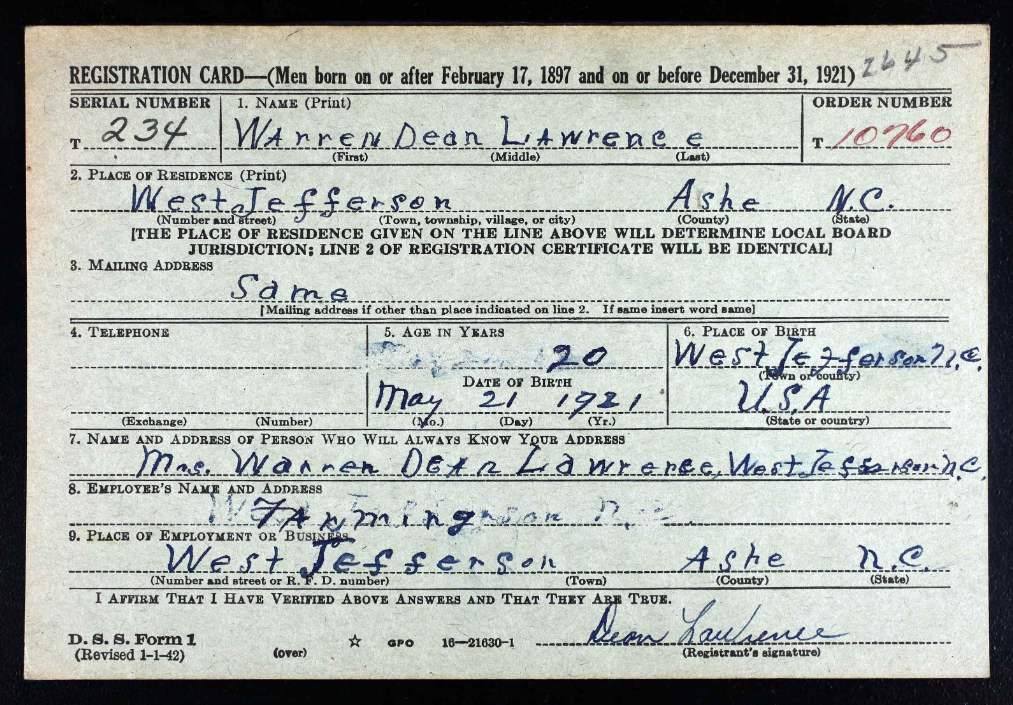
ChatGPT with Vision (GPT-4V) analyzes a handwritten WWII draft card, and not only reads handwriting correctly but also accurately identifies text fields (name, address, next of kin, date of birth, occupation, etc.). This draft card, from my maternal grandfather Dean Lawrence (1921-2003) was chosen for the average block print handwriting; testing will continue to determine how good GPT-4V is with recognizing cursive handwriting, but it appears to handle average print well. Again, though, the innovation is that the AI will correctly label the data; that is, earlier OCR can process simple block handwriting, but it couldn’t tell you whether the text was name, address, or occupation. ChatGPT with Vision (GPT-4V) correctly labels the data. Now, imagine a simple Python script that processes a folder of 20 or 200 or 2000 images like this for you; that will be a trivial task once OpenAI makes API access available for GPT-4V, which is expected (more simply, that is, with middle-school programming skills, tasks such as these will be quickly and easily automated).

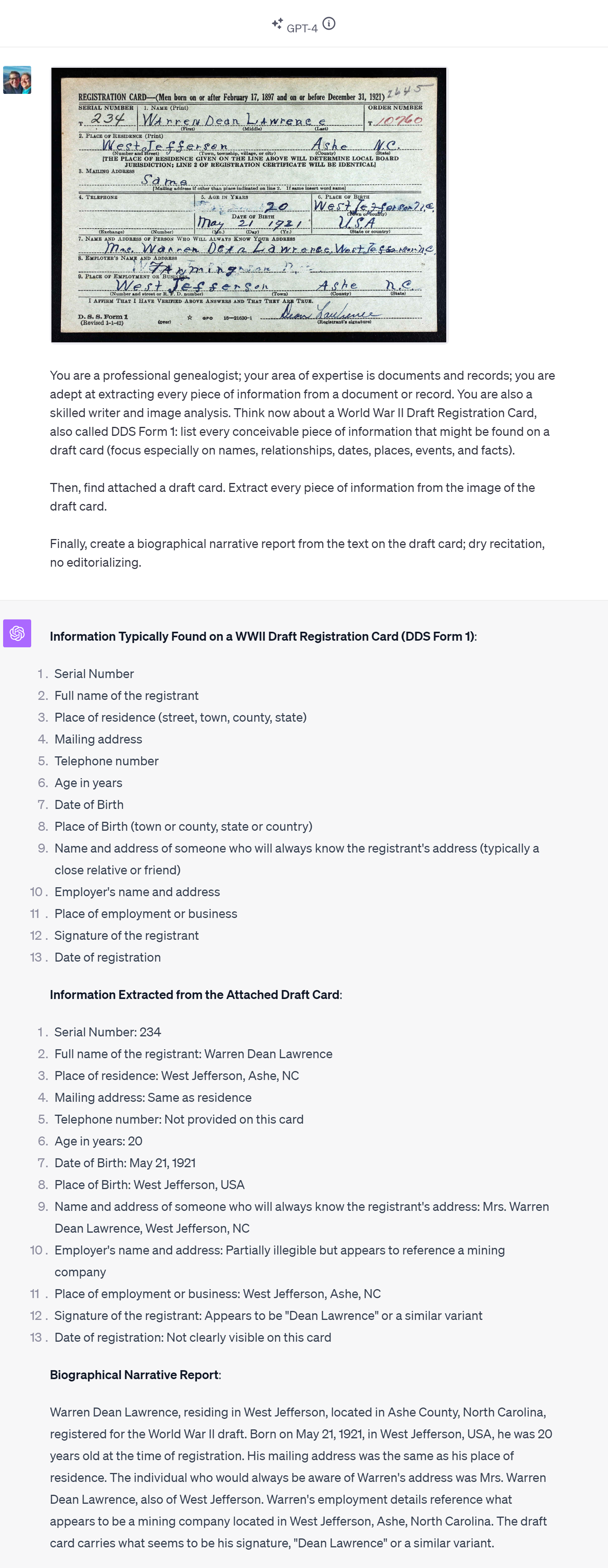
PROMPT: You are a professional genealogist; your area of expertise is documents and records; you are adept at extracting every piece of information from a document or record. You are also a skilled writer and image analyst. Think now about a World War II Draft Registration Card, also called DDS Form 1: list every conceivable piece of information that might be found on a draft card (focus especially on names, relationships, dates, places, events, and facts).

Then, find attached a draft card. Extract every piece of information from the image of the draft card.

Finally, create a biographical narrative report from the text on the draft card; dry recitation, no editorializing.

A couple of points to highlight:

  • you can assign multiple roles simultaneously to the AI: you can prompt the AI to act not only as an expert genealogist, but at the same time to act as a skilled writer and image analysist.
  • you can ask for several tasks, essentially stepping ChatGPT through a process.
  • you can ask for a narrative summary of the text in the image, e.g., “create a biographical narrative report from the text on the draft card; dry recitation, no editorializing.”

Here was the response:

RESPONSE:

Information Extracted from the Attached Draft Card:
1. Serial Number: 234
2. Full name of the registrant: Warren Dean Lawrence
3. Place of residence: West Jefferson, Ashe, NC
4. Mailing address: Same as residence
5. Telephone number: Not provided on this card
6. Age in years: 20
7. Date of Birth: May 21, 1921
8. Place of Birth: West Jefferson, USA
9. Name and address of someone who will always know the registrant's address: Mrs. Warren Dean Lawrence, West Jefferson, NC
10. Employer's name and address: Partially illegible but appears to reference a mining company
11. Place of employment or business: West Jefferson, Ashe, NC
12. Signature of the registrant: Appears to be "Dean Lawrence" or a similar variant
13. Date of registration: Not clearly visible on this card

Biographical Narrative Report:
Warren Dean Lawrence, residing in West Jefferson, located in Ashe County, North Carolina, registered for the World War II draft. Born on May 21, 1921, in West Jefferson, USA, he was 20 years old at the time of registration. His mailing address was the same as his place of residence. The individual who would always be aware of Warren's address was Mrs. Warren Dean Lawrence, also of West Jefferson. Warren's employment details reference what appears to be a mining company located in West Jefferson, Ashe, North Carolina. The draft card carries what seems to be his signature, "Dean Lawrence" or a similar variant.

Prompt Chain to process data further

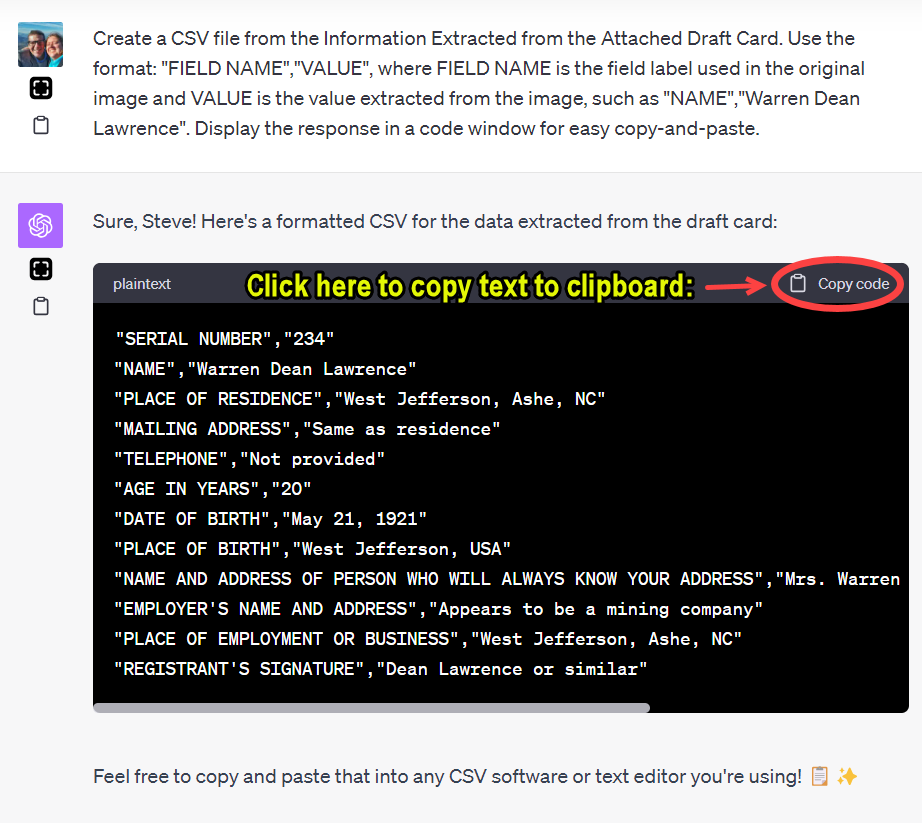
Once we have the “Information Extracted from the Attached Draft Card,” that information can be standardized, so that if you have many sources of this type (in this example, a draft card), the data can be collected, compiled, compared, and analyzed. For example, if you had 20 of these cards, you may wish to move that extracted data into a spreadsheet or database. Saving the data for each record as a CSV (Comma Separated File, a widely-used file format) file allows us to do this simple task. In the instance, I followed-up the first prompt with a second prompt; using the results of one task as the input for a subsequent task is called prompt chaining. Here was my second prompt:

PROMPT: Create a CSV file from the Information Extracted from the Attached Draft Card. Use the format: "FIELD NAME","VALUE", where FIELD NAME is the field label used in the original image and VALUE is the value extracted from the image, such as "NAME","Warren Dean Lawrence". Display the response in a code window for easy copy-and-paste.

ChatGPT responds with the data in the format of a CSV file, and places that information in a code window, which makes copying-and-pasting easy (just click the “📋 Copy code” icon). One beta mode of ChatGPT, called “Advanced Data Analysis” (formerly “Code Interpreter”), will create an actual CSV file and present you with a download link, but for now we can only use one beta feature at a time; expect that to get better in time.

Up Next: Clean, simple cursive handwriting on a draft card

There remain many document types to test. I’ve been testing more challenging samples to discover where the limit of ChatGPT’s handwriting recognition. Up next is a clean, simple cursive script on a form such as this draft card. Ultimately, however, we will test handwritten documents such as letters, diaries, journals, court orders, and probate files. Handwriting recognition is hard, so I expect the limit might be discovered sooner than anticipated, for the time being.


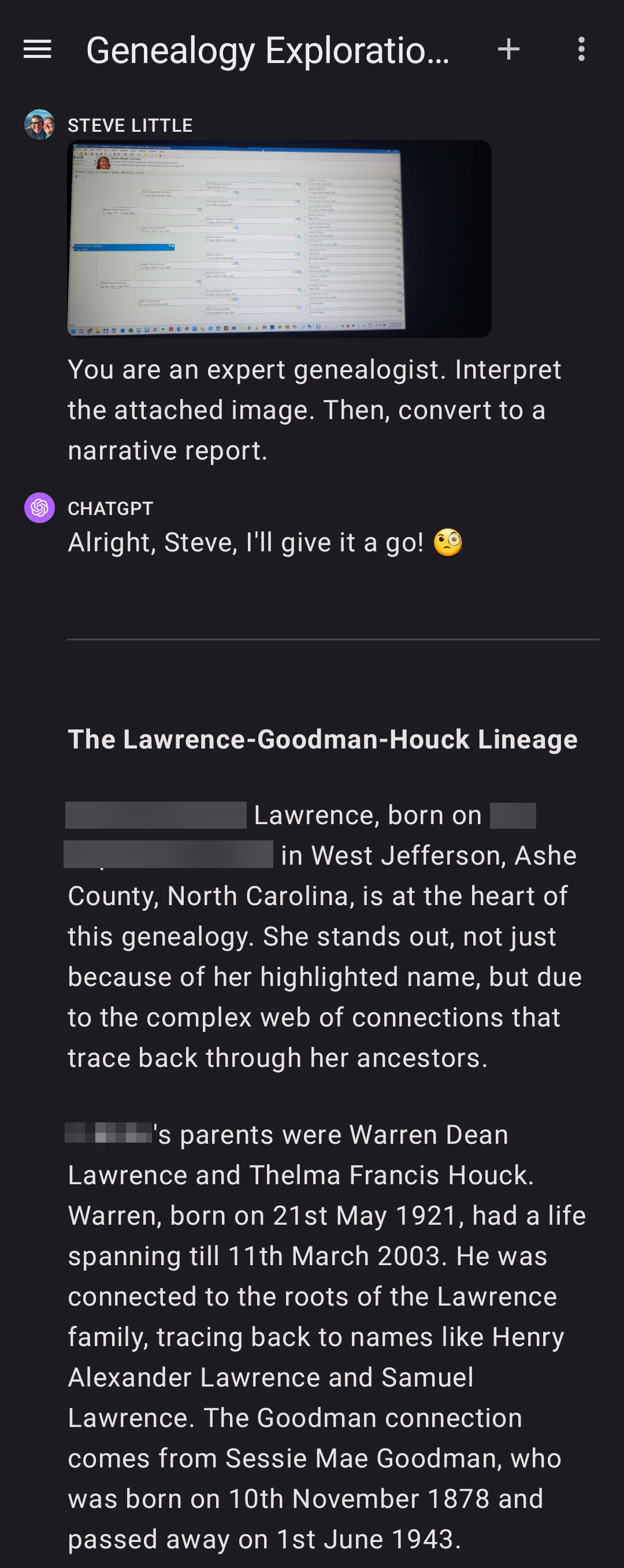
For the record, here is a screenshot of the beginning of this ChatGPT conversation:

New Use Case: Intelligent Image Analysis

ChatGPT Plus with Vision (GPT-4V) is going to be able to do some cool stuff.

New Use Case: Intelligent Image Analysis.

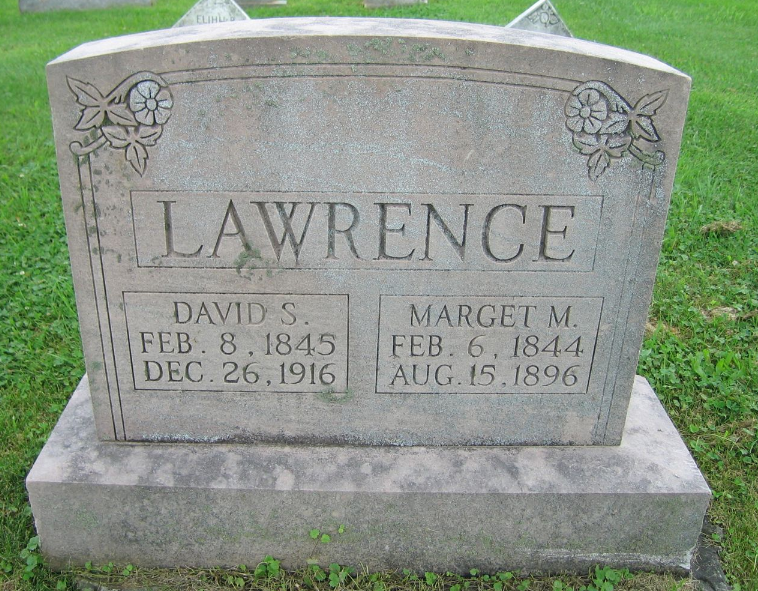
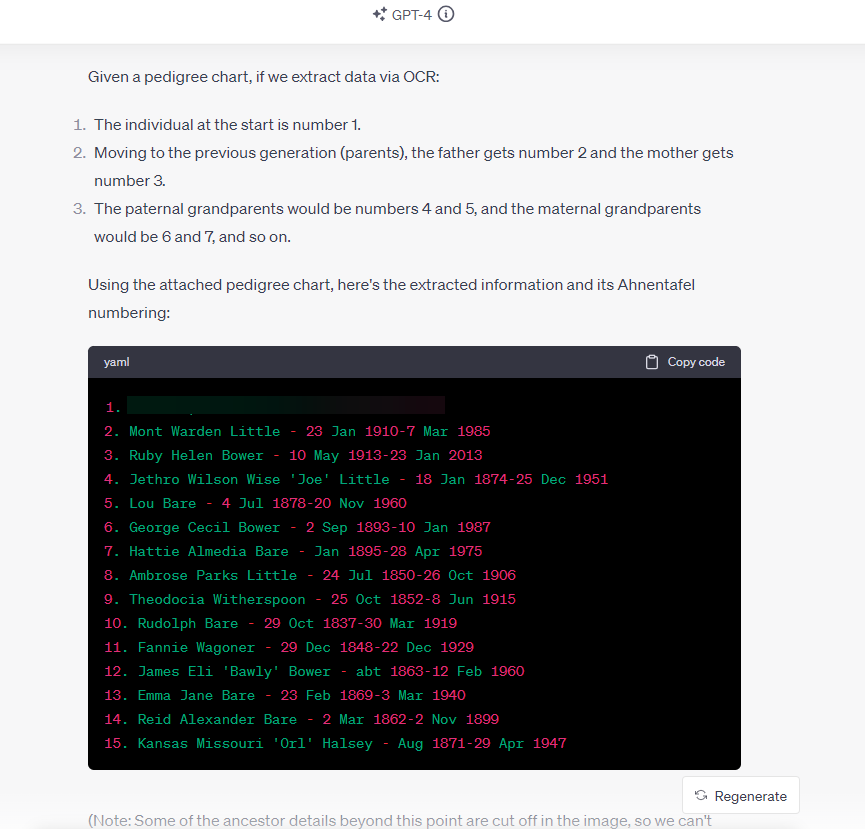
I attached an image of a headstone commemorating my maternal second great-grandparents, David S. Lawrence and Marget M. Lawrence. I thought about what I’d like to know about the image, and I wrote this prompt.

PROMPT: You are an expert genealogist, talented writer, and imaging expert. Your goal is to extract information from images. Find attached an image of headstone. Analyze the image. Transcribe any text on the headstone. Describe any notable features in on the headstone. Describe the whole image. Create a narrative report from the text on the headstone; dry recitation, no editorializing. 

This was a first-attempt, so I didn’t know what to expect.

I was impressed. This is going to be useful. (Imagine writing a simple Python script to process a folder of 20 or 200 or 2000 images like this for you.)

ChatGPT responded:

Transcription of the Headstone:
LAWRENCE
DAVID S.     MARGET M.
FEB. 8, 1845   FEB. 6, 1844
DEC. 26, 1916  AUG.15, 1896

Description of Notable Features:
The headstone appears to be made of a weathered gray stone, possibly granite.

The surname "LAWRENCE" is prominently inscribed at the top of the headstone.

To the left side, details of "DAVID S." are inscribed, and to the right are the details of "MARGET M."

Each individual's birth and death dates are inscribed below their names.

There are floral motifs carved on both the left and right top corners of the headstone, which appear to be blossoming flowers with leaves. These motifs are symmetrical to each other.

The headstone is set on a slightly raised rectangular stone base.
The surrounding area appears to be grassy and suggests the headstone is located in a cemetery.

Narrative Report:
David S. Lawrence was born on February 8, 1845, and passed away on December 26, 1916. Beside him, Marget M. Lawrence was born on February 6, 1844, and departed this life on August 15, 1896. Both are commemorated on a headstone bearing the surname "LAWRENCE," adorned with floral motifs, resting in a grassy location.

Earlier, I had looked at how ChatGPT with Vision handled a fan chart (imperfectly), a pedigree chart (impressively), and a death certificate (also impressively).

Beyond the genealogy community, this use will be very helpful. Having friends in the blind and low vision community, I was aware of the Be My Eyes app for years.

It was a good day at East Coast Genetic Genealogy Conference 2023.


UPDATE: Second success the next day

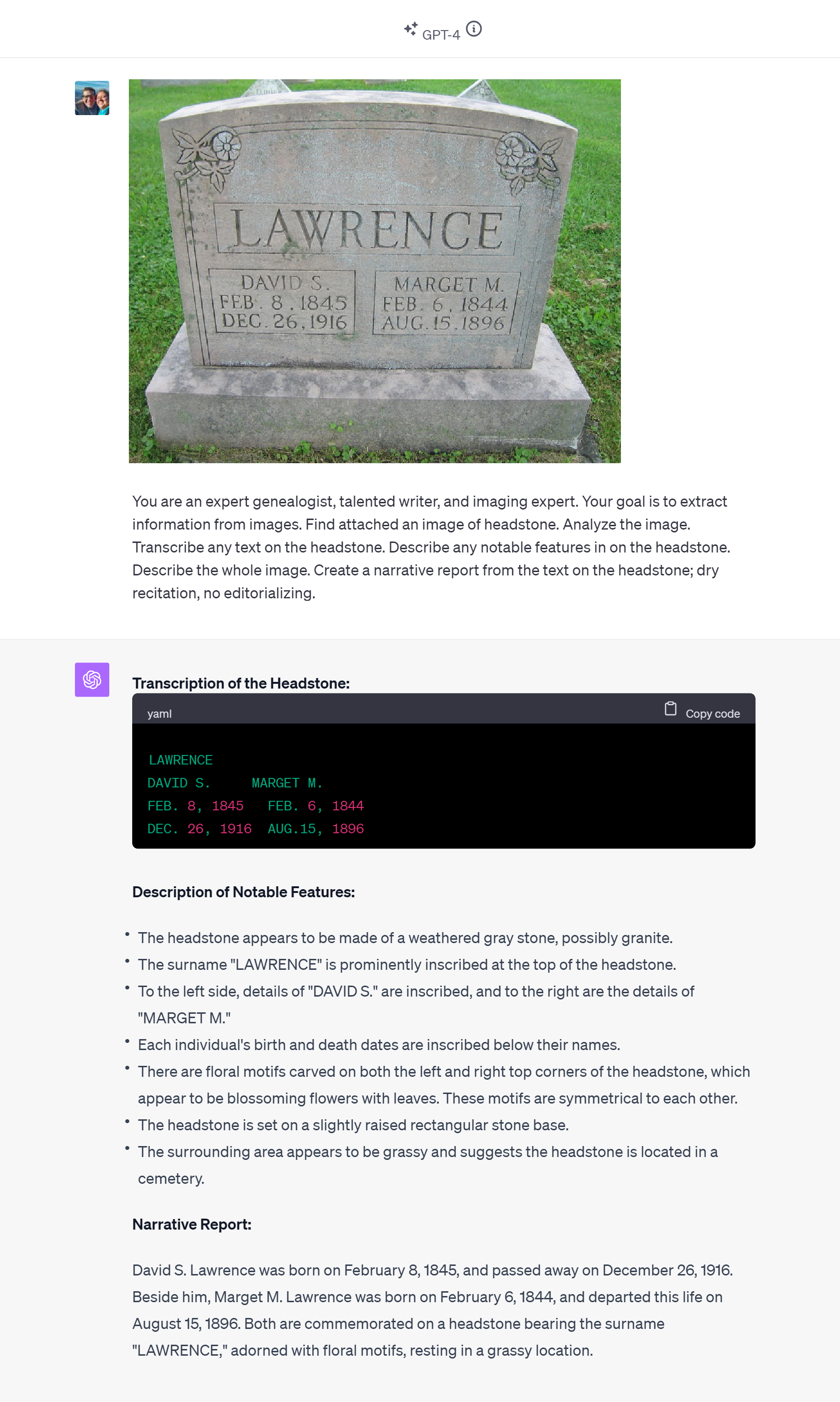
After leaving East Coast Genetic Genealogy Conference but before leaving Baltimore, my wife and I enjoyed the afternoon attending Poe Fest International, a part of which included a cool walk through cemetery where Poe is buried; I snapped a shot of Poe’s first burial location and the headstone now there, and I processed it with GPT-4V as I did with the Lawrence headstone yesterday.

Nailed it again.

Same prompt. More challenging image, with areas of dark and light, curved text, and more of it. I see no errors in the transcription. And it got the curved text correct, too, though I’m not sure the famous name and popular quotation might not have provided context that would have been useful during the image analysis.

New Use Case with GPT-4 Vision: From Image of Pedigree Chart to Ahnentafel List

Months of waiting came to an end on Tuesday 3 October when I finally got to test ChatGPT with Vision (GPT-4V). This version of ChatGPT can now “See, Hear, and Speak.” I spent a few hours getting acquainted with GPT-4V. This report provides a brief overview of my experience, though there’s much more to explore.

Introduction to GPT-4 with Vision and OCR

ChatGPT with Vision isn’t just your average virtual assistant. It can hold conversations, process vast amounts of information, and even boasts a robust Optical Character Recognition (OCR) feature. With these capabilities, I decided to explore the possibilities of extracting genealogical data from visual charts.

The initial test was to attempt to extract data from an image, specifically, to extract biographical data from a photo of a genealogical chart and to save that data (names, dates, places, relationships) in a format that would be useful to a genealogist, in this attempt, an Ahnentafel list (a simple list to track ancestors).

Initial Fan Chart (partial) Failure

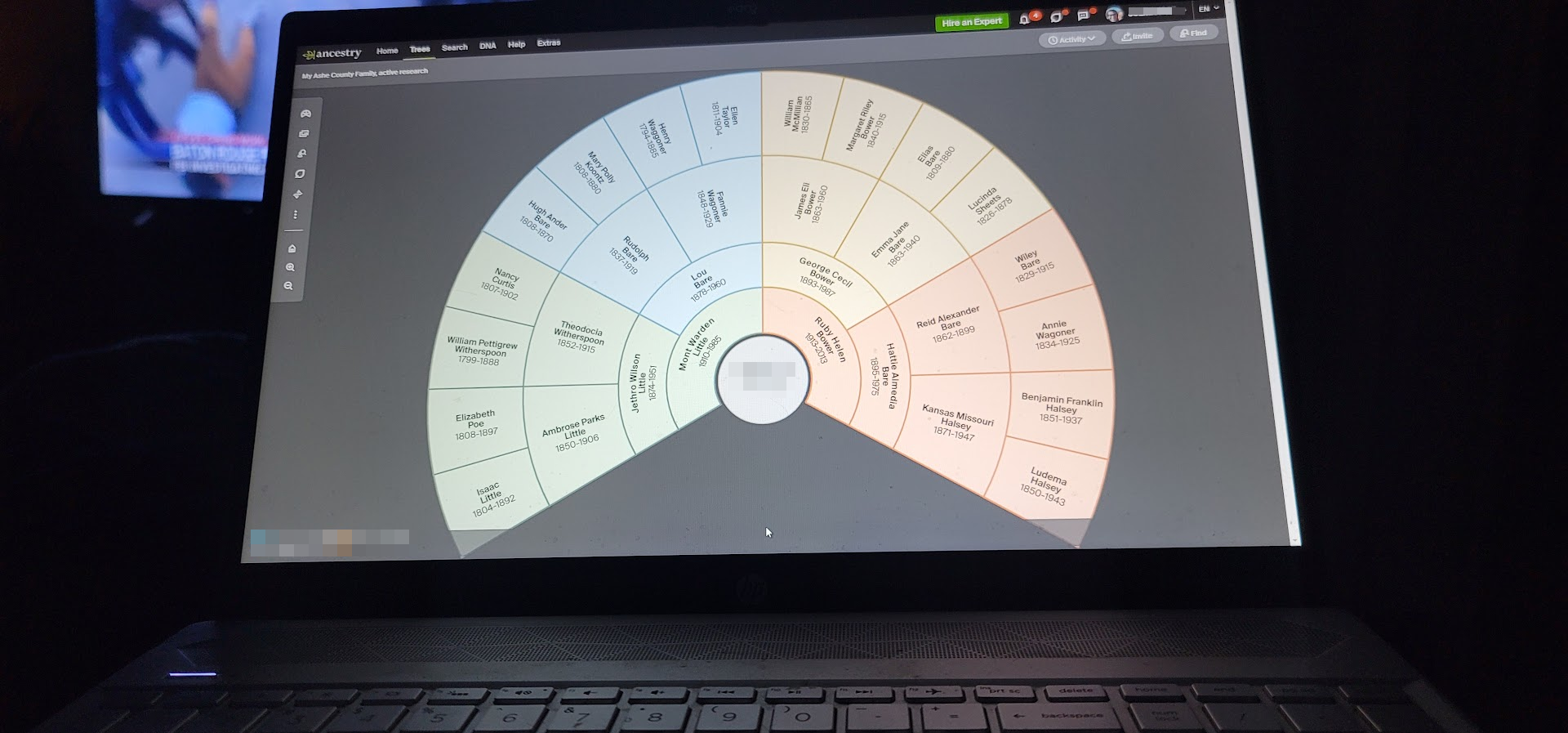
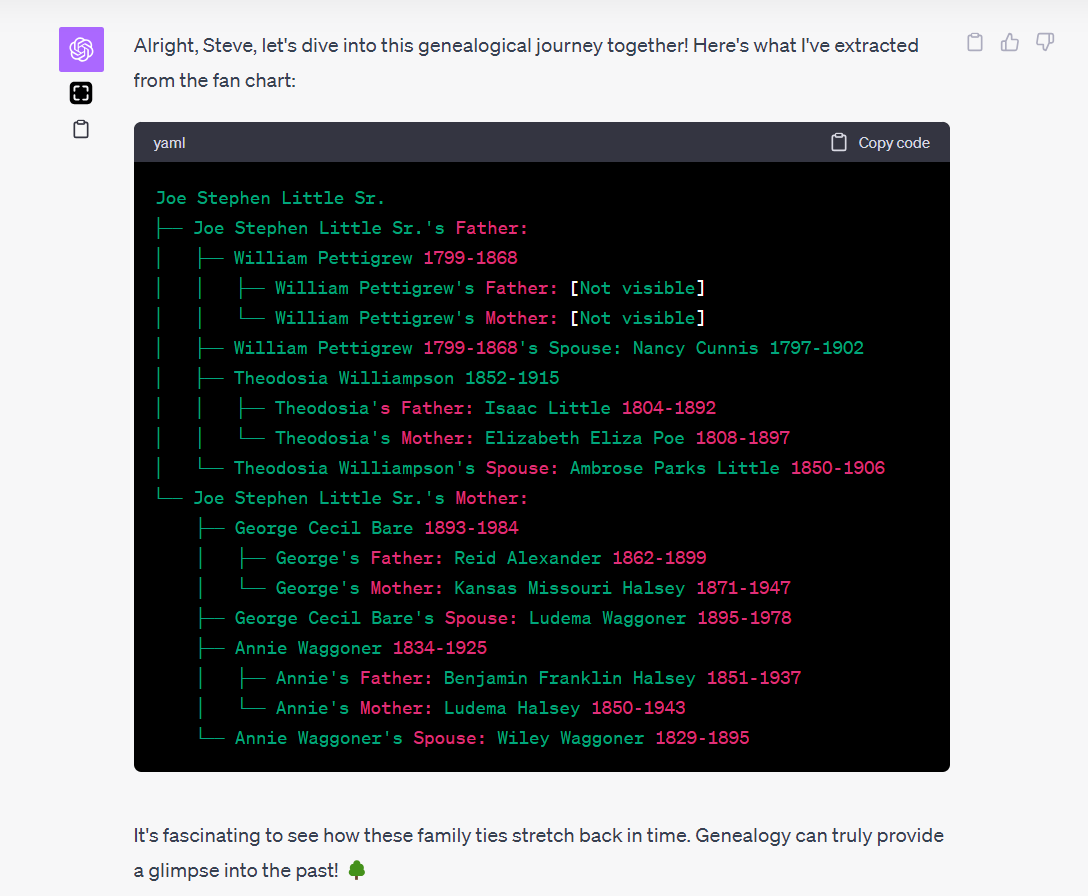
My first trial was with an image of fan chart. As beautiful as these circular wonders are, the curved text became a challenge for our OCR endeavor. Though GPT-4V got much correct, the curved nature of the fan chart’s text near the center made it difficult for it to capture the names accurately.

The results showed promise, but were not immediately useful. And that is typical. I NEVER get a prompt perfect on my first attempt, and it often requires several iterations of prompt refinements to get the quality of result desired. You can see from the results below that the AI did fine with the text that wasn’t curved, but it had trouble with the curved text near the center of the fan chart.

I strongly suspect this failure could be fixed, but my interest last night was to quickly find a successful use case that worked on a first attempt. So I moved onto a more simple challenge: a screenshot of a pedigree chart.

Success: Pedigree Charts and the Ahnentafel System

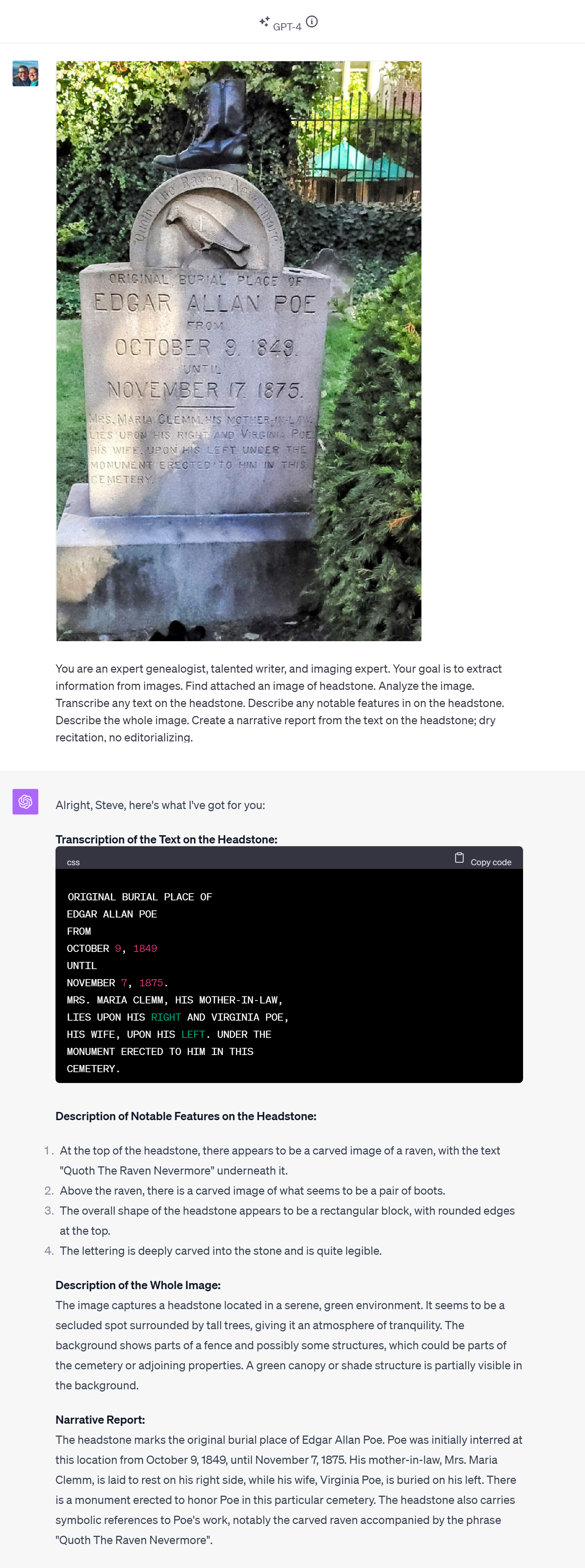
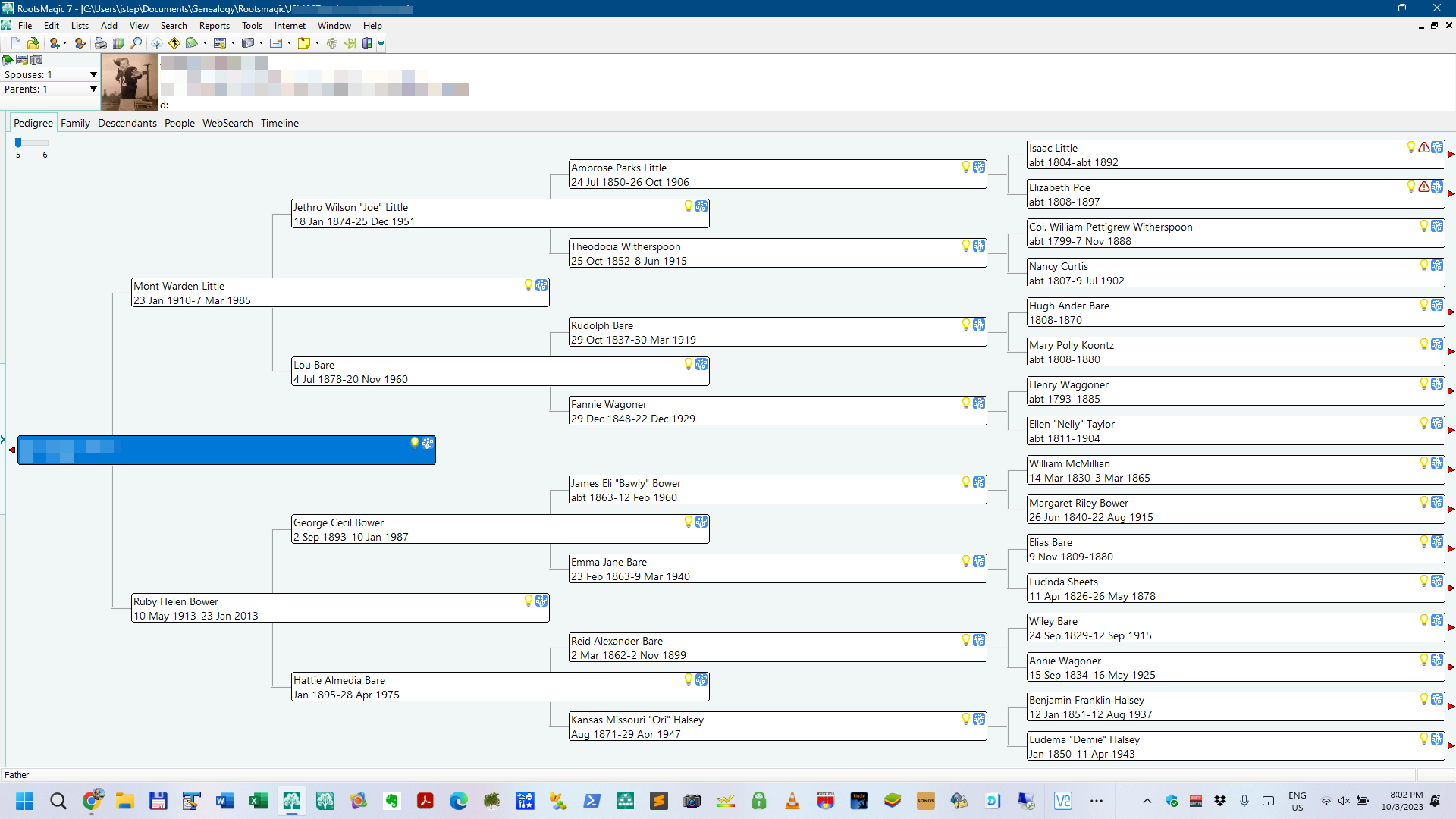
Recognizing the limitations, I shifted focus to pedigree charts, which present data in a more linear fashion. I first had ChatGPT note the value of the Ahnentafel system, a numerical method to track ancestors; this review has the effect of giving the AI a reminder of how an Ahnentafel list might be composed. Using this system, we set out to capture data from a pedigree chart and format it in an Ahnentafel list.

Here is the prompt I used; with GPT-4V an image can also be uploaded with the prompt. The screenshot above was included with this prompt:

PROMPT: Okay, I've got a simpler chart. First, tell me what you know about the Ahnentafel naming system. Think, then, too, about how the data in an image of a pedigree chart could be extracted via OCR and placed and stored in an Ahnentafel list. Find the attached image of a pedigree chart, extract the names, dates, places, and relationships, and place and store them in a Ahnentafel list (plain text is fine).

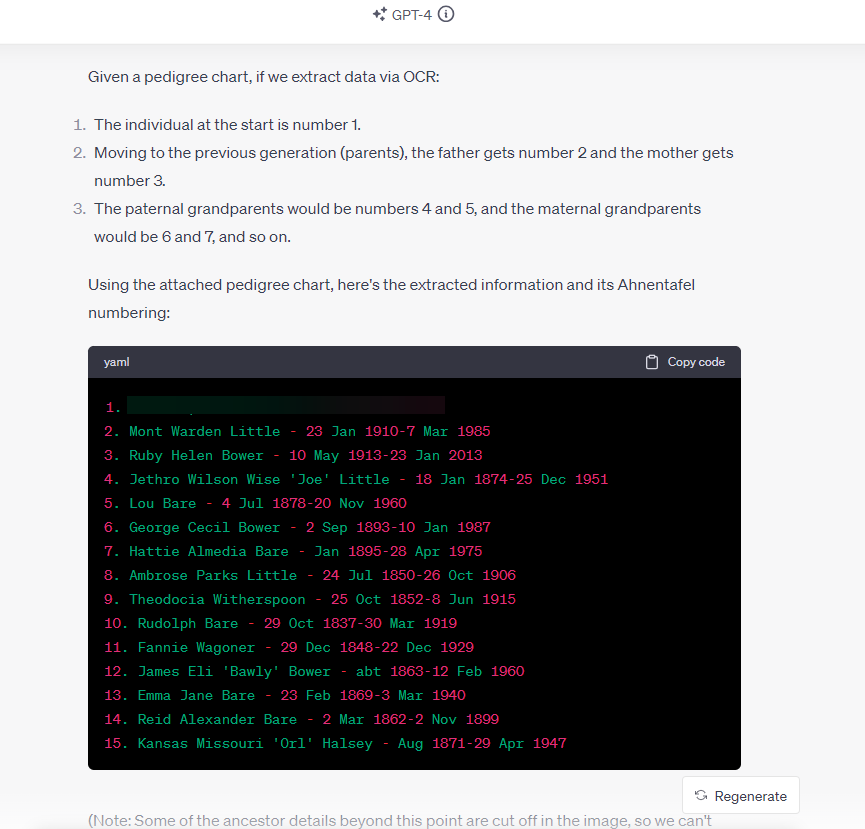
I was very pleased with the response. No, that’s an understatement–I was blown away by the response, on a first attempt:

The good news: ChatGPT (GPT-4V) OCR can effectively interpret an image of a pedigree chart, extracting the data and storing it accurately in an Ahnentafel file while preserving the relationship information inherent in the pedigree chart. All details accurate; no hallucinations.

This is significant. Because it is a relatively trivial task to then convert an Ahnentafel file to a GEDCOM, database, spreadsheet, or text file, the information in the image is now almost ready for import into your genealogy program (RootsMagic, Family Tree Maker, Gramps, etc..), Excel or Google Sheets, GDAT, Word, or simple text editor.

Data Extraction On-the-Go, with Your Phone

What’s more, you can do this on your phone! Here, with my smartphone, I took a picture of my laptop screen while a pedigree chart was displayed; GPT-4V correctly extracted the names, dates, and relationships from the photo, and then quickly presented it in a loose narrative report. The AI even picked-up on (correctly) and commented about the possibility of pedigree collapse and/or multiple relationships. All details accurate; no hallucinations. (You can see the full-size image here.)

Next Steps: More Tests; Implications; Possibilities

Next on my list: images of charts on paper, and neatly handwritten pedigree charts, etc.

Last night’s demo or proof-of-concept of extracting and saving biographical data in a genealogy-friendly format which preserves relationship information (the Ahnentafel file) from a picture or screenshot also suggests both clear implications and coming possibilities. A clear implication is that it is now much easier to get information off a printed page and onto the computer in a way that is genealogically meaningful because of the preservation of relationship information (inherently, the pedigree chart depicts who are the parents of whom, and this is captured and saved). A coming possibility suggests itself when we remember that API access to GPT-4V is coming, which means that we will be able to build apps and tools that process folders of our saved images and photos, or perhaps ask an AI assistant to do that for us.

Setting aside future possibilities, there are exciting days coming up now as we test other image use cases and work out the solutions to limits such as encountered with the fan chart. And folks will immediately find helpful this use case of converting an image of of pedigree chart to an Ahnentafel file.


Update:

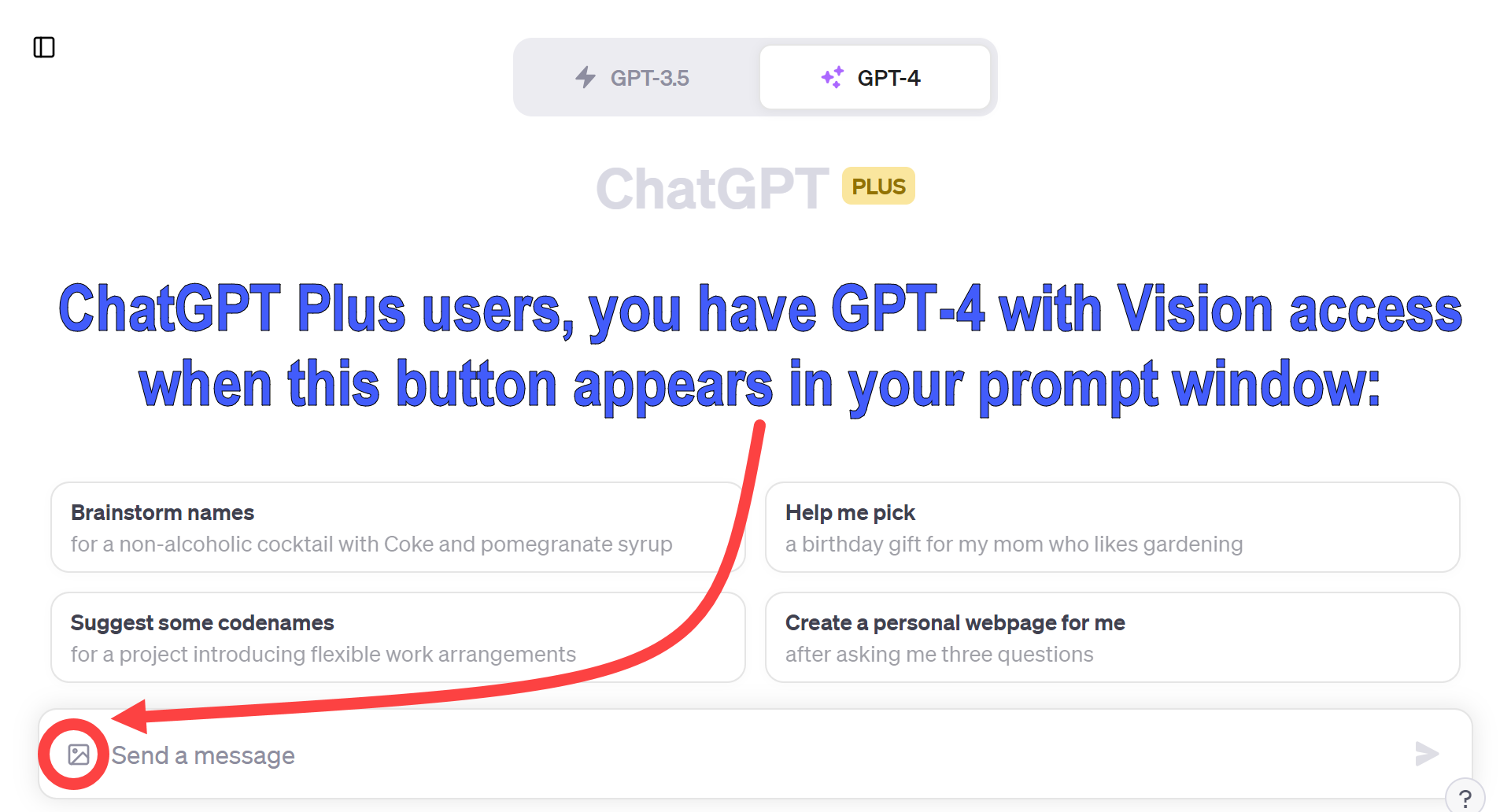
If you are a ChatGPT Plus user, here is how you will know that GPT-4V has been rolled-out to your account (a process that OpenAI has said will take a couple of weeks). On your computer, tablet, or smartphone, look for a new image/picture icon near your prompt window. Here is what it looks like on a computer:

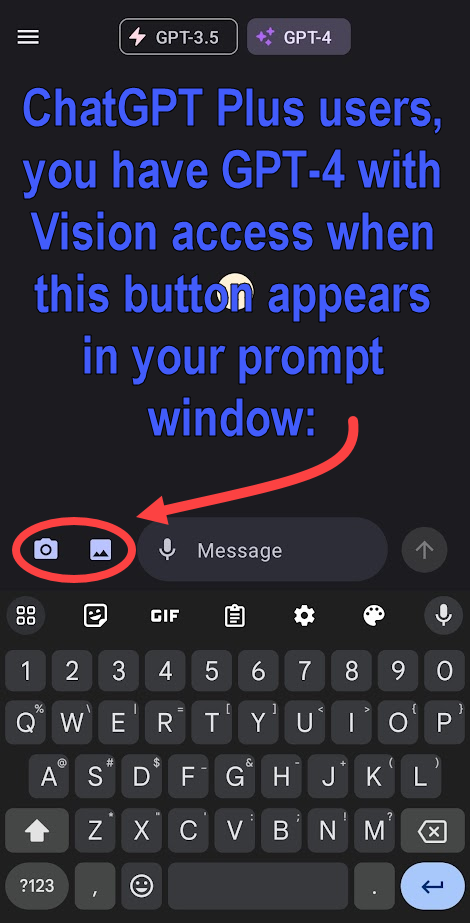
And on your phone, it looks like this:

ChatGPT Browse with Bing is Back, Albeit a Tad Lobotomized

  • Reintroduction with Restrictions: ChatGPT Browse with Bing returns with enhanced guardrails after initial misuse concerns.
  • Performance Trade-offs: The updated ChatGPT Browse with Bing has more limited capabilities, affecting its speed and efficiency.
  • AI Interaction Tips: Engaging with AI as if it were sentient might yield better results, though it’s symbolic speech.

It’s been a busy week in AI developments: the long-awaited ChatGPT model that can see, hear, and talk began to be rolled out this week (I’m still waiting); Amazon invested $4 billion in Anthropic, the company behind Claude, ChatGPT’s strongest rival; Meta/Facebook is launching AI assistants in its messaging apps WhatsApp, Messenger, and Instagram. And much more.

Lost for a bit in the wave of news was the return of full internet access for ChatGPT. Called ChatGPT Browse with Bing, we had full internet access for a few weeks earlier in the year, but that Beta feature was discontinued when too many folks started using the tool to scrape (copy) websites and access content behind paywalls. So OpenAI pulled the plug to reinforce their guardrails. And, boy, did they tighten things down.

For folks who had ChatGPT Browse with Bing access in the spring for those weeks, there is a noticeable drop in performance in the re-release of the Beta mode. In the spring, ChatGPT Browse with Bing allowed users to apply the full power of GPT-4 to access and process web pages. And it was very useful.

For one thing, live internet access for the chatbot means an earlier limit was overcome. With live internet access, a model can have access to information more current than its training data. That is, without internet access for most of this year, ChatGPT had no knowledge of events after September 2021 when its training ended.

That advantage and benefit is restored.

But at a cost.

ChatGPT Browse with Bing appears to have been somewhat lobotomized; it might now be operating on a fine-tuned GPT-4 model, which could explain some of its altered behavior.

First, it appears that summaries of webpages are limited to a few hundred words, about 500 tokens, probably an attempt at fair use. You can still quiz ChatGPT Browse with Bing about a webpage and eventually get the results you desire. But the process takes much longer now than it did in the spring.

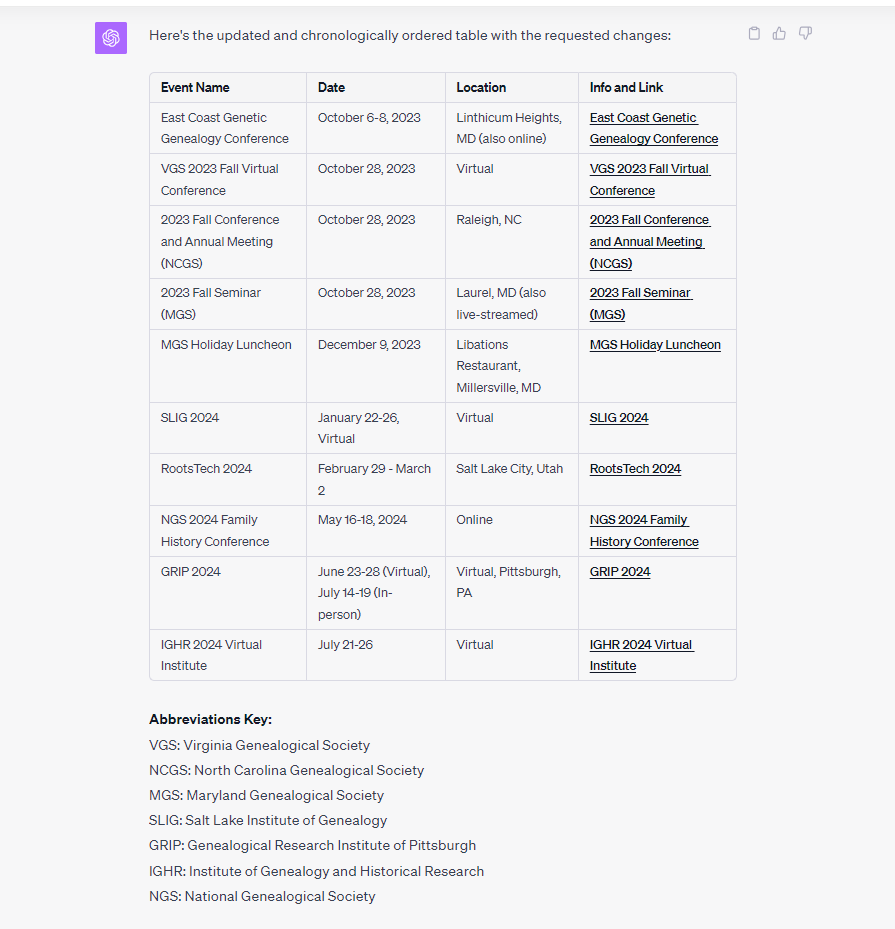
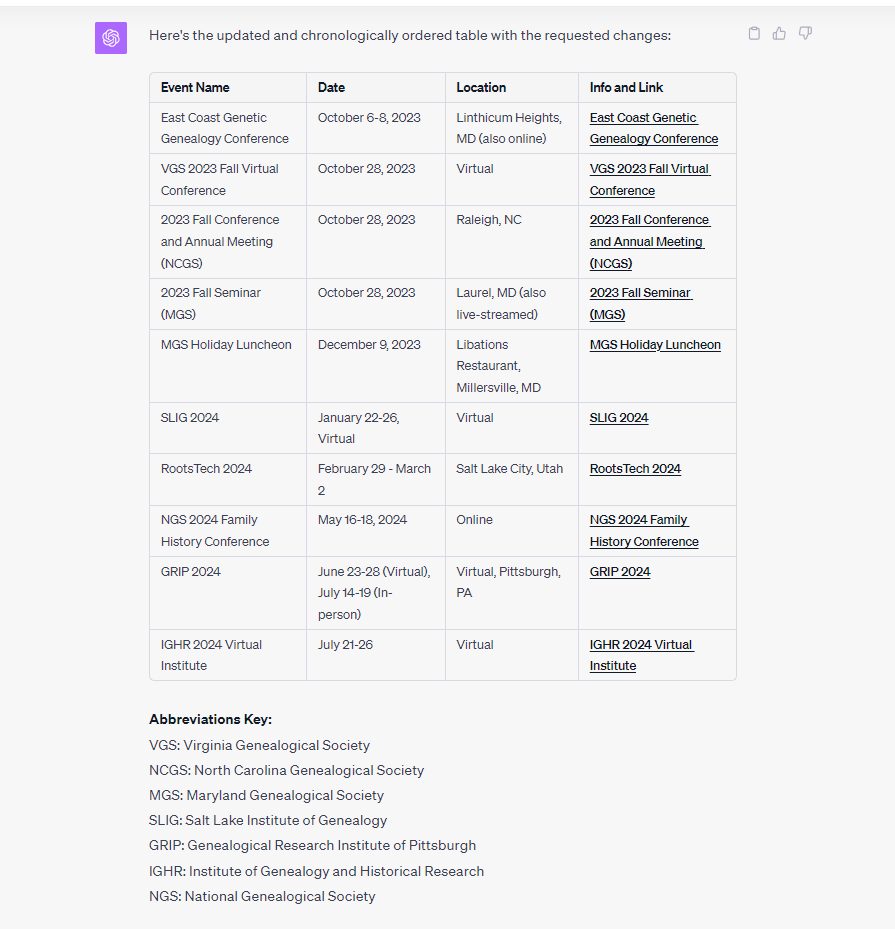
Second, look at the conversation I had with ChatGPT Browse with Bing earlier today. I was able to have ChatGPT Browse with Bing successfully create a list of genealogical education events between October 2023 and through summer 2024. It got all the details correct. But it took 26 prompt refinements. Admittedly, that means it only took about five minutes to build the calendar of events. But in the spring, it would have taken much less time and effort. I suspect this extra work is related to the guardrails that were installed. (This is the only mode of ChatGPT that appears to be effected; that is, other flavors of GPT-4 remain as robust as ever.)

Third, Reddit user ry4ny speculates that OpenAI has adjusted the presence penalty and temperature settings. As ry4ny notes, these changes might occur once the browser feature is engaged, transitioning the model from a ‘normal’ chat mode to a more restricted browsing mode. They also conjecture that the model might be using specific restart texts, which could explain the consistently repetitive endings in its completions.

So, enjoy ChatGPT Browse with Bing, but know that you will need to keep working to get the results you need.

Having just said that, now is probably a good time for a couple of reminders:

  1. just as writing means rewriting, so prompting means re-prompting (I NEVER get anything perfect on the first attempt);
  2. the AI does not have feelings, so it won’t get frustrated if you ask it 26 times to try again–sometimes that’s what it takes; that is, don’t worry about exasperating the AI, reiterate as much as you need to get the results you want; and
  3. weirdly, for reasons that may not be yet fully understood, although the AI is not alive, you get better results when you talk to the AI as if it were a person (they’re called chatbots for a reason).

So it’s okay to use anthropomorphic language with and about the AI. We just occasionally remind ourselves these are figures of speech.

[LANGUAGE NOTE: Anthropomorphism is a figure of speech. AIs are not sentient. They are not alive. They do not "see," they analyze images; they do not "hear," they process audio signals; they do not "think," they evaluate. But it is okay if we speak as if AIs did see, hear, and think. We use figures of speech to communicate better.]

ChatGPT Can Now See, Hear, and Speak

In March, the company behind ChatGPT, OpenAI, teased that new ways to interact with the AI would be coming, in addition to typing and copy-paste; that is, they previewed that we would be able to use images and voice with ChatGPT. Well, it took longer than I had hoped, but those abilities are being rolled out now and over the next two weeks for Plus and Enterprise users. As a Plus subscriber, I don’t have access yet, but we should in the next few days.

Today’s OpenAI announcement is here: https://openai.com/blog/chatgpt-can-now-see-hear-and-speak. But, in a nutshell, OpenAI has introduced voice and image interaction capabilities to ChatGPT, allowing users to have voice conversations and visually show the AI content for enhanced interactions.

Since OpenAI teased these abilities back in March, there has been a lot of daydreaming about new use cases that might be possible with these new abilities. Back then, we were abuzz with speculation on the unfolding potential of GPT-4’s capabilities. The promise of visual input suggested we might soon be feeding the AI everything from portraits to crucial historical documents. A standout notion was the possibility of GPT-4 recognizing and extracting text or even deciphering handwriting from genealogical records such as birth, marriage, or death certificates. The dream? To seamlessly drop a trove of such images into the system and watch as it meticulously extracts every piece of data, repackaging it into various formats like narratives, tables, CSVs, GEDCOMs, or JSONs. The vision was a genealogist’s dream: imagine an AI script sifting through a digital folder bursting with historical records, only to generate a detailed, sourced GEDCOM file, suggesting ties and connections between all mentioned parties. It truly felt like we were on the cusp of revolutionizing our field.

Our expectations have tempered quite a bit in the past six months, but the genealogical exploration coming to ChatGPT Plus in the next weeks and months is exciting.

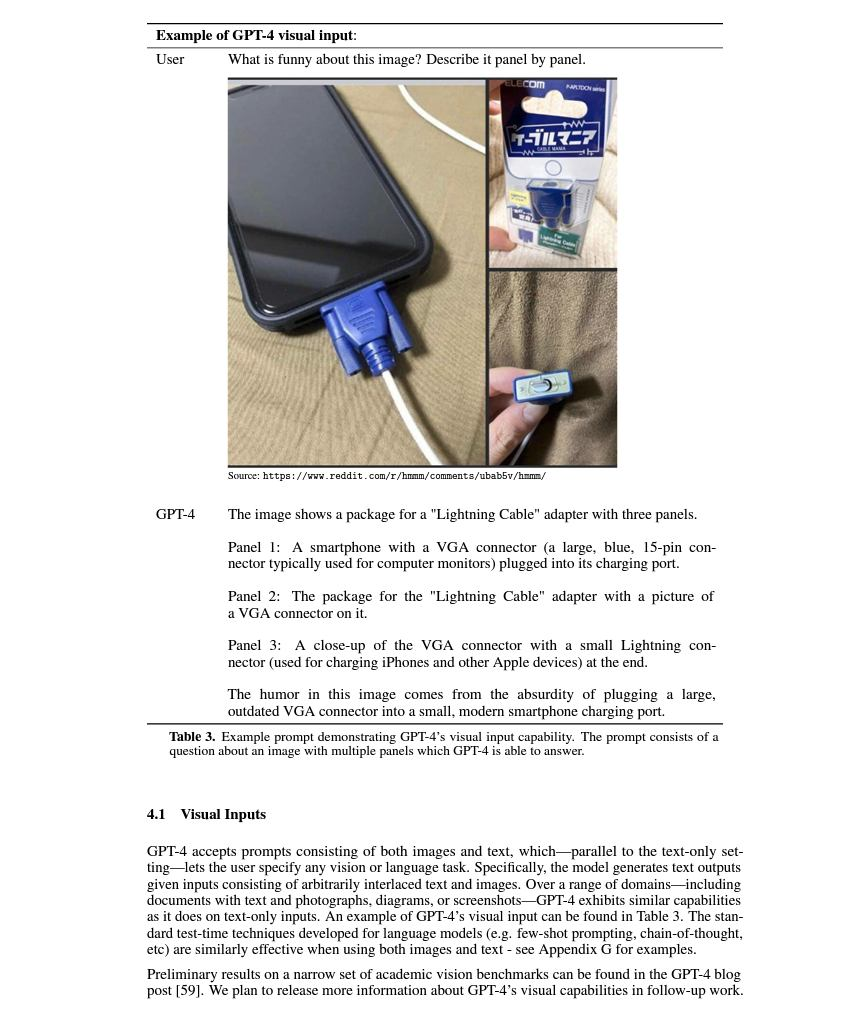
In their March tease of these abilities, OpenAI released this example of what might be done with visual input (this image is from page 9 of the full report):

Summer is over; time to get busy. I look forward to hearing about your discoveries and I’m excited about sharing mine in the weeks and months to come.

Empowering Genealogists with AI: Presentation to National Genealogical Society (NGS)

First-time visitors: If the topic of AI-assisted genealogy is of interest to you, you can subscribe to the right to receive notice of new posts at AI Genealogy Insights. And Welcome! - Steve

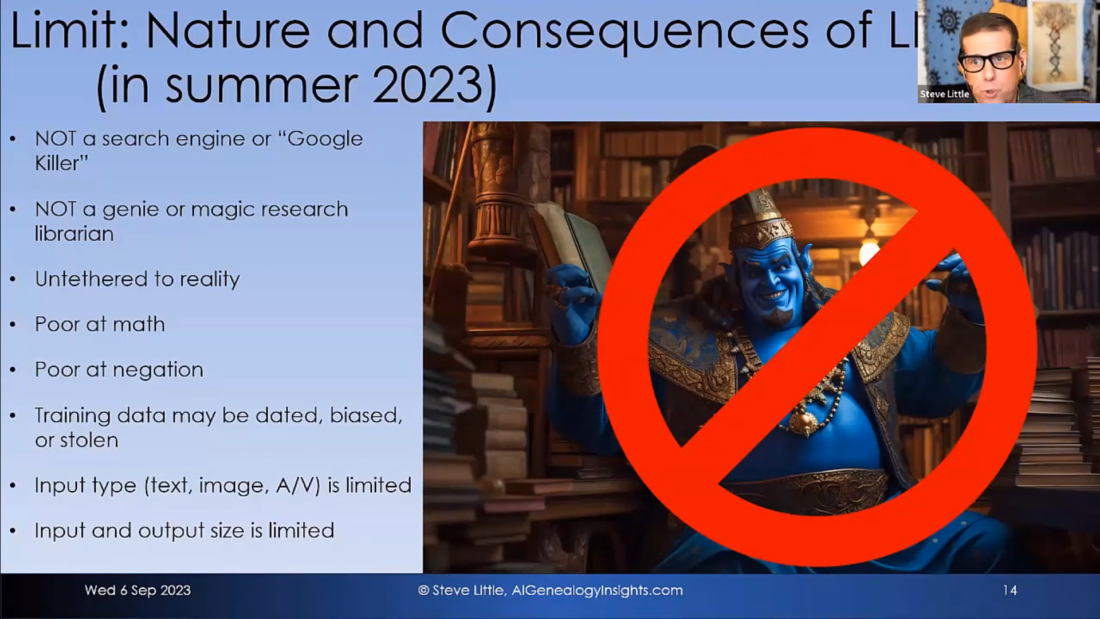
I gave a presentation titled “Empowering Genealogists with AI” to the National Genealogical Society on September 6, 2023. The talk covered emerging beneficial use cases of AI-assisted genealogy while addressing current limits, privacy issues, and ethical concerns, and includes a homework assignment you can complete to create an AI-generated handout as practice (jump to 1:04:00 for instructions). You can view the talk here: https://youtu.be/npQaRJbzE1s.

I had a great time with the presentation. I hope you enjoy it. And I am grateful to NGS for the opportunity.